88 service@zcorp.com
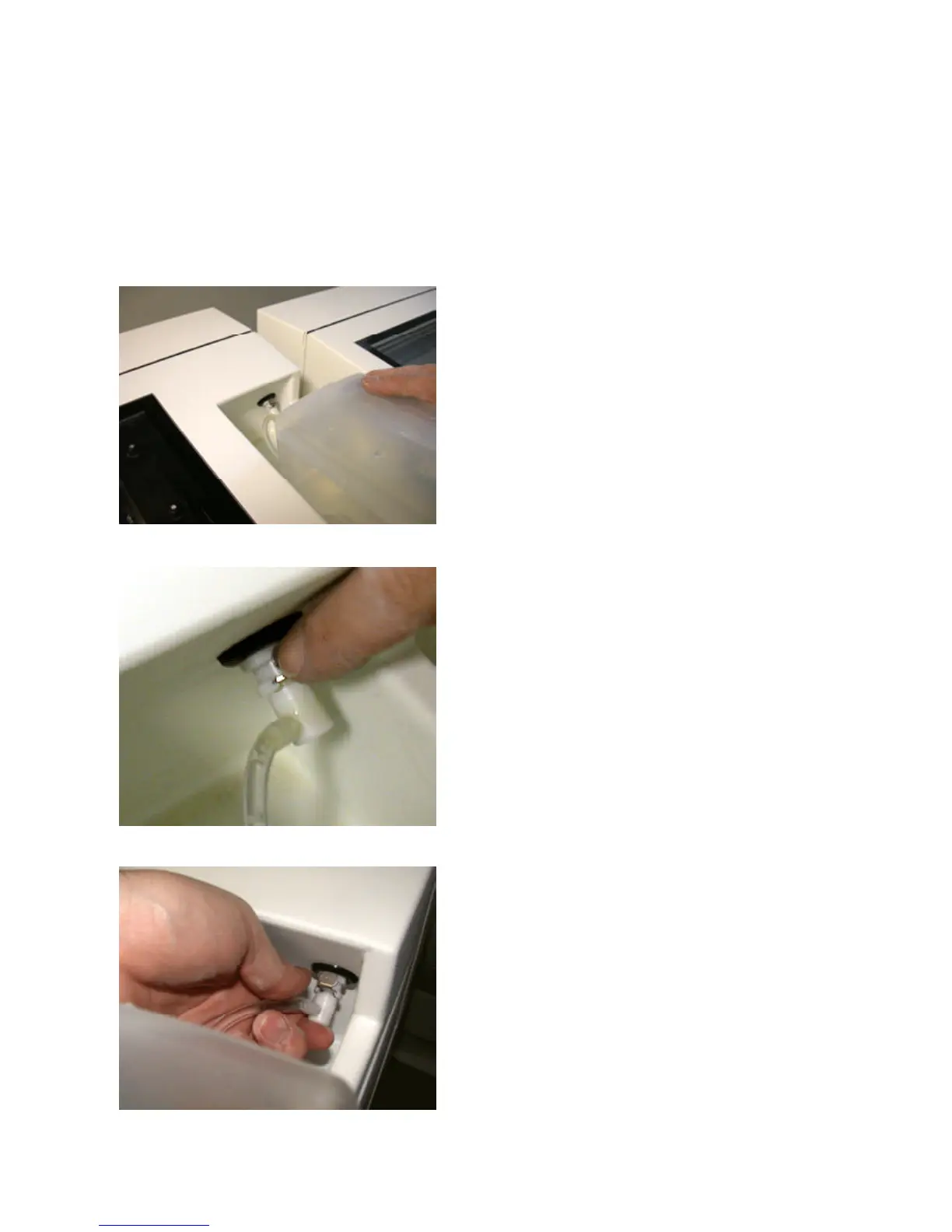
CHANGING BINDER TANK
At times, you may choose to change material systems. You may use a second binder tank to facilitate the change
over.
1. Carefully lift and move the binder bottle towards the front
of the printer.
2. Press release latch and pull the tubing out.
3. Insert tubing into latch from new binder bottle and secure
binder bottle in place on top cover.
4. Perform bleed air procedure to remove old binder and
air from tubing.
5. Purge or change the print head to flush the remaining
old binder from the fluid system.



 To Next Page