40 service@zcorp.com
CLEANING THE SERVICE STATION
CLEANING THE SQUEEGEES AND PARKING CAPS
Squeegees
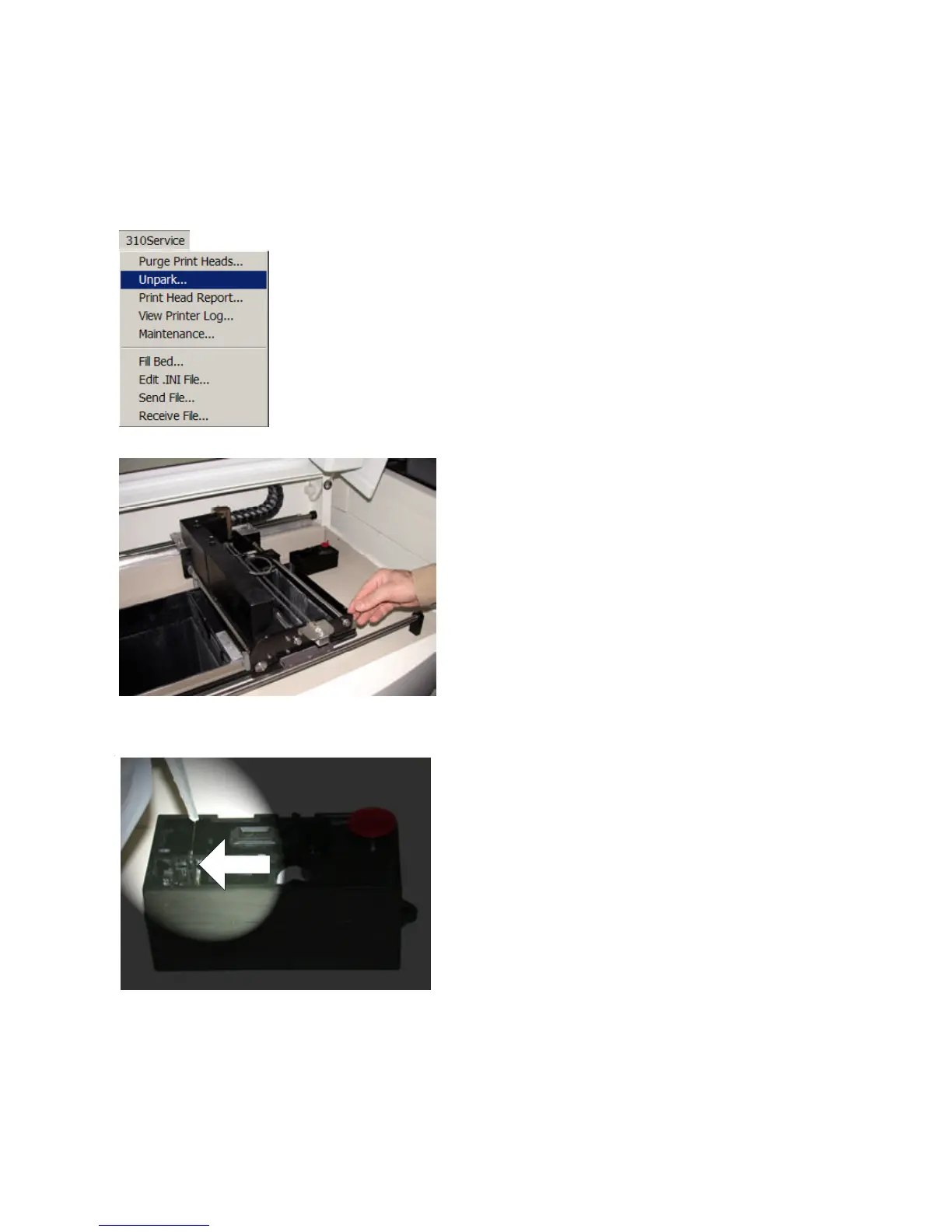
1. Choose the ‘Unpark’ option under the ZPrinter 310
Service menu. The gantry will move away from the service
station exposing the squeegees and parking cap. (The
printer must be online with the top cover closed).
2. Lift the top cover of the printer.
3. Manually move the gantry to the left away from the service
station.
4. Fill wash bottle (supplied in the toolbox) with distilled
water.
5. Rinse squeegees with water until all debris has been
removed from the rubber squeegee.



 To Next Page