35www.zcorp-users.com
If the Printer is off, you will need to turn it on in order to prepare the printer. We recommend that you leave the
printer on at all times. The Printer periodically exercises the print head for optimal operation.
TURNING THE PRINTER ON
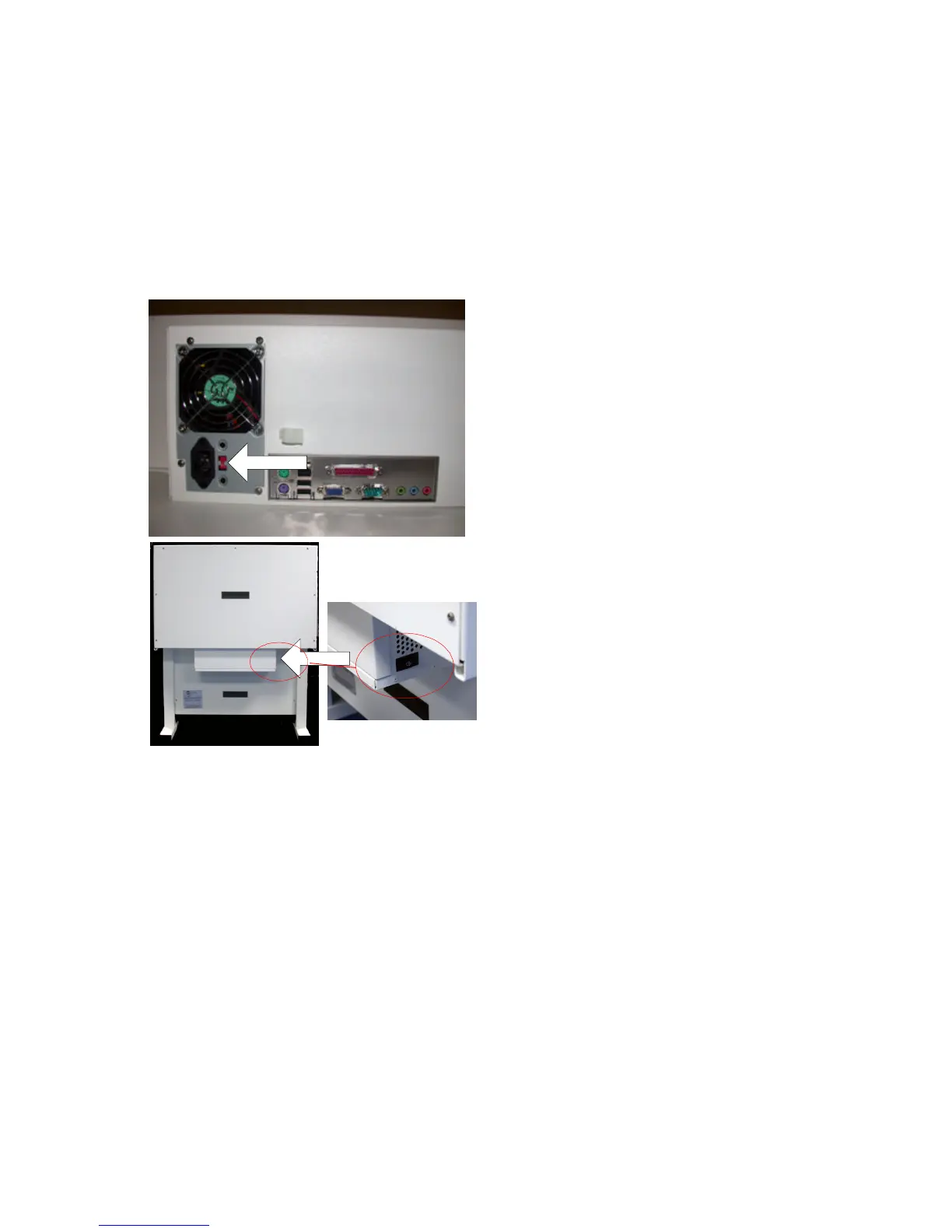
1. Check the voltage switch, located on the back of the
printer, to make sure it is configured for the correct
voltage.
2. Press the power switch located on the back right
side of the printer.
3. When the online light, located on the control panel,
is on, the printer is ready.
Power Switch
Voltage Switch



 To Next Page