36 service@zcorp.com
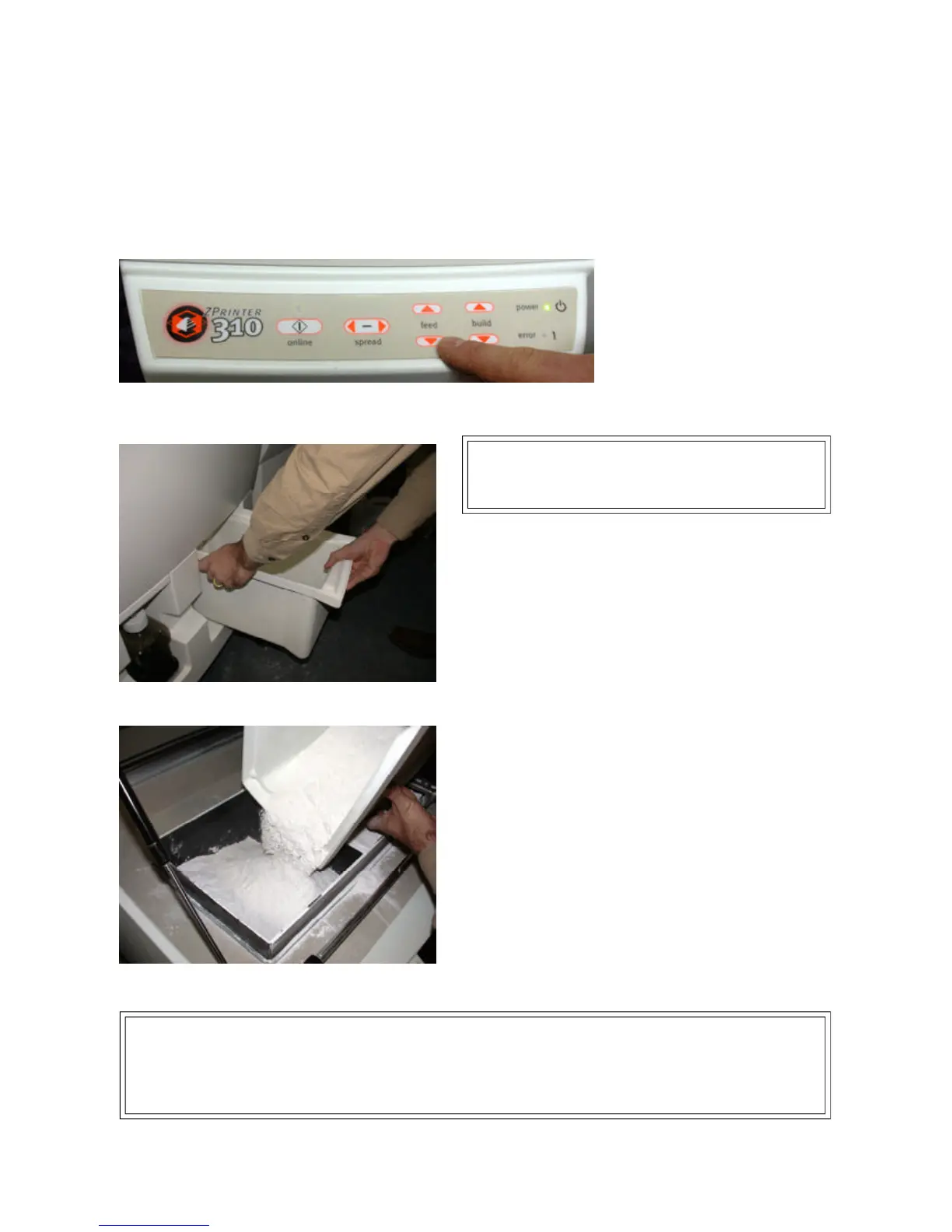
1. Press and hold the feed down button until the online light begins to blink. The feed piston will lower itself until
it reaches the bottom.
TECHNICAL TIP…
• Keep powder containers closed when not in use to keep powder dry and free of contaminants.
• Scoop powder carefully to minimize airborne particles.
• Make sure that you carefully vacuum up excess powder. It only takes a minute, and the cleaner the machine
is, the less often it will need maintenance!
PREPARING THE BUILD
Warning: Use only powder supplied by Z Corporation.
Use of any other material may impact the performance
and/or safety of your ZPrinter 310 System and will void
warranty and service contracts.
2. Check the overflow bin to see if there is powder to be
recycled. If so, remove the powder overflow bin.
3. Open the top cover of the printer.
4. Fill the feed box with powder.
If you do not have any or enough powder to recycle from
the overflow bin, pour fresh powder into the Feed Box.
FILLING THE FEED BOX



 To Next Page