46 service@zcorp.com
PLEASE NOTE: Verify that the ZPrint Software has been installed. Installation instructions are located in Section
1.2 of the ZPrint Software Manual.
OPENING OR IMPORTING A FILE
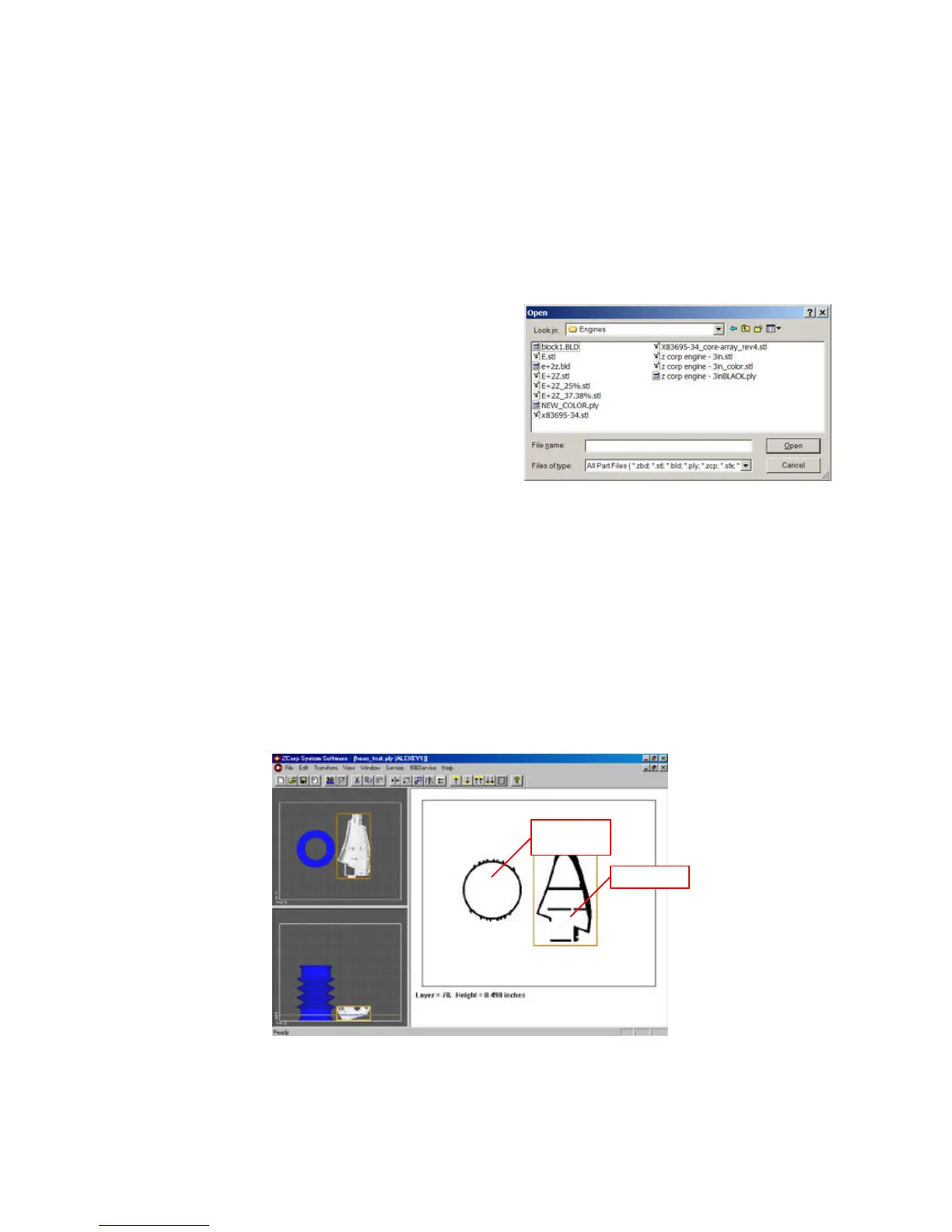
1. Launch the ZPrint Software application. The open dialog
box will appear.
2. Choose the file you wish to open.
3. Click ‘Open’ or double-click the file.
4. Choose the dimensions and powder type you will be
using.
5. Click ‘OK’.
The file will be brought into the software and sliced. If you would like to open additional files, choose the ‘Import’
option under the File menu.
ORIENTING THE PART
PART CONTAINING AN OPENING OR HOLLOW AREA
If the part has an opening or is hollow, place the opening or hollow side of the part in position so that it is facing
upward. This will allow for the removal of powder during the depowdering process.
Part with
Opening
Hollow Part



 To Next Page