87www.zcorp-users.com
GREASING THE PISTON SCREWS
The ZPrint Software will alert you when the build and
feed pistons need to be greased if the maintenance
reminder feature is enabled. More information on this
feature can be found in the ZPrint Software Manual.
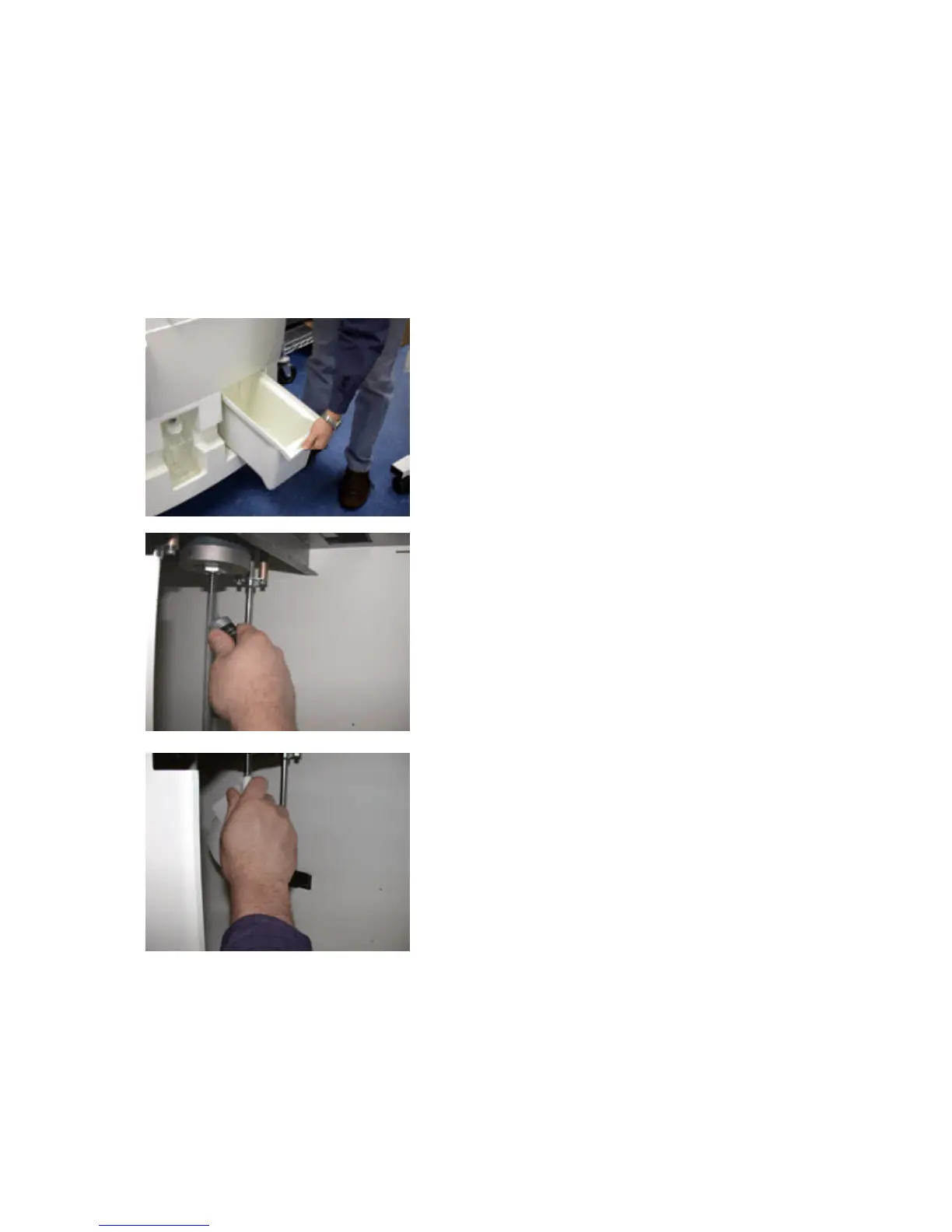
1. Lower both the feed and build pistons all the way
down.
2. Turn off and unplug the printer.
3. Remove the overflow bucket and locate the two pis-
ton screws.
4. Take grease supplied in the toolkit and apply grease
onto entire the length of both feed and build piston
screws.
5. Take a paper towel and lightly wipe the feed and
build piston screws in order to distribute grease.
6. Replace the overflow bucket.



 To Next Page