31www.zcorp-users.com
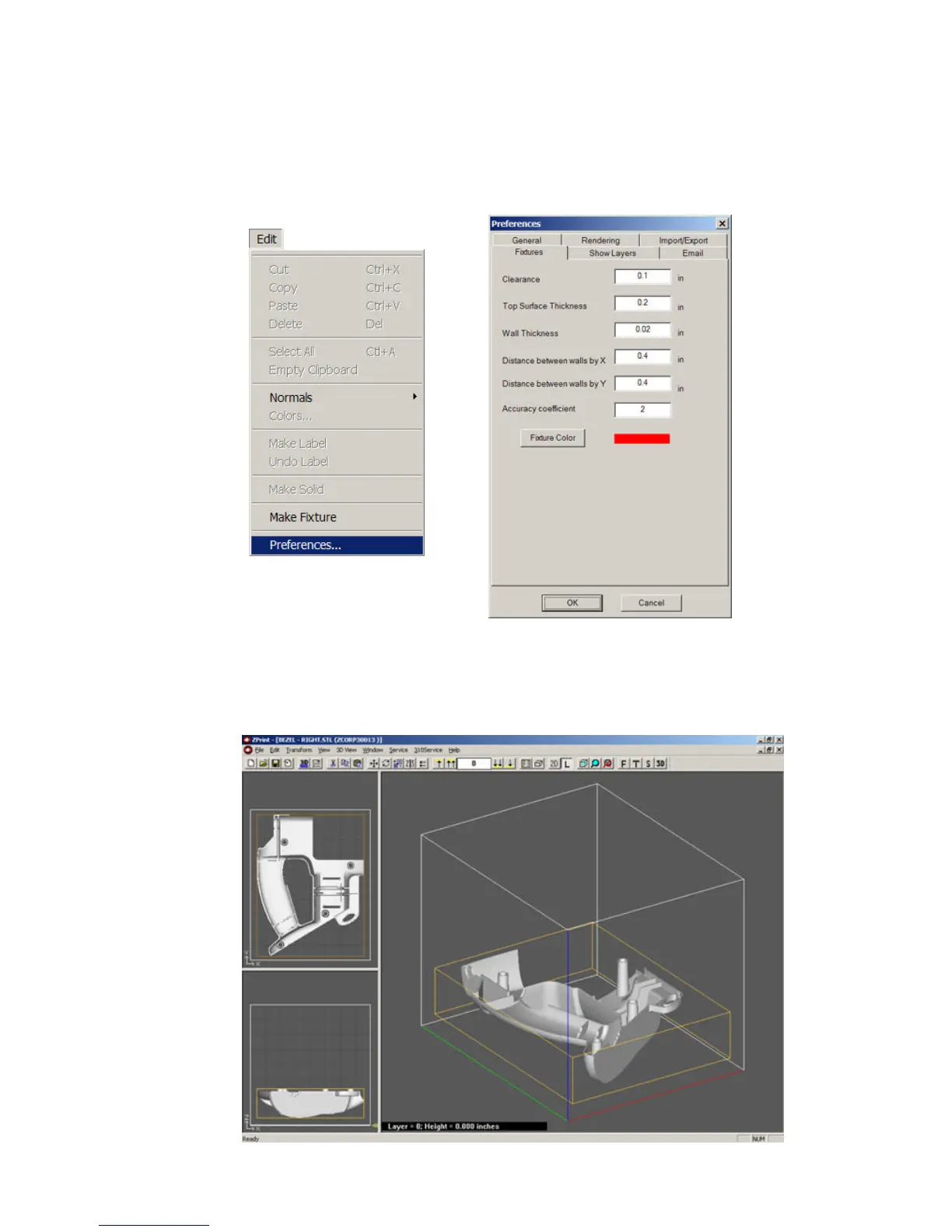
• To change the default values in the “Make Fixture” window, select “Preferences” from the ZPrint
Edit menu and select the “Fixtures” tab. Enter the new values, and click ‘OK’.
• To create a fixture that completely cradles the entire part, raise the part in the z-axis at least 0.5" (12.7
mm) from the bottom of the build plate in the ZPrint Software. If the part is not raised it will not be fully
supported by the fixture after depowdering.



 To Next Page