OPERATION
Carl Zeiss Docking station with TFT display Axio Examiner
76 M60-2-0003 e 05/2012
• Select the appropriate reflector from the list displayed in the Configure reflector position # in the
reflector turret popup window. You can read the current selection in the Resulting configuration
line.
• Press the button for RL and / or TL.
• Press the Save button. A safety prompt will appear if the corresponding turret position has been
assigned before.
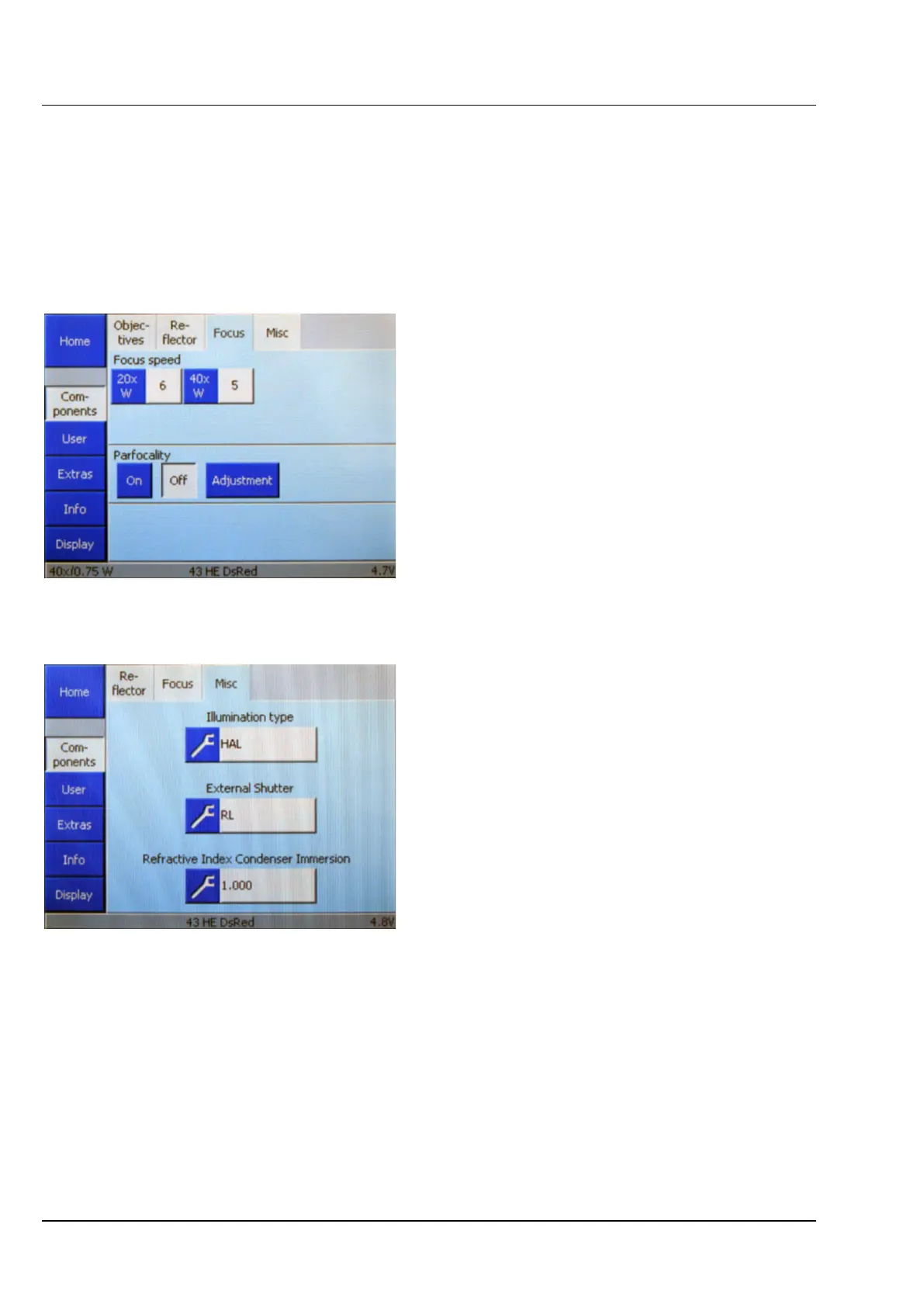
(2) Focus
Use this tab to set the focusing gear speed,
compensate objective parfocality, or switch
automatic parfocality compensation either on or
off.
(3) Misc(ellaneous)
This tab enables the operator to configure
additional optional components.
− Illumination type
Here you can select the illumination to be
used.
− External Shutter
Here you can enter whether you use an
external shutter.
− Refractive Index Condenser Immersion
Here you can freely configure a
refraction index for condenser immersion.
The refraction index entered here will be
displayed in the Misc. button under
Microscope –> Control -> Cond. focus.
Figure 4-17 Settings –> Components ->
Focus page
Figure 4-18 Settings –> Components ->
Misc page









 To Next Page