In order to eject this type of incompatible media, it will be necessary to perform a manual
override “EJECT”. This is accomplished by holding down the “RECORD” button
on the user interface panel of the z.one
pro
, until the DVD/CD is ejected.
13.1.2 OPERATION
The exporting/importing of exam data (images) to/from the DVD/CD burner on the z.one
pro
is
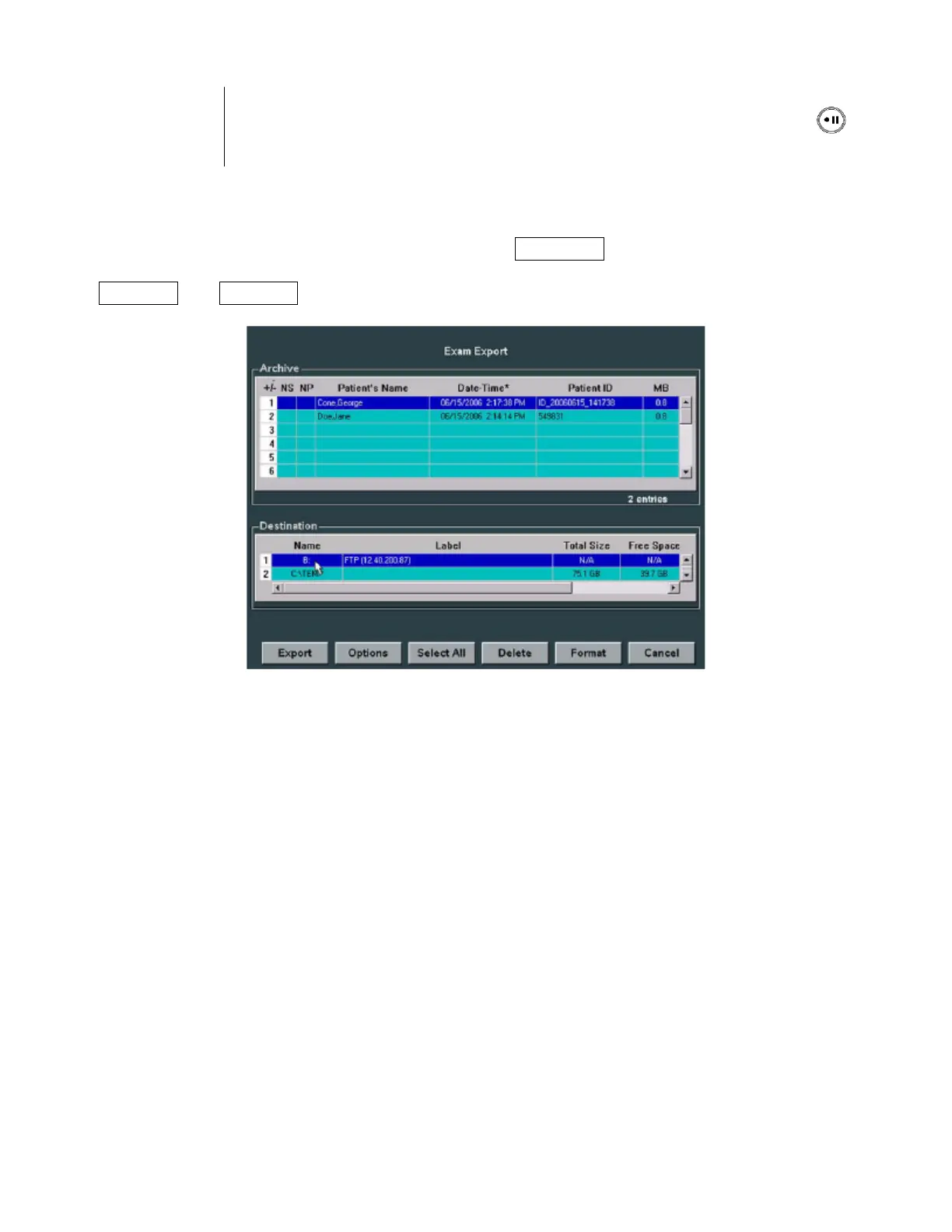
performed in the ARCHIVE review menu (pressing the ARCHIVE key). The DVD/CD burner is
then selected as the target device; the desired exam(s) is highlighted in the Archive menu, and the
“EXPORT” or “IMPORT” softkey function selected to copy the images.



 To Next Page