EasyManua.ls Logo

ZONARE Z.ONE PRO - Pre-Install Survey Form

ZONARE Z.ONE PRO
217 pages
Print Icon
To Next Page IconTo Next Page
To Previous Page IconTo Previous Page
Loading...
z.one
pro
Service Manual
Page 73 of 217
SAMPLE
SAMPLE
Pre-Install Survey Form
DICOM Connectivity Type at Customer Site: (Check boxes below, as applicable: Required)
DICOMNetwork Store DICOM” MPPS” DICOM” Printer Only” DICOM” Worklist” No DICOM
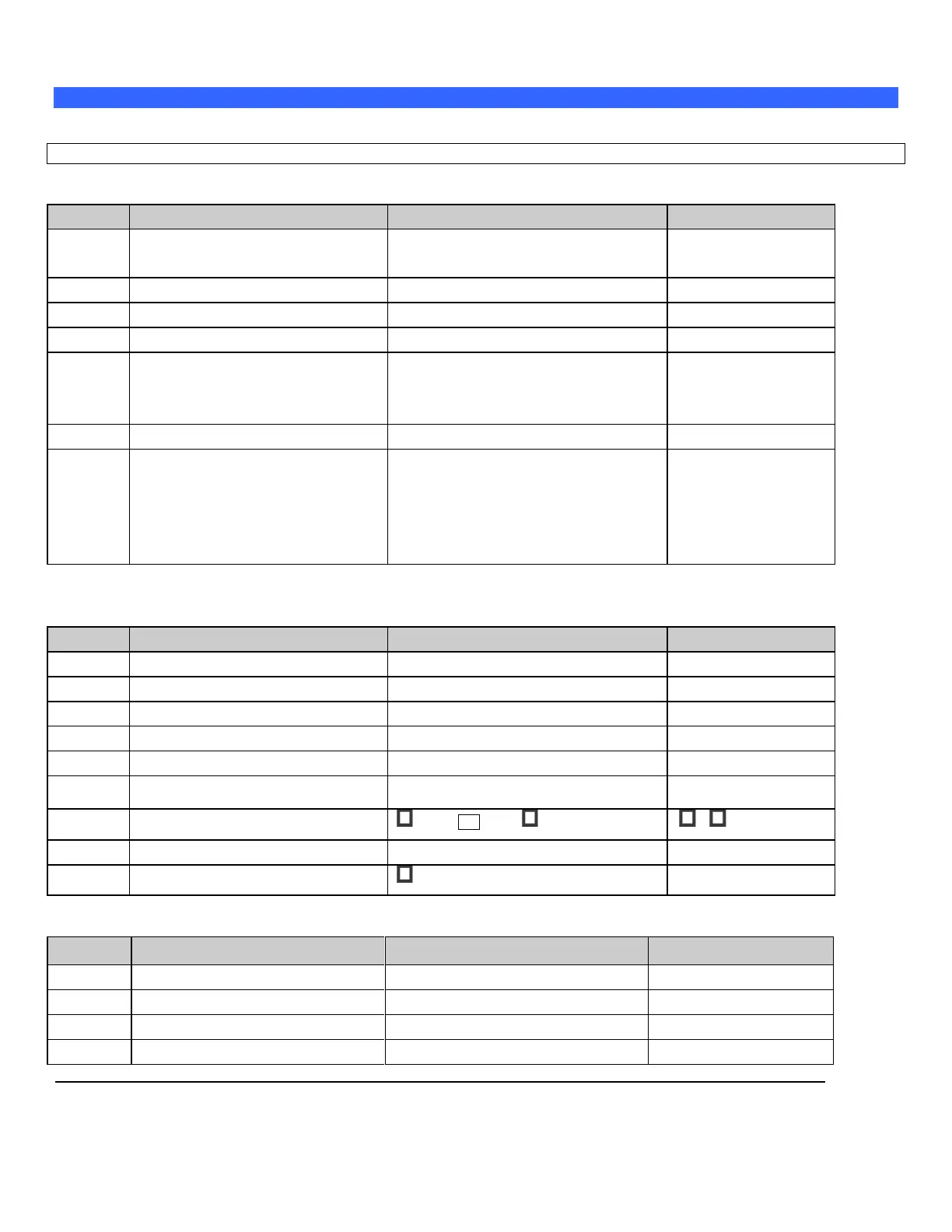
Network Setup Parameters
Level
Parameter Name
User Site Value/Setting
Default / Special Info
Required
TCP/IP Address acquisition method
Obtain Automatically (DHCP)
Use Specified
Obtain Automatically
Required
Use Specified (IP Address, if fixed)
Required
Gateway IP Address (IP Address, if fixed)
Required
Subnet Mask (IP Address, if fixed)
Required
Ethernet Media Type (Speed/Duplex)
Auto Select
100MB/Full-Duplex 100MB/Half-Duplex
10MB/Full-Duplex 10MB/Half-Duplex
Auto Select
Required
MTU (size)
1500
Service
Wireless Bridge (Service-Support)
5. IP Address:
_____________________
6. Username:
_____________________
7. Password:
_____________________
Service option
General System / DICOM Setup Parameters
Level
Parameter Name
User Site Value/Setting
Default / Special Info
User option
Application (AE) Title (Zonare System)
ZONARE
User option
Station Name (Zonare System)
ZONARE
User option
TCP Timeout (sec.)
30
User option
Queue Timeout (sec.)
120
User option
Queue Start Type
Automatic Manual
Automatic
User option
Keep Alive Timeout (sec.)
3600
User option
Association Acceptor
Port 104 Storage
both unchecked
User option
Log Level
Selections: (Normal, None, Debug)
Normal
User option
Structured Reports Debug
Enable Debug
unchecked
Printers (DICOM) Setup Parameters (if applicable)
Level
Parameter Name
User Site Value/Setting
Default / Special Info
Required
Nickname - (Printer)
Required
Application (AE) Title (Printer)
Required
IP Address (Printer)
Required
Port Number
104

Table of Contents

Other manuals for ZONARE Z.ONE PRO

Related product manuals