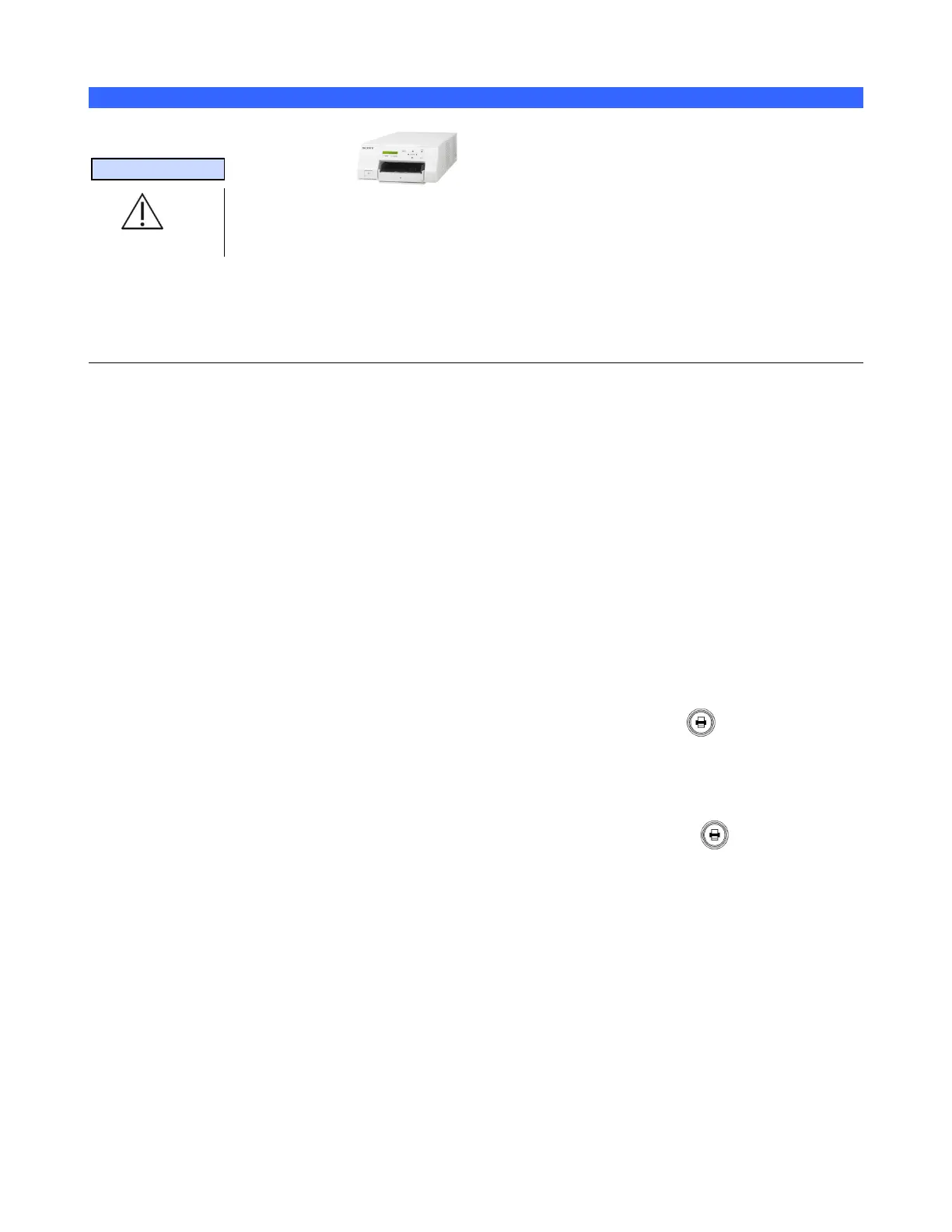
Color Printer
13.1.9 INSTALLATION NOTES:
SPECIAL NOTE
The Sony UP-D25MD Color Printer is oversize and is therefore not a peripheral that can
be “mounted” on z.one
pro
system. A separate external location (rolling cart, tabletop, etc)
must be made available for storage of this printer.
The system software on the z.one
pro
system contains the necessary drivers to support operation and
printing to the Sony UP-D23MD and UP-D25MD Color Printers.
The information provided below covers the basic menu setup, to enable printing to this device.
13.1.10 SETUP PROCEDURE:
1. Identify the dedicated work area, within reach of the system, for placement of the Sony UP-
D25MD printer and setup the printer in that location.
2. Power off the system.
3. Attach the USB cable between the Sony UP-D25MD Color Printer and one of the USB ports
on the rear of the system
4. Connect the AC power cable to the rear panel power plug of the UP-D25MD labeled “AC IN.”
5. Apply power to the system and printer.
6. Under the SETUP ARCHIVE -> DICOM -> PRINTERS page, create a new “Local/USB”
type printer entry for the Sony UP-25MD printer
7. Enter in “Sony UP-D25MD” to the Nick Name field of the printer configuration page
8. Enter in the desired printer settings, from those offered in the on-screen menu, and then select
“APPLY” to save.
9. Under the ARCHIVE -> STORE/PRINT page, configure the “Print” button for
triggering a print to the Sony UP-25MD printer.
3. Connect a transducer to the system. Wait for startup to complete and image to be shown.
4. Press the “FREEZE” key to capture an ultrasound image.
5. Verify a printed image is produced on the UP-D25MD when the “Print” key on the user
interface is depressed.
NOTE: Refer to the SONY UP-D25MD Installation Procedure (P/N S00119), or Operator
Manual from SONY, for detailed information on proper operation of this device.



 To Next Page