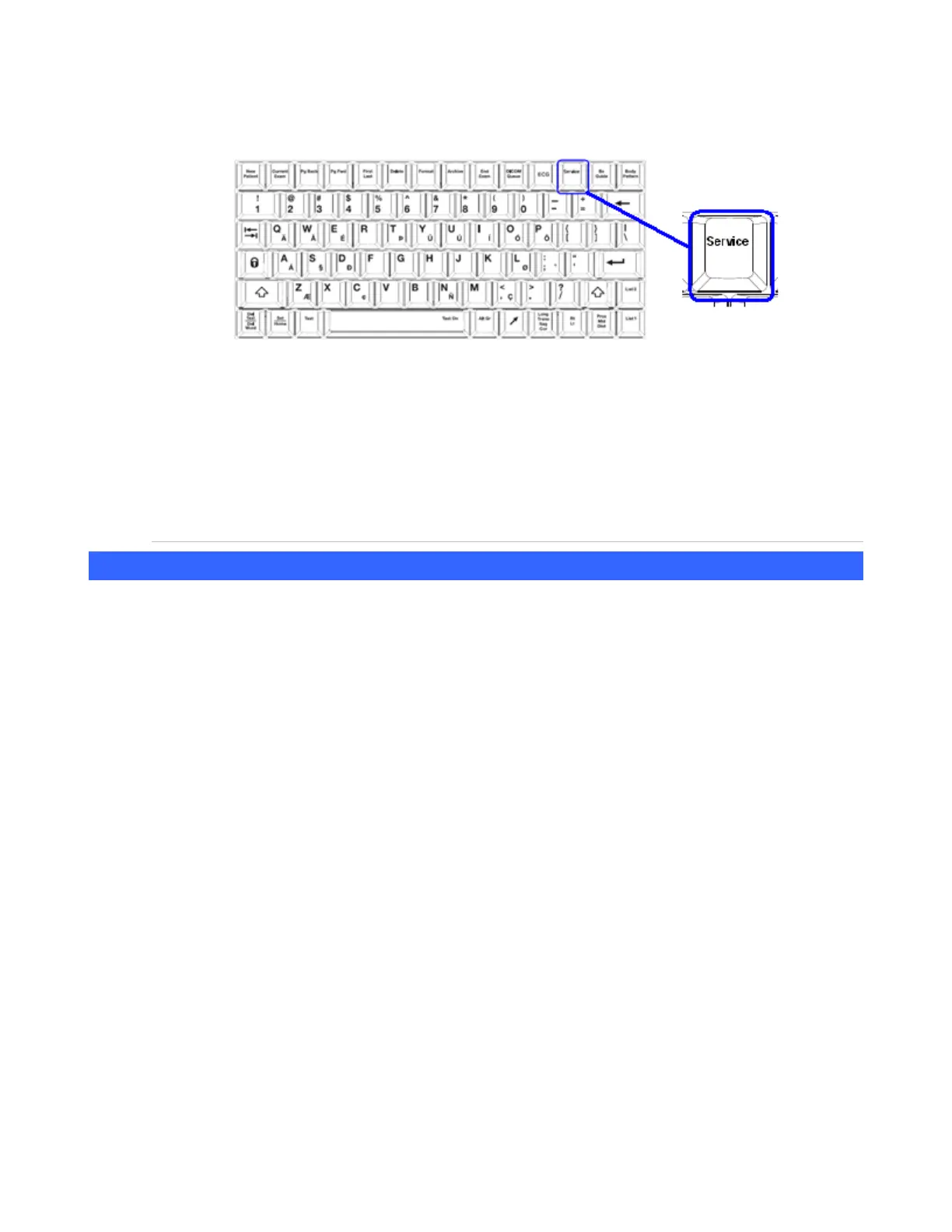
To access the User Diagnostic Panel
1. While viewing an imaging display, press the Service key on the QWERTY keyboard:
A single short press activates the User Diagnostics Panel.
A long press (1 sec.) stores the current logs; the system beeps as logs are stored.
An extended press (> 3 sec.) will initiate an immediate manual capture of the system error
logs.
2. Press Service again to return to imaging.
For detailed information on use of the “Diagnostic Panel” screen, refer to Section 0 of this
manual.
(Exam) Preset Mgmt/System Setup
The z.one
pro
system has two categories of customized parameters that you can create and configure.
(Exam) Preset Mgmt category: Customized image setup parameters (depth, frequency, etc.) that
you can create for each transducer for each mode of operation. These customized user presets
allow for a one-time setup of commonly used configurations and control settings.
System Setup category: Configurable settings including parameters such as institution name,
date/time, DICOM settings, function and mode key assignments, and calcs.
To protect these customized parameters, you should save them on a regular basis whenever you make
changes to removable media (e.g., USB memory stick). You can use the removable media to instantly
restore the z.one
pro
system to its complete previous operating configuration in the case of a post-
software upgrade.
To create or modify (exam) presets, simply make the imaging changes to the (exam) preset. Go to the
(Exam) Presets tab and scroll down to Preset Mgmt. Choose Create or Modify to make the new
preset.
Backing Up (Exam) Preset Mgmt/System Setup
You can back up the (Exam) Preset Mgmt and System Setup categories to removable media using the
steps below.
To Back Up (Exam) Preset Mgmt
1. Power on the z.one
pro
system and allow it to fully boot.



 To Next Page