Accessory Components
Footswitch Option
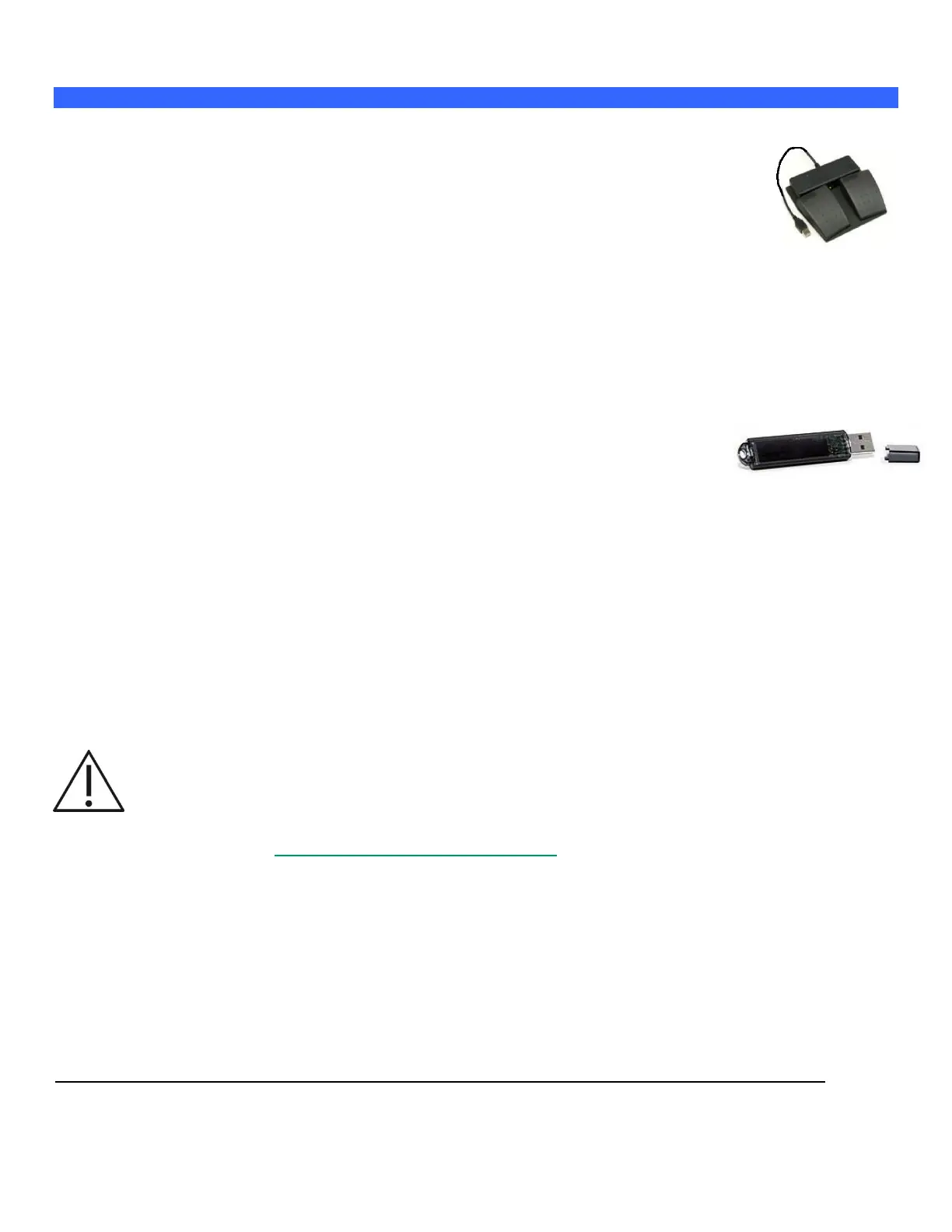
An optional remote two-pedal footswitch is available for the z.one
pro
system.
The footswitch connects to the system using any one of the free USB ports on the cart.
The left and right pedals may be individually configured to one of forty-four possibilities including
Freeze and Store .
USB Memory Sticks
The z.one
pro
system uses removable media (e.g., USB memory sticks) for two purposes:
Software installer and user preset; system backup
Patient image archive
NOTE: You can insert a USB memory stick while the z.one
pro
system is powered on or off.
To Insert USB Memory Stick
1. Plug the USB memory stick into any available USB port.
2. Make sure the stick is correctly oriented for the port.
When a USB memory stick is plugged in to a USB port, a status icon is displayed on the top left of the
imaging screen.
To Remove USB Memory Stick
1. Make sure the z.one
pro
system has fully completed downloading upgrades, importing/exporting, or
collecting log data to the USB memory stick before removing it. Failure to do so results in loss of data.
2. Firmly grasp the USB memory stick and pull it out all the way.
WARNING: The USB memory sticks supplied by ZONARE are the recommended brand, type, and
size for use in z.one
pro
systems. They have been verified for optimum reliability and performance. If
you purchase your own USB memory stick, ZONARE is not responsible for any errors associated
with file corruption or file-transfer time increases. For a list of USB memory sticks approved by
ZONARE, go to www.zonare.com/support/accessories.
WARNING: USB memory sticks designated on the labeling as U3 Smart



 To Next Page