Strip Cine Trackball: (M-Mode or Spectral Doppler modes)
Description: Controls the rate at which the time axis sweep is advanced in response to each sweep of
trackball movement by the User.
Cursor Sensitivity
Strip Cursor: (PW/CW Doppler modes)
Description: Controls the sensitivity of the movement of the PW cursor line, via trackball movement by
the User.
Reset Factory Defaults::
Description: Restores all trackball setting in this menu, for Cine access, back to factory defaults.
Configuring “Imaging” Parameters
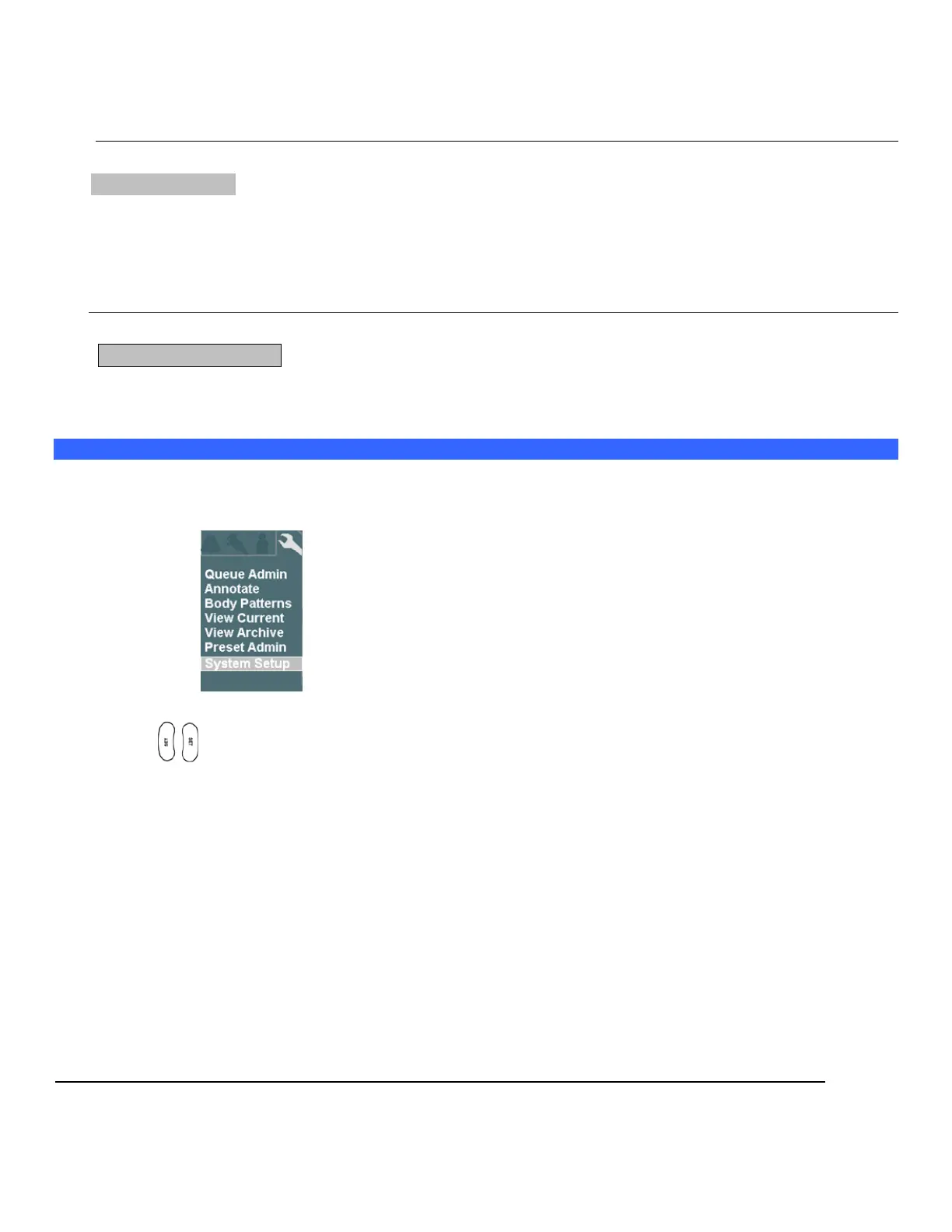
1. Using the page trackball to advance menu screen to select Tools menu.
TOOLS Menu
2. Using the trackball scroll down to backlight SYSTEM SETUP selection, and press one of the SET
keys to bring up this menu, then select IMAGING sub-menu.
SYSTEM SETUP Sub-Menu IMAGING Sub-Menu



 To Next Page