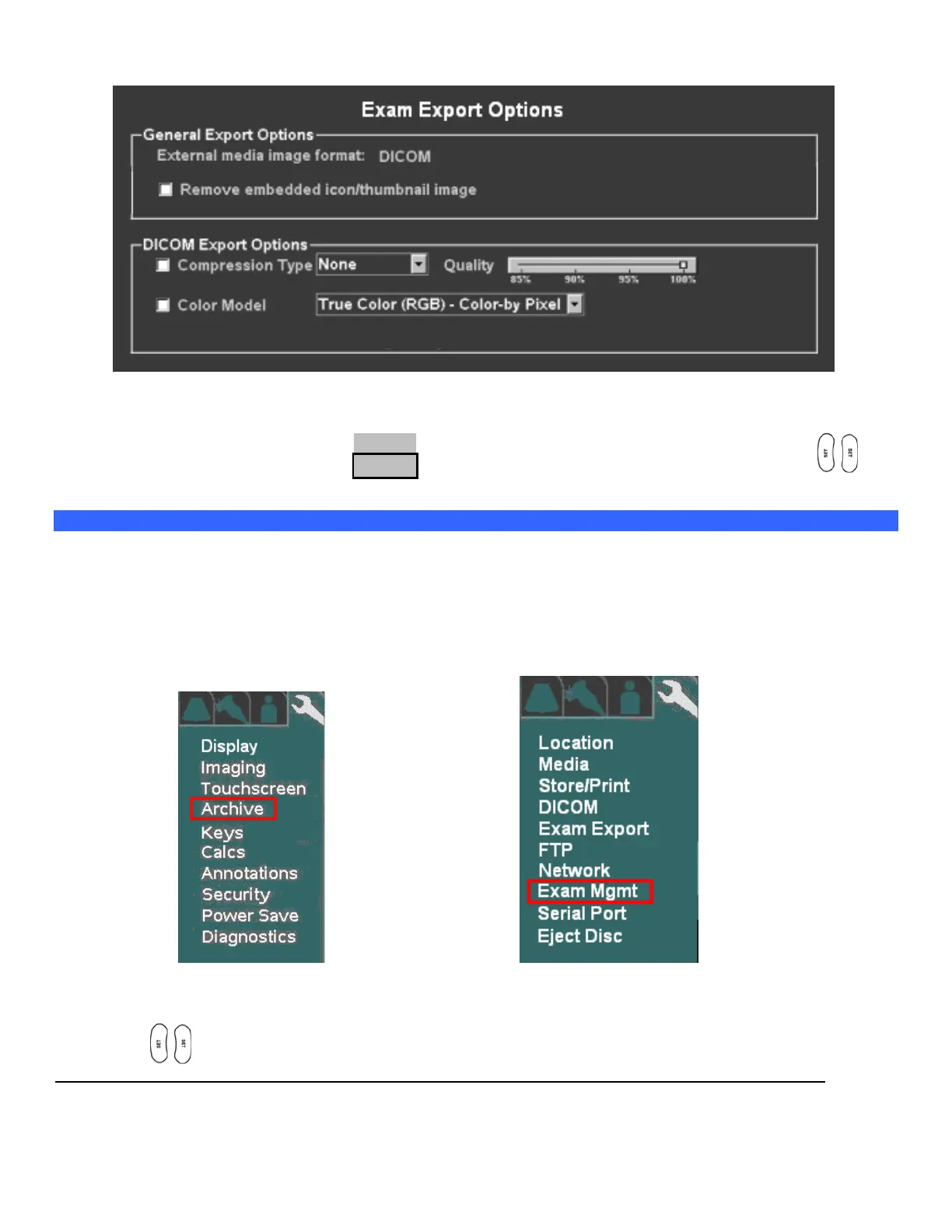
EXAM EXPORT Sub-Menu
.
8. Configure the Exam Export Options settings to reflect the desired formatting for the target images upon
export.
9. To save the new settings, select APPLY from the main menu, and press one of the SET keys to
save new settings.
“Exam Management” Setup
The EXAM MGMT menu allows for configuring the functionality of the system when “Restarting” exams,
and also provides access to low-level service functions for managing a variety of Archive media.
1. Use the Setup button and trackball to advance menu screen to select TOOLS menu; then select
SYSTEM SETUP, then select ARCHIVE.
SYSTEM SETUP Menu ARCHIVE Menu
2. Using the trackball and scroll down to backlight EXAM MGT selection, and press one of the SET
keys to bring up this menu.



 To Next Page