7 BASIC SYSTEM CONFIGURATION
Entering “Institution” Name
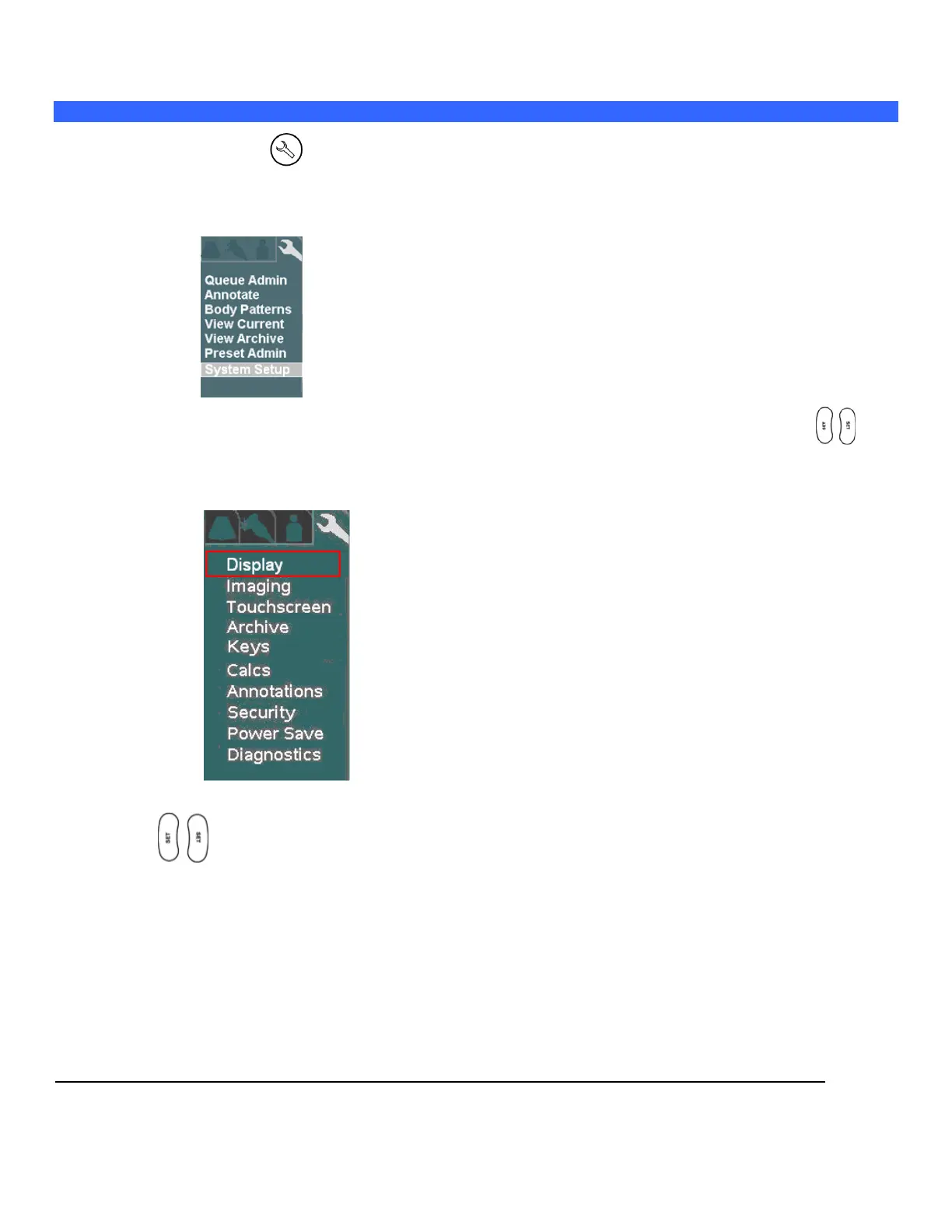
1. Press the “SETUP” key on the User Interface and use the trackball to select Tools menu.
TOOLS Menu
2. Using the trackball to backlight SYSTEM SETUP selection, and press one of the SET keys to
bring up this menu.
SYSTEM SETUP Sub-Menu
3. Within the Display selection, use the trackball to backlight Institution selection, press one of the Set
keys to bring up this menu.



 To Next Page