System Status LED & Error Code Definitions
16.1.6 REAR I/O PANEL – SYSTEM STATUS LAMPS
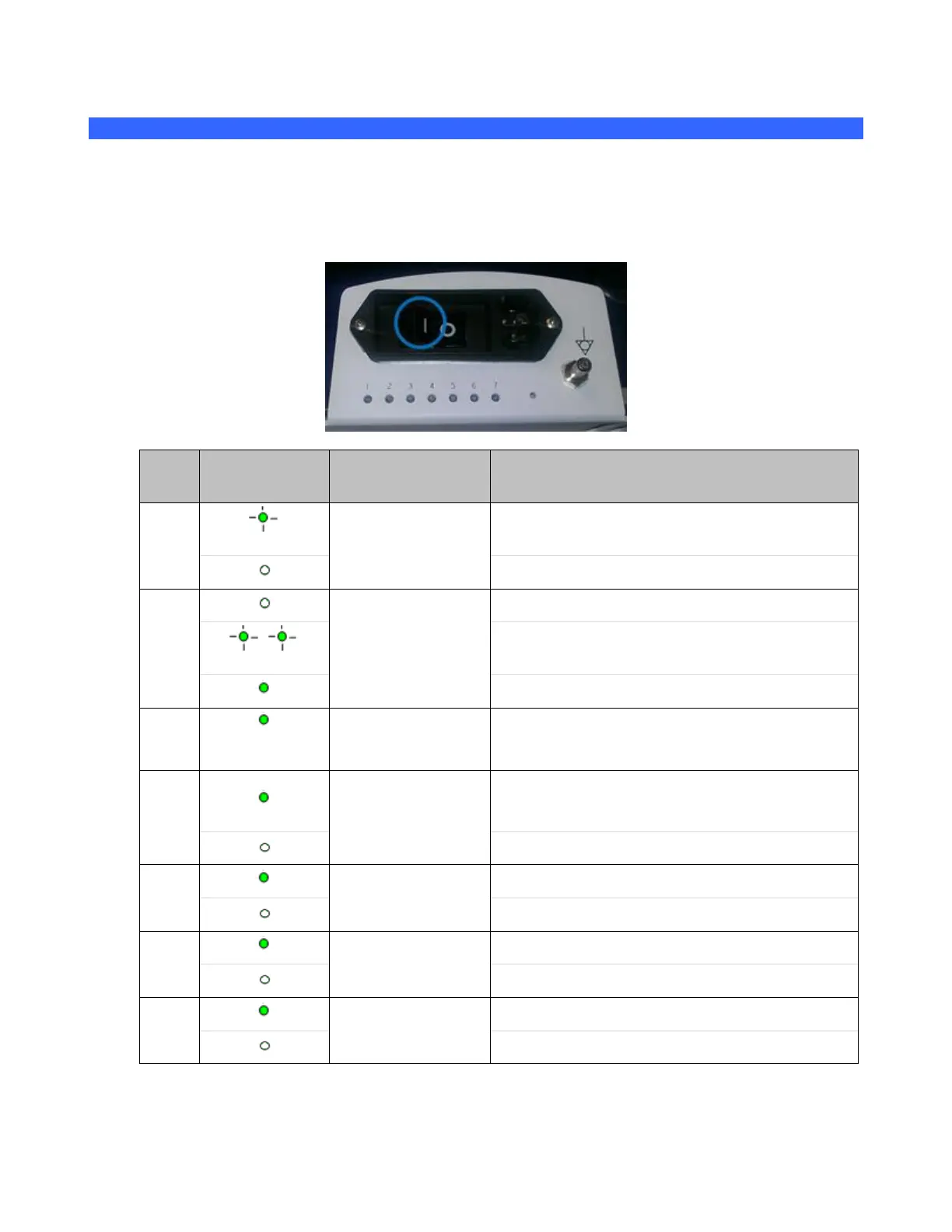
The seven (7) system status indicator lamps located on rear of the system (panel just above the main
AC circuit breaker) can be used to assist in troubleshooting problems with the system. The definition
of the each lamp is as shown in the table below:
Solid: System has AC Mains applied and 5V
standby is active.
OFF: No AC detected, circuit breaker off
OFF: No battery installed, or completely depleted
Blinking: Battery charging (or reconditioning) in-
process
Solid: Battery is fully charged
Solid: Module docked and cover “on”
Solid: AC/DC 24VDC output is active
OFF: No AC or circuit breaker tripped
Solid: 12V for cart peripherals
OFF: No power to cart assemblies
Solid: 12V for Scan Module
OFF: No power to Scan Module



 To Next Page