Dock Module - Removal/Replacement
Required Parts
P/N: 85019-00 Assy, Dock Module
Required Tools/Equipment
4mm Allen Head Wrench
#1 Phillips Screwdriver
Overview of Procedure
Remove Module
Open Cosmetics (for chassis access)
Remove / Replace Dock Board
System Verification
General Disassembly:
1. Ensure the system is powered “OFF”.
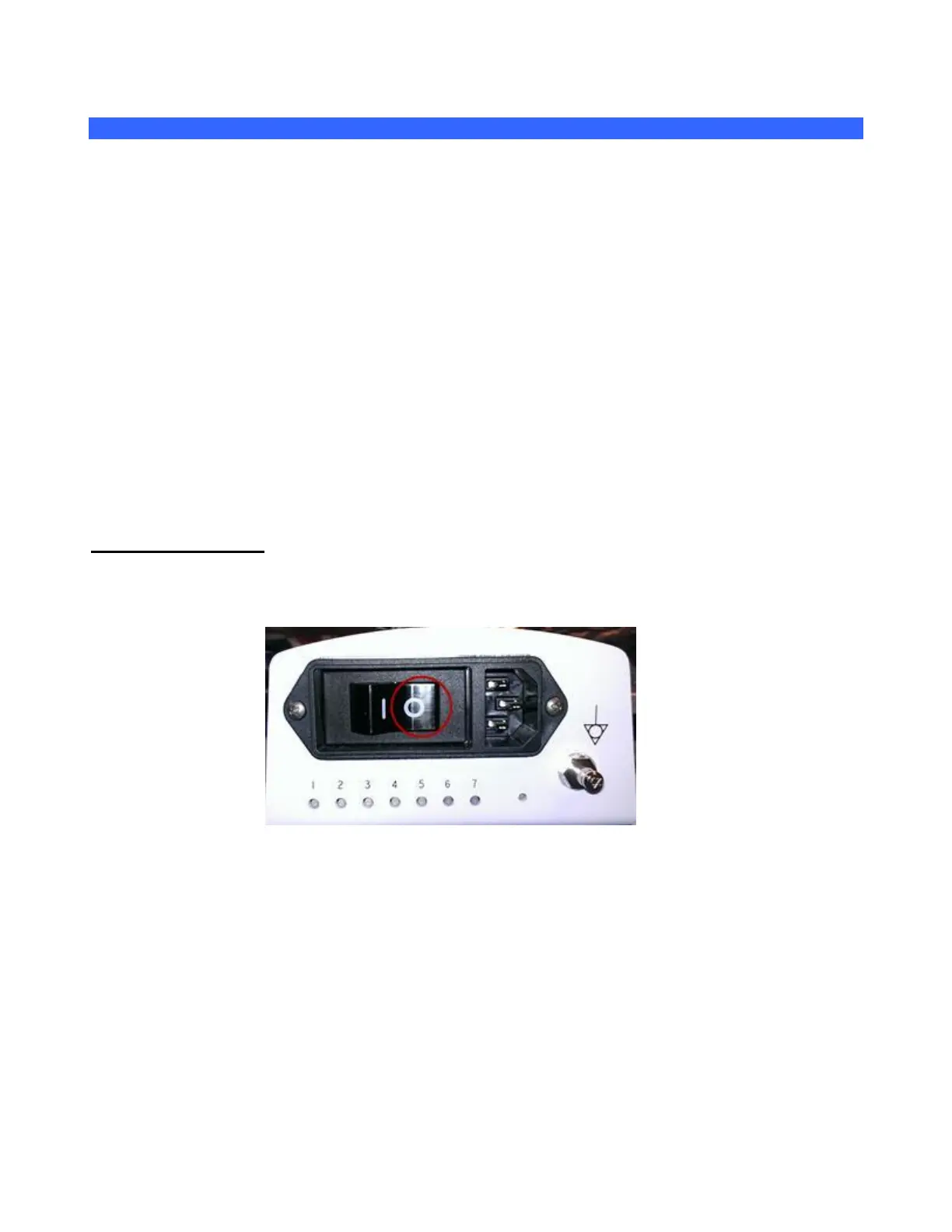
2. Place AC circuit breaker, located at the rear of the system, in the “0” (OFF) position.
3. Disconnect the main AC power cord from the rear of the system or unplug from the wall
source.
4. The plastic covering and z.one
pro
Module should already be removed.
Note: If the plastic covering and z.one
pro
Module are not yet removed, see page 154,
“z.one
pro
Module,” to do so.
5. Firmly pushing the hooked connection at the top of the Dock Board towards the back of the cart. Once
the hook is free, the plastic cover can slide up.



 To Next Page