10 ADVANCED SYSTEM SETUP CONFIGURATION
“Security” Setup Menus
Warning If the security password is lost or forgotten, there is NO master password available to
recover system access.
To restore use of the system, it will be necessary to perform a complete re-installation of system
software. Refer to the “Advanced” Software Installation Procedure information in this manual.
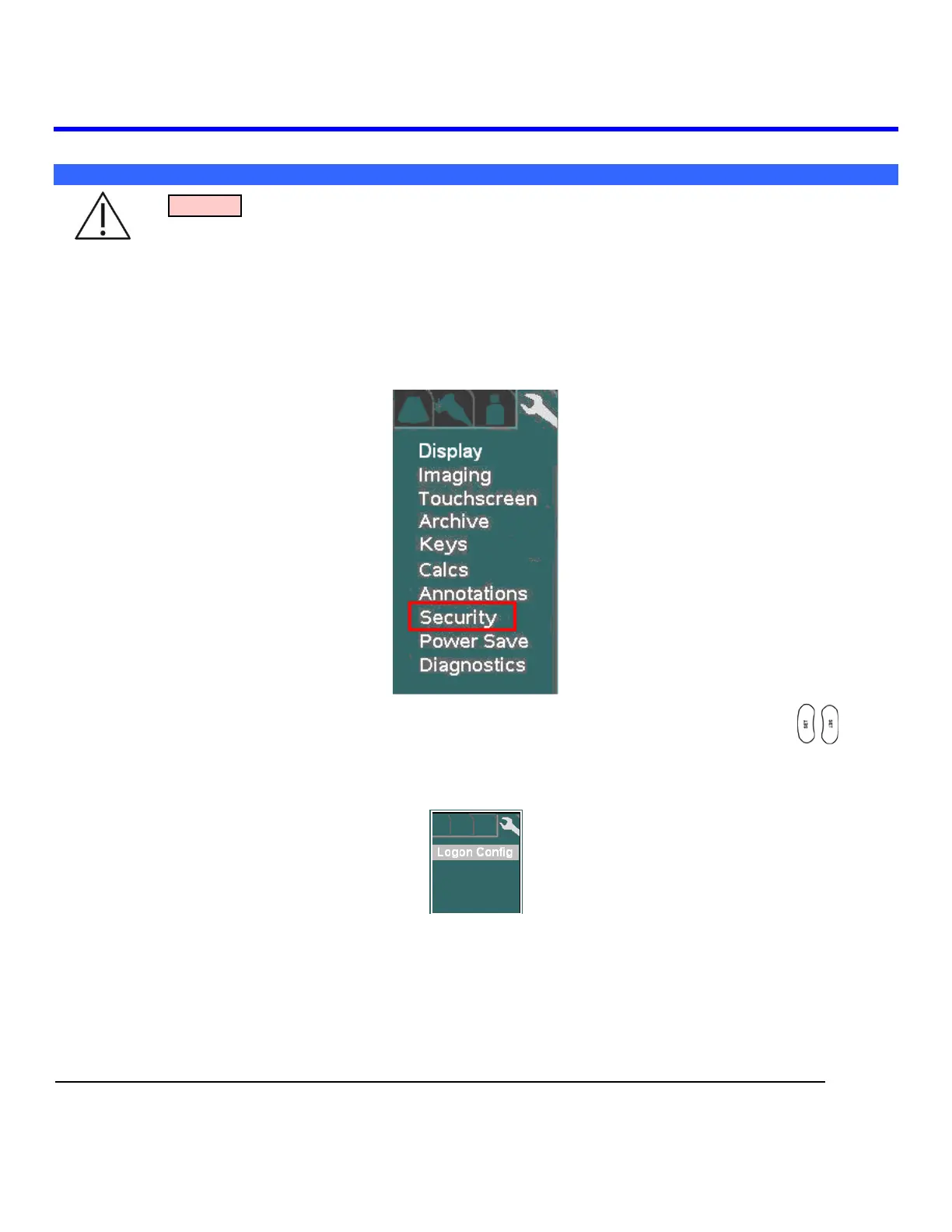
1. Use the Setup button and trackball advance menu screen to select TOOLS menu.
TOOLS Menu
Using the trackball scroll down to backlight SECURITY selection, and press one of the SET keys to
bring up this menu.
SECURITY Sub-Menu
Select the desired level of security control, by clicking on the bullet to the left of the desired offering in the
menu.
ACCESS CONTROL Sub-Menu



 To Next Page