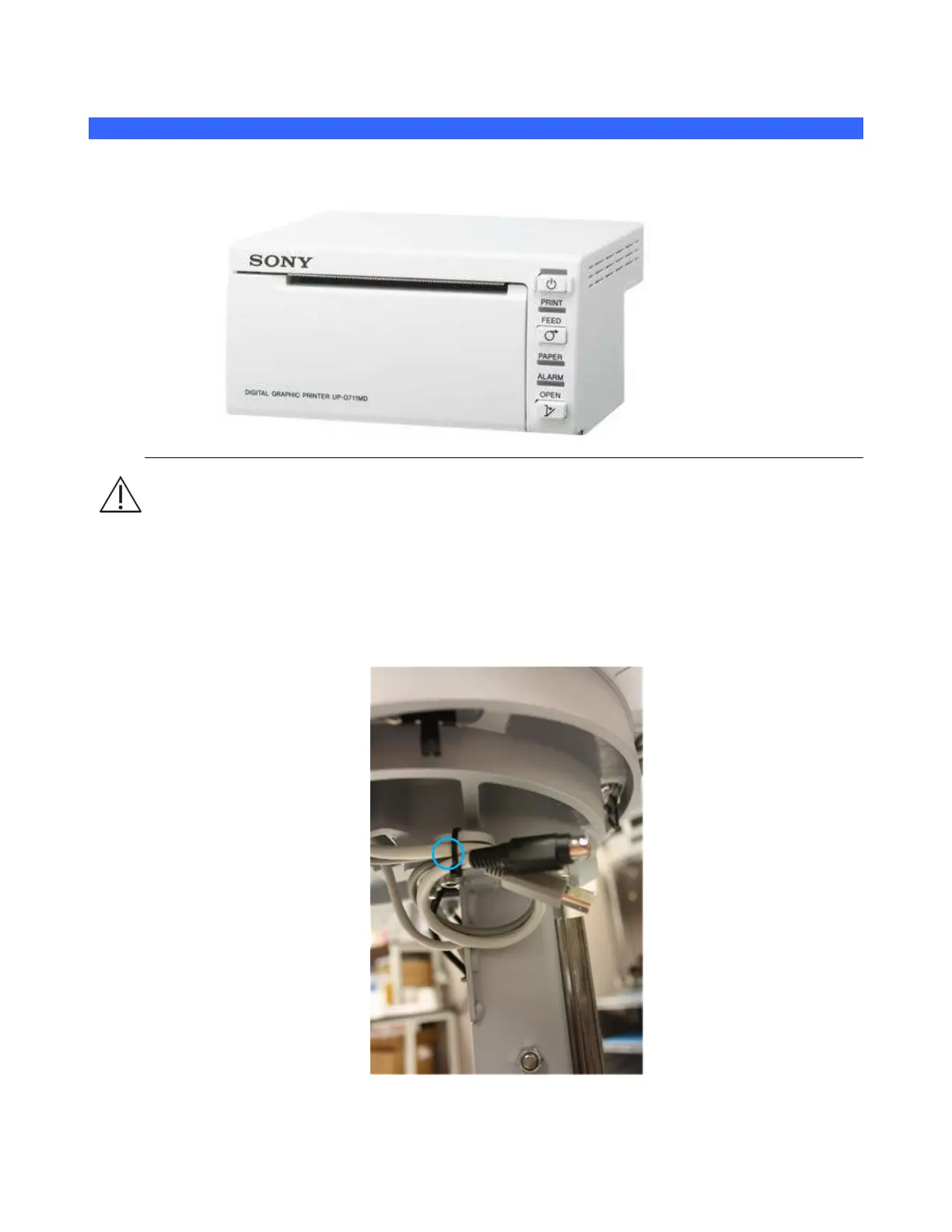
Black & White Printer
The procedure provides instructions to install and setup the SONY UP-D711 Black and White printer
on the z.one
pro
system
Prior to beginning the initial mounting/installation, ensure the system is powered-down
(Backlight for On/Off button will be dark.).
13.1.3 UNPACKING AND MOUNTING INSTRUCTIONS
1. Remove the printer and all installation hardware from their packaging.
2. Drop telescoping cover to find preinstalled printer power and USB cables. Cut cable-tie to
release their free ends and route them forward with the already installed DVD cables. Replace
telescoping cover.



 To Next Page