Network Report Printer
13.1.11 PROCEDURE NOTES:
The intent of this procedure is to provide instructions, for use in the field, for setup and use of a Post
Script-3, PS3 (or above) style, HP LaserJet Network Printer, for OB, Vascular, or Cardiac Report
printing, on the system.
NOTE: The following key limitations regarding the use of the HP LaserJet Color Printer on the
z.one
pro
product should be noted.
The HP LaserJet color printer is ONLY used for reporting of OB/GYN report pages (NO ultrasound
image printing).
The HP LaserJet printer is NOT a device that is mountable z.one
pro
system. It will require a remote
cart or remote shelf for use.
z.one
pro
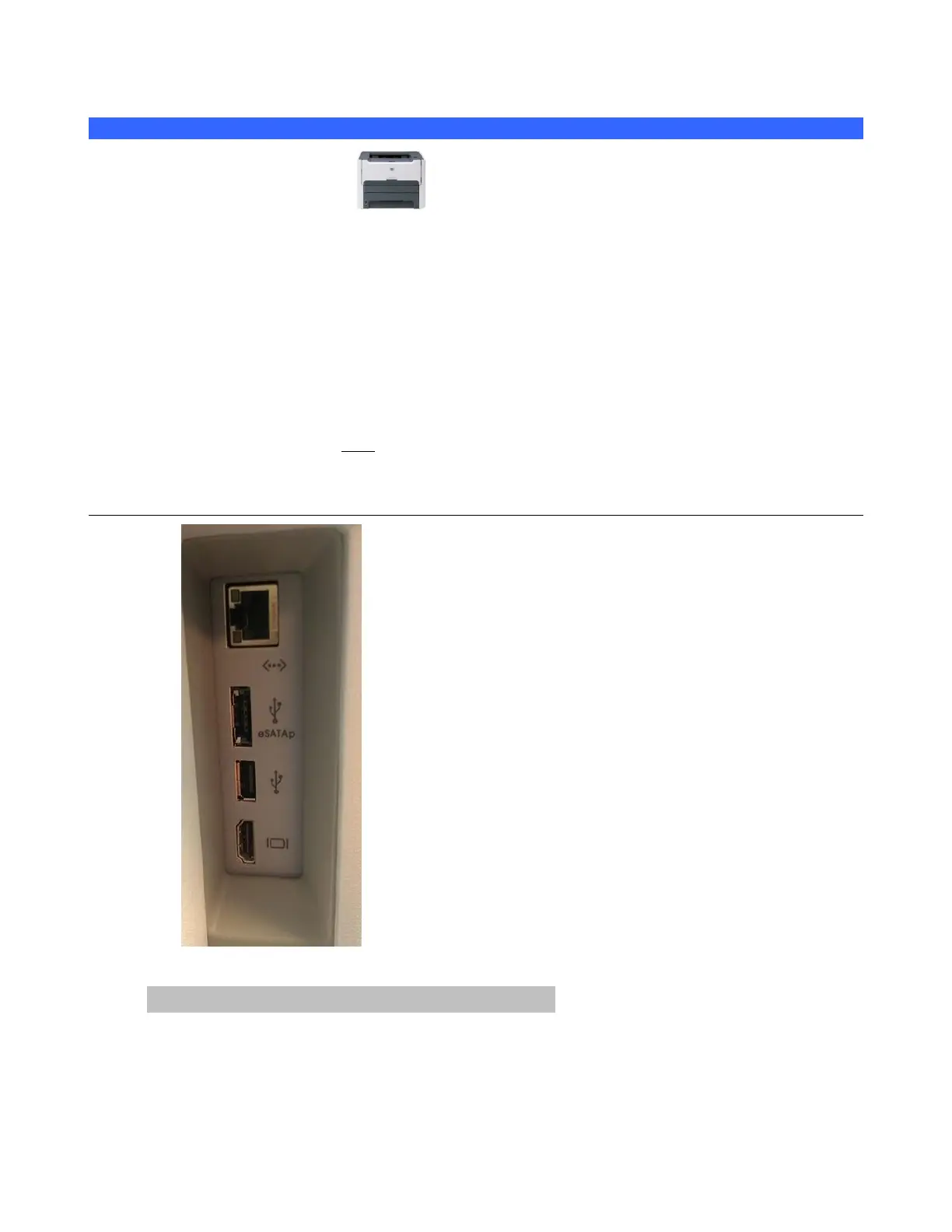
Cable Connection
Initial Setup – Network Connection Method:
1. Connect the AC power cord to the printer, and the other end to an active AC Power outlet



 To Next Page