Transducer Maintenance
Regularly check transducers for signs of wear or damage.
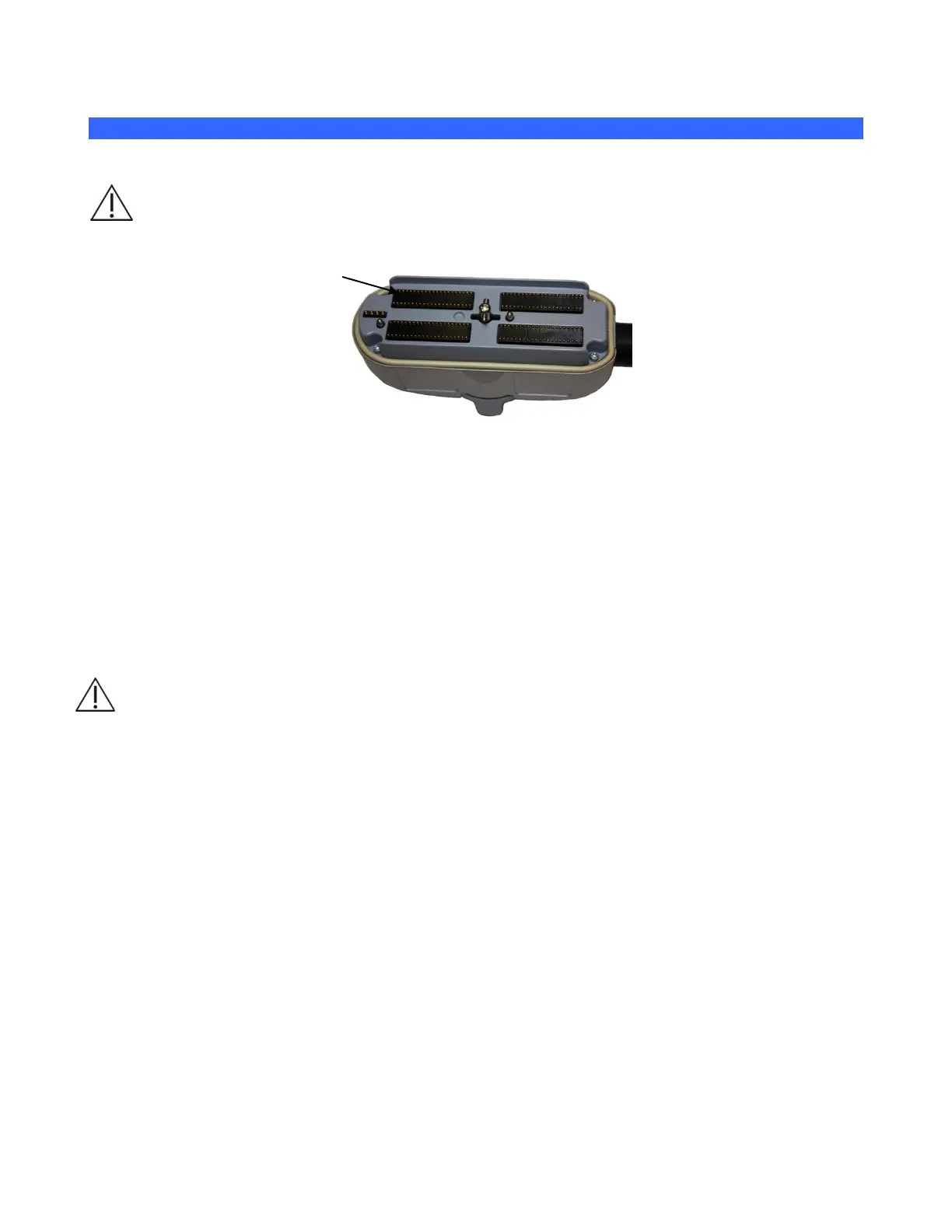
WARNING: Bent, broken, or missing pins on the transducer connector can cause poor image
quality, including possible mirror image artifact. Be sure to check pins before connecting
transducer to the z.one
pro
system. If pins are bent, broken, or missing, do not use the transducer
and call ZONARE Technical Support.
15.1.1 INSPECTING TRANSDUCERS
Inspect transducers at least weekly for signs of wear or damage.
Cracks in case or transducer face
Cuts, gouges, or holes on any part of the transducer, including transducer face, case, cable, and
connector
Buckling or bulging of the lens material on the transducer face
Damage to the transducer connector, including bent, broken, or missing pins
Fluid leaks
WARNING: If damage is evident, discontinue use of the transducer and contact Mindray Technical
Support. Immediately replace a transducer that exhibits any damage.
Verifying Imaging Performance
Verify transducers for proper imaging performance at least weekly.
Scan yourself or a tissue-equivalent phantom with each transducer.
Verify uniform image quality. Look for signs of drop-out (dark columns in the image area).
15.1.2 GENERAL CLEANING
NOTE: Do not use any cleaner or disinfectant on the transducer pins.
External-use transducers (curved array, linear array, and phased array): Mindray recommends
cleaning the transducers using the Wipe Method after each patient exam. The use of a soft cloth
thoroughly moistened with an approved disinfectant is recommended for cleaning the strain relief,
transducer housing and cable.



 To Next Page