EasyManua.ls Logo

ZONARE Z.ONE PRO - Page 74

ZONARE Z.ONE PRO
217 pages
Print Icon
To Next Page IconTo Next Page
To Previous Page IconTo Previous Page
Loading...
z.one
pro
Service Manual
Page 74 of 217
SAMPLE
SAMPLE
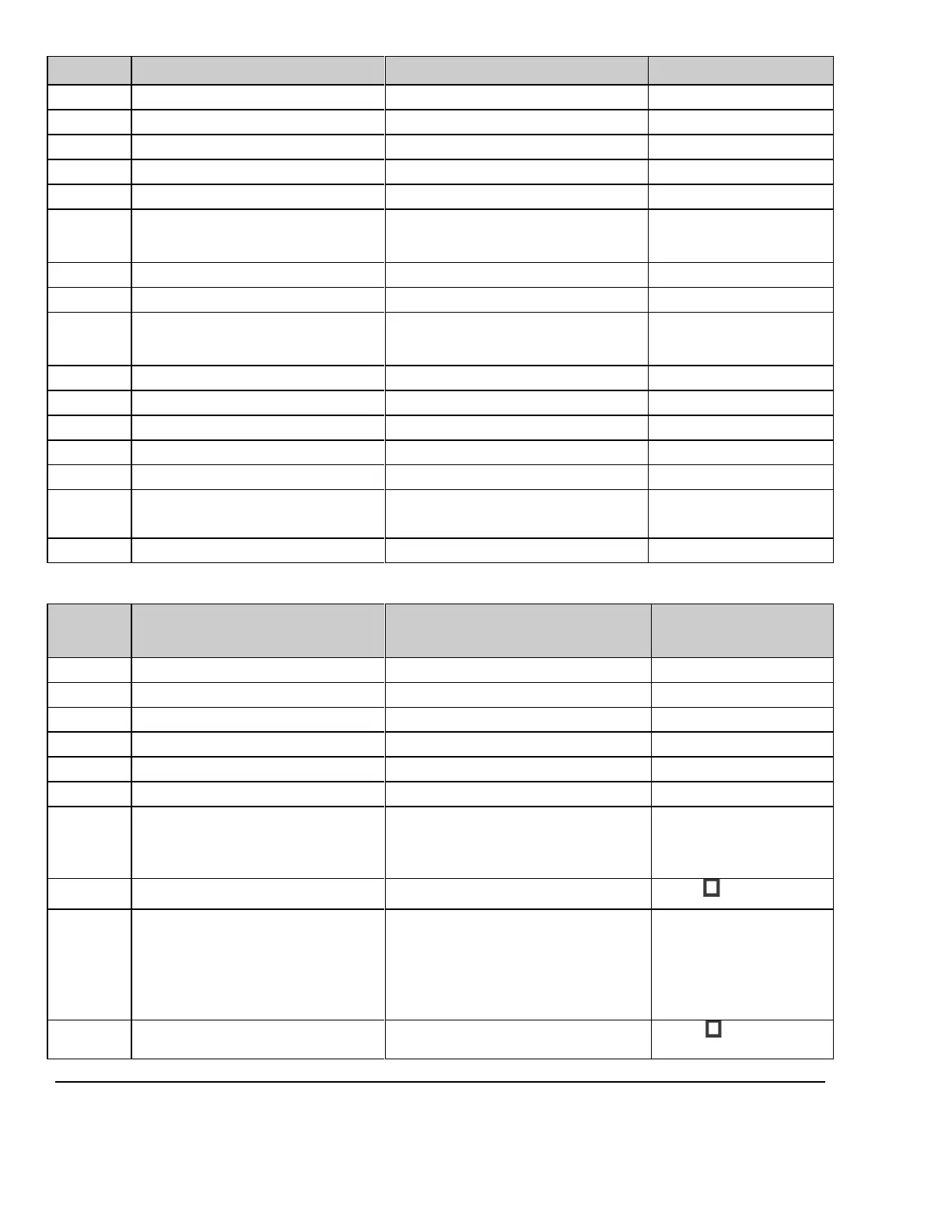
Level
Parameter Name
User Site Value/Setting
Default / Special Info
User option
Max PDU Receive Size
16384
User option
Max PDU Send Size
16384
User option
Color Mode
Color Grayscale
Color
User option
Number of Copies
1
User option
Print Priority
Low Med High
Med
User option
Image Display Format
Selections: (2x2, 1x1, 1x2, 2x1, 2x3, 3x2,
3x3, 3x4, 3x5, 4x3, 4x4, 4x5, 4x6, 5x4, 5x5,
5x6, 5x7)
2x2
User option
Medium Type
Default Low Medium High
Medium
User option
Film Orientation
Default Portrait Landscape
Portrait
User option
Film Size
Selections: (Default, 8x10, 8.5x11, 10x12,
11x14, 11x17, 14x14, 14x17, 24cm x 24cm,
24cm x 30cm, A4, A3
8x10
User option
Trim
Default Yes No
Yes
User option
Min Film Density
Typical acceptable value range (000-399)
User option
Max Film Density
Typical acceptable value range (000-399)
User option
Border Density
Black
User option
Empty Image Density
Black
User option
Magnification Type
None Replicate Bilinear
Cubic
Cubic
User option
Smoothing Type
Network Store (DICOM) Setup Parameters (if applicable)
Level
Parameter Name
User Site Value/Setting
Default / Special
Info
Required
Nickname - (PACS Server)
Required
Application (AE) Title - (PACS Server)
Required
IP Address - (PACS Server)
Required
Port Number
104
User option
Max PDU Receive Size
16384
User option
Max PDU Send Size
16384
User option
Color Model
Palette Color Grayscale
True Color (RGB) Color-By-Pixel
True Color (RGB) Color-By-Plane
Palette Color
User option
No Color
No Color
unchecked
User option
Remove Attributes
Selections: (iICON Image Sequence,
Sequence of Ultrasound Regions, Output
Power, Mechanical Index, Bone Thermal
Index, Cranial Thermal Index, Soft Tissue
Thermal Index, Soft Tissue Focus Thermal
Index, Soft Tissue Surface Thermal Index,
Depth of Scan Field,
ICON Image Sequence
User option
Pixel Spacing
Assign non-US pixel spacing from 2D US
region

unchecked

Table of Contents

Other manuals for ZONARE Z.ONE PRO

Related product manuals