Section D Graphic Display
D-58
Time axis
Max. duration Specify the max. duration for which the trend can be captured without
leaving this graphic display Thereafter each new value overwrites the
earliest value. Entry is in TIME format (max. approx. value depends on
cycle time of the display, e.g. for a graphic display with cycle time of 1s
the max. duration of each trend window is about 2h16m ).
Standard duration Specify the visible time range in the Trend window. Entry is in TIME
format (max. approx. 24 days).
Colors
Background Specify the background color of the Trend window.
Foreground Specify the foreground color (scaling, raster) of the Trend window.
Window Specify Trend area color for the Trend window.
Click on color field and color selection via the Color Selection parameter
window (see page D-13). Select color and confirm with OK.
Selected color is shown in the color field.
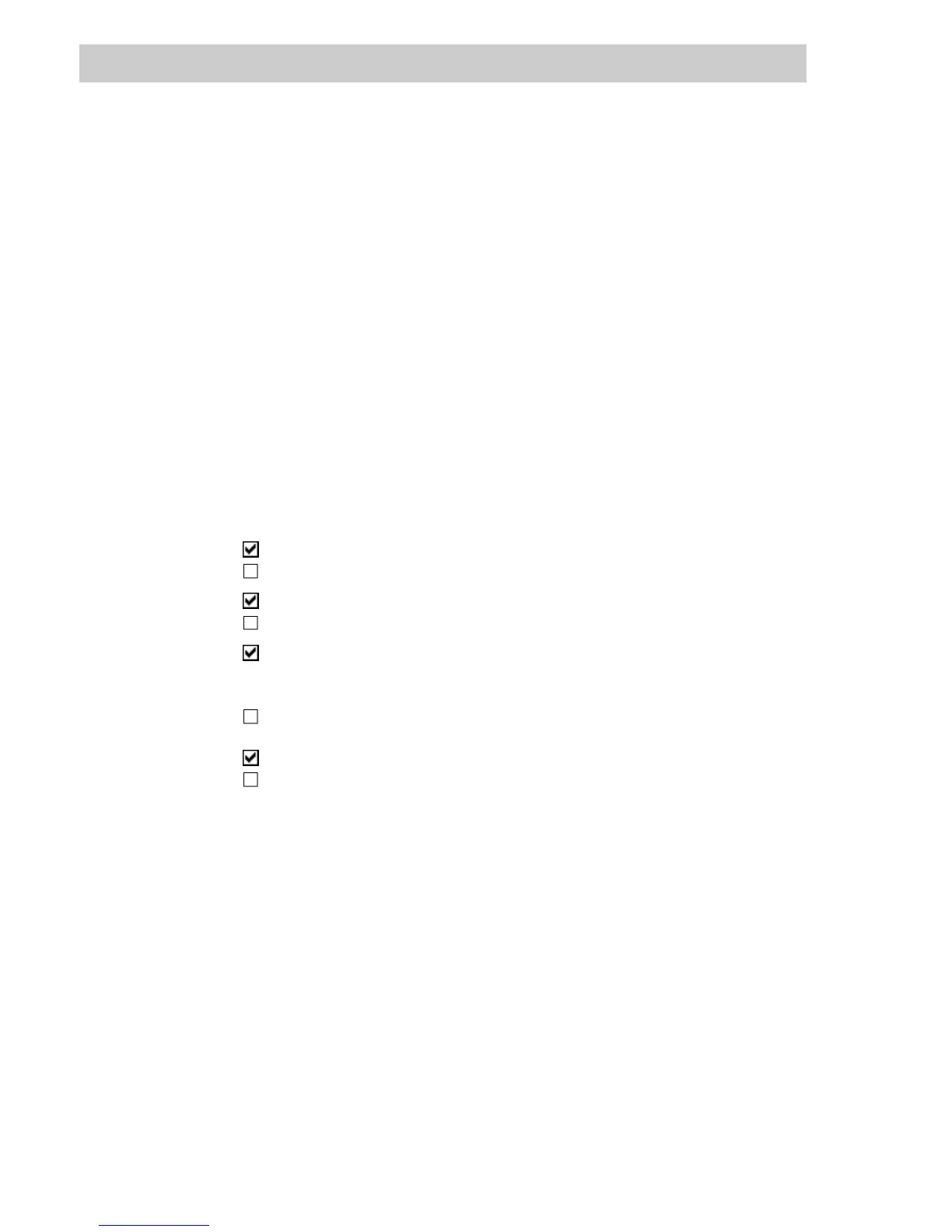
Display Depiction of Trend window in the graphic display
3D
Trend window in 3-D format
Trend window without 3-D format,
Scale below The time axis is displayed under the Trend window,
Trend window displayed without time axis,
Scale left Scaling is displayed in physical dimensions to the left of the Trend
window. The scaling values used are those which were configured for
the variable selected in the trends list upon exiting this dialog box.
Trend window without left scaling,
Scale right
Scaling is displayed as percentage to the right of the Trend window,
Trend window without right scaling.



 To Next Page