Section D Graphic Display
D-86
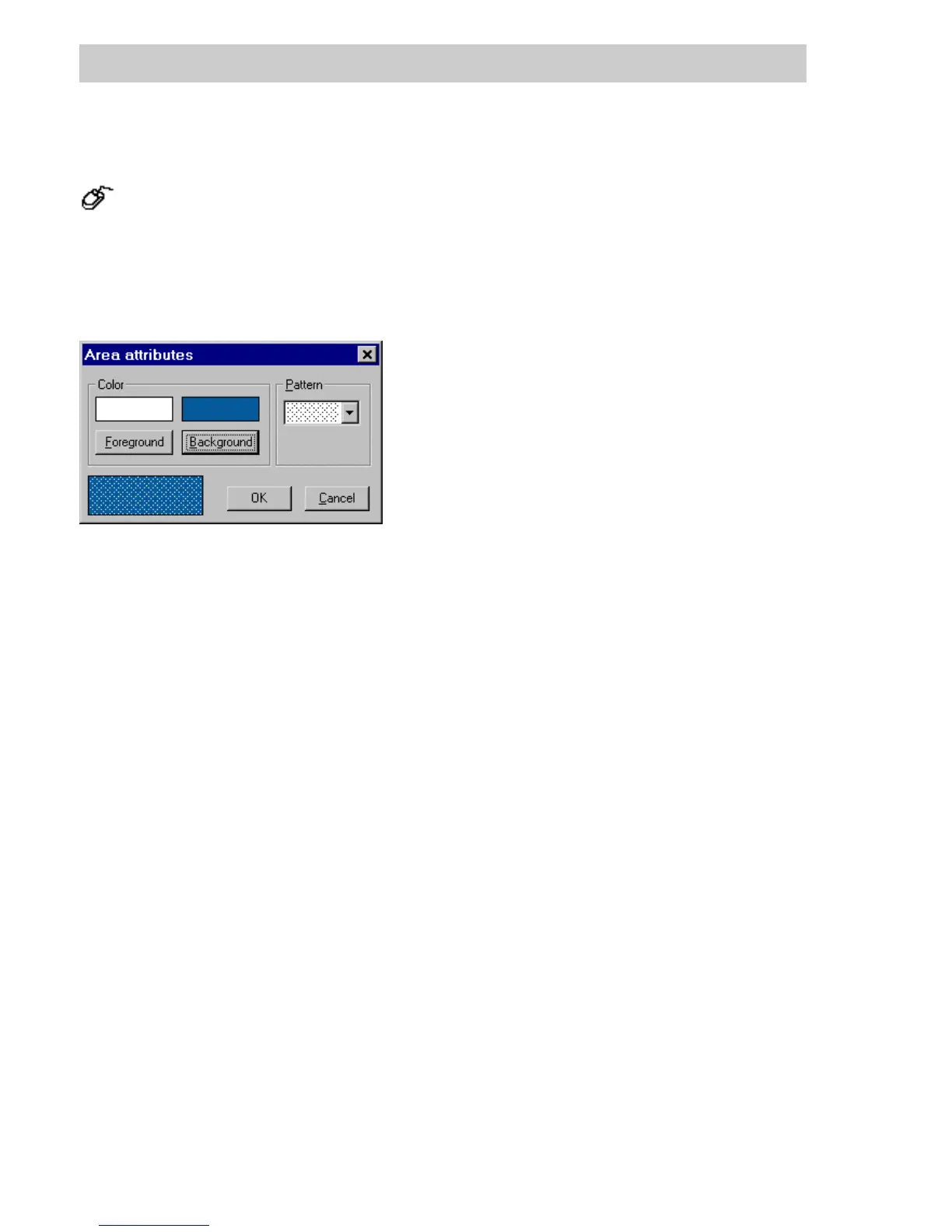
D 7.5.2 Area attributes
→Change → Area attributes.
The area attributes apply to the static graphic objects rectangle, polygon, ellipse and circle
segment and to the background of the dynamic graphic objects bar graph and fill area. The
attributes of an area are changed in a dialog window. In the bottom left-hand corner of that
window a preview of the selected area attributes is shown.
Color Any of 237 colors each can be selected for
FOREGROUND and
BACKGROUND.
The color settings have no effect with the pattern setting invisible, and the
background color chosen has no effect with a filled pattern.
See page D-13, Color selection.
Pattern Anyof15patternsorinvisible can be selected.
For the pattern black bars, the fill area is displayed in the fill color selected
for the foreground.
For the pattern invisible, the underlying graphic items/symbols are visible.
tu0752us.bmp
Gross Automation, 1725 South Johnson Road, New Berlin, WI 53146, www.ssacsales.com, 800-349-5827



 To Next Page