5-138
CELL-DYN
®
3200 System Operator’s Manual
9140181H—October 2001
Operating Instructions
Using The Data Log
Section 5
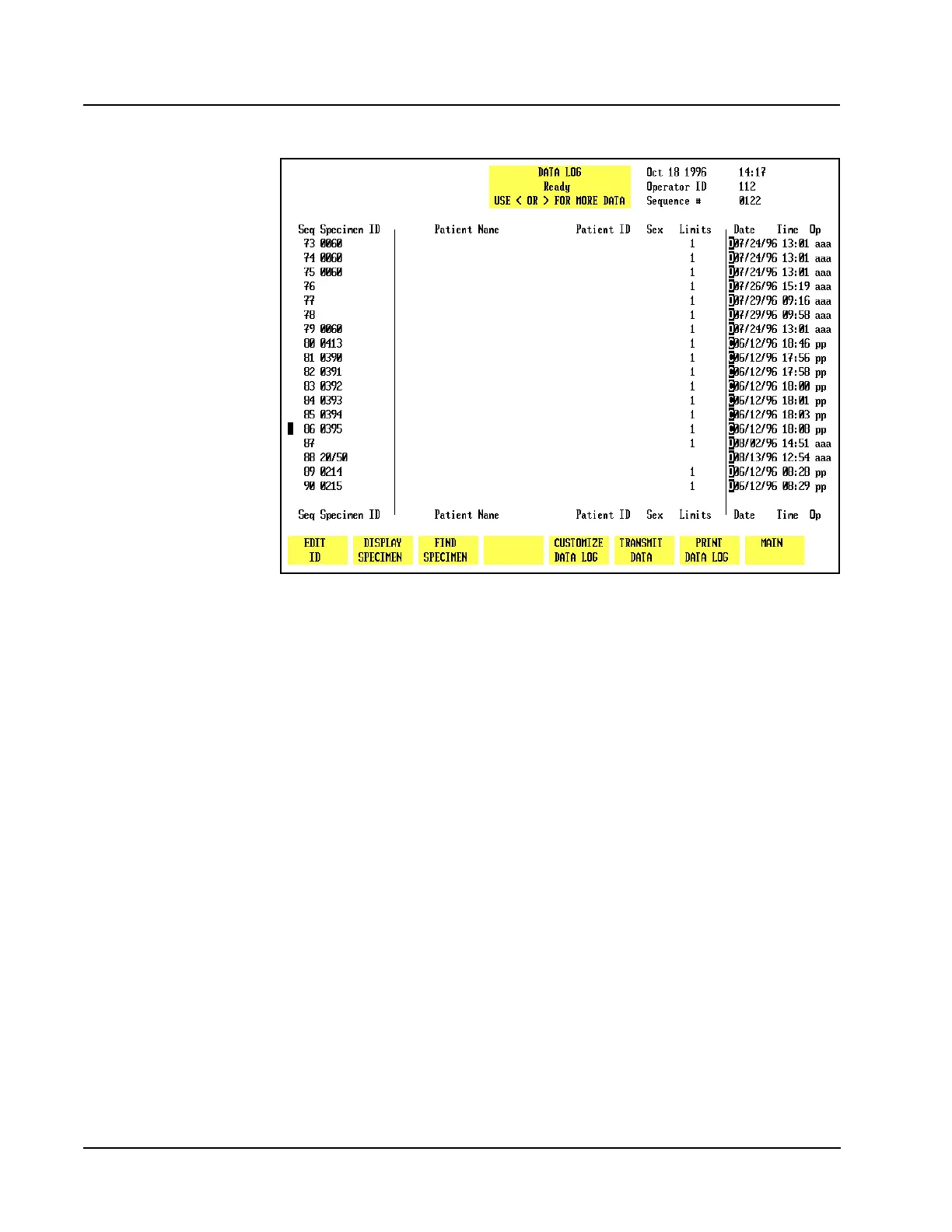
An example of codes displayed in the Data Log is shown in Figure 5.53.
Figure 5.53 Data Log Codes Screen
Data Log Set Up Procedures
The Data Log may be configured to display and print results in the order selected
by the operator. This section gives instructions for Customizing the Display and
Printout.
Customizing the Data Log Display
The CUSTOMIZE DISPLAY FOR DATA LOGscreen displays a matrix showing the four
groups of parameters that will be consecutively displayed on the four Data Log
screens. (Figure 5.54 shows the Standard Groups in the matrix.) A list of all
available parameters is displayed under the matrix. The parameters are selected
from the list and placed in the desired group to customize the display.



 To Next Page