CELL-DYN
®
3200 System Operator’s Manual
14-49
9140181H—October 2001
Section 14 Reticulocyte Package
Retic Specimen Type Menu
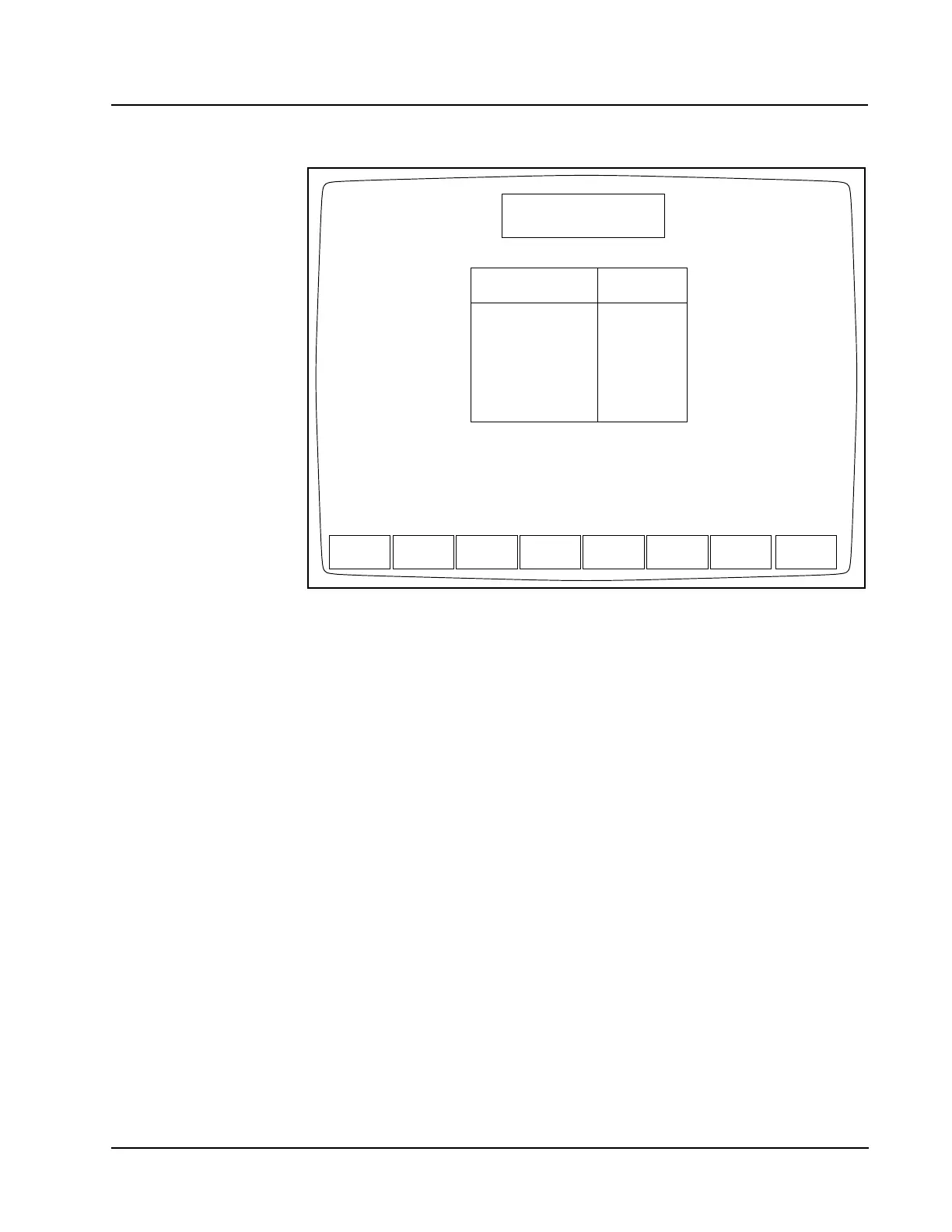
Figure 14.27 Reticulocyte Specimen Type Screen
The [RETIC SPECIMEN TYPE] key on the RETIC MAIN menu screen is used to display
the RETIC SPECIMEN TYPE screen. (See Figure 14.27.) This screen allows the
operator to decide which type of Reticulocyte specimen will be analyzed. The
upper right-hand corner of the screen contains the current time and date, the
operator ID, and the last Reticulocyte Sequence Number that are used.
The following soft keys are displayed on the RETIC SPECIMEN TYPE screen:
CLEAR FAULT (This key appears only if a system fault occurs.)
PATIENT SPECIMEN
QC SPECIMEN
BACKGROUND
RETIC MAIN
These soft keys will be discussed as they appear on the RETIC SPECIMEN TYPE
screen from left to right.
Clear Fault
The [CLEAR FAULT] key is displayed on the RETIC SPECIMEN TYPE screen
whenever a system fault occurs (for example, Diluent Empty). This key is used
after corrective action has been taken, to clear the fault message and return the
Analyzer to the Ready state.
RETIC SPECIMEN TYPE
Ready
Feb 23 2001
Operator ID
Retic Seq#
19:31
R0002
ACS
PATIENT QC
SPECIMEN
BACK-
GROUND
RETIC
SPECIMEN MAIN
1.
2.
3.
4.
5.
6.
File Name
Press QC SPECIMEN softkey to select QC FILE at cursor position.
FILE 1
FILE 2
FILE 3
FILE 4
FILE 5
FILE 6
0
0
0
0
0
0
# Specimens



 To Next Page