10-16
CELL-DYN
®
3200 System Operator’s Manual
9140181H—October 2001
Troubleshooting and Diagnostics
Diagnostics Menu
Section 10
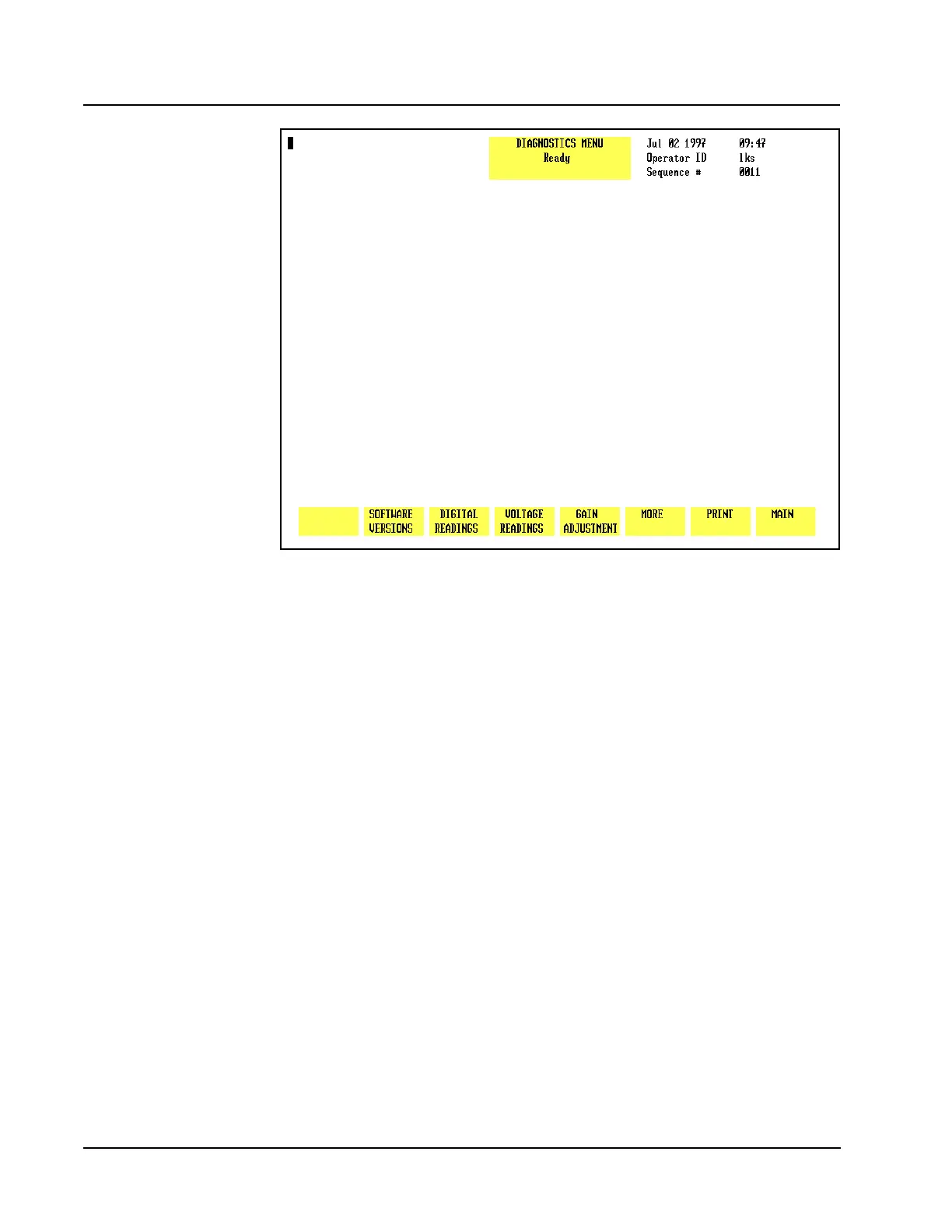
Figure 10.15 Third Diagnostics Menu Screen
Third Diagnostics Menu Screen
When the [MORE] key in the second DIAGNOSTICS MENU is pressed, the third
DIAGNOSTICS MENU screen (see Figure 10.15) and the following soft key labels
are displayed:
SOFTWARE VERSION *
DIGITAL READINGS *
VOLTAGE READINGS
GAIN ADJUSTMENT *
MORE
PRINT
MAIN
* These keys are for service use only.



 To Next Page