14-32
CELL-DYN
®
3200 System Operator’s Manual
9140181H—October 2001
Reticulocyte Package
Retic Menu Options
Section 14
Data Review from the Retic Data Log
Scrolling Through the Retic Data Log
The Page Up and Page Down keys on the keyboard can be used to scroll rapidly
through the records stored in the Reticulocyte Data Log. Press the Page Up key to
scroll backward and press the Page Down key to scroll forward.
Displaying a Record
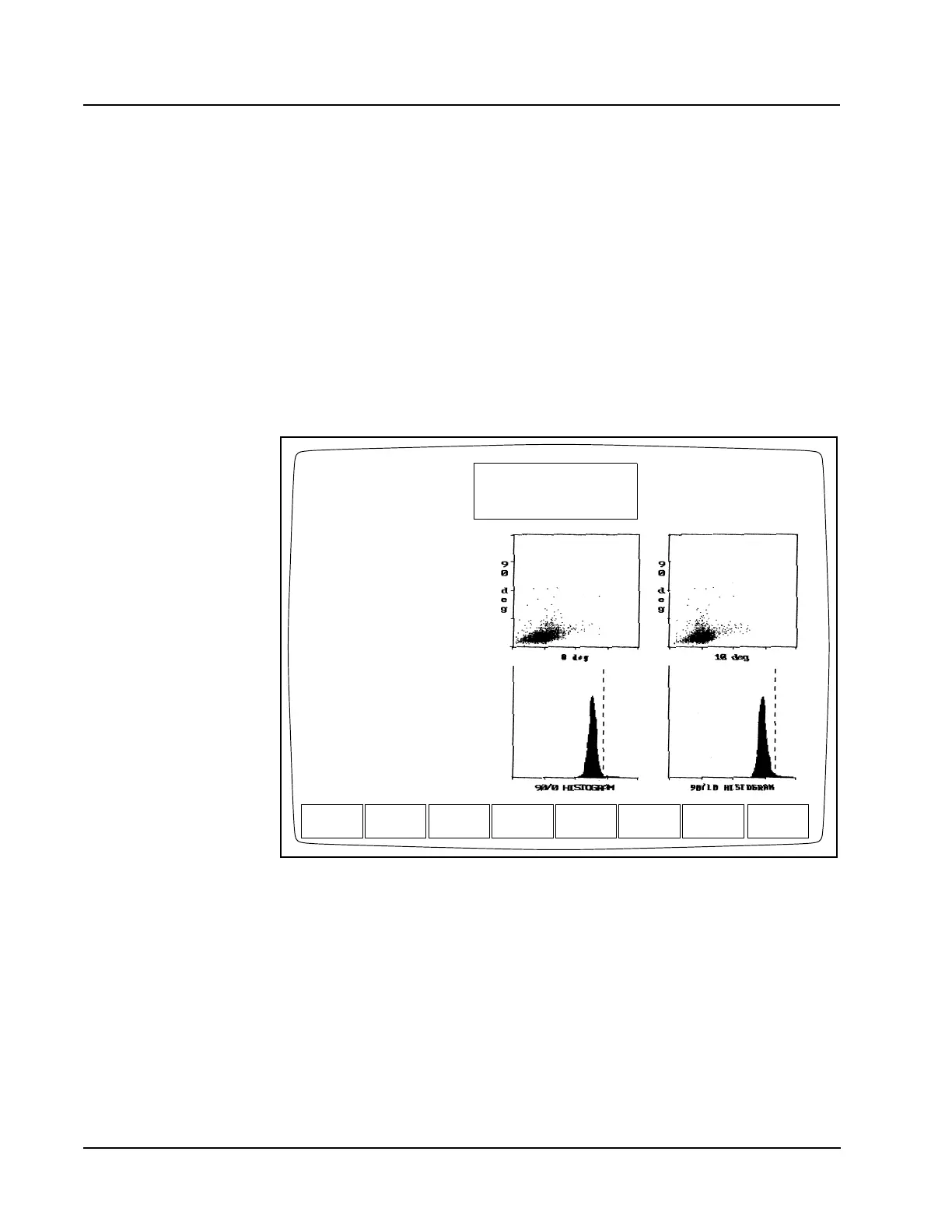
A copy of the RETIC RUN RESULT screen can be displayed for the most current
2,000 records in the Reticulocyte Data Log. A record is displayed by positioning
the cursor at the record you desire in the Reticulocyte Data Log listing and pressing
the [DISPLAY SPECIMEN] key. The Status Box indicates RETIC DISPLAY SPECIMEN
on results displayed (or printed) from the Reticulocyte Data Log record. (See
Figure 14.17.)
Figure 14.17 Reticulocyte Display Specimen Screen
PREVIOUS
SPECIMEN
RETIC DISPLAY SPECIMEN
Ready
Aug 02 2001
Operator ID
Retic Seq#
15:31
R0483
TS
EDIT
SPECIMEN
TRANSMIT
SPECIMEN
RETURNCOLOR
PRINT
Spec ID D17516
Name ________________
Pat ID _________ Sex ___
DOB __/__/____ Col __/__/____ --:--
Dr _______________ Cmt _________
Limits 1
RETIC% 1.54 %
RBC 4.68 M/uL
RETIC ABS 72.00 K/uL
RBC value from HEMATOLOGY
DATA LOG Sequence # 8842
Retic Seq # R482



 To Next Page