10-4
CELL-DYN
®
3200 System Operator’s Manual
9140181H—October 2001
Troubleshooting and Diagnostics
Diagnostics Menu
Section 10
Diagnostics Menu Screen
The first DIAGNOSTICS MENU screen (see Figure 10.1) and the following soft key
labels are displayed when the [DIAGNOSTICS] key is pressed:
FAULT REPORT
EXECUTION TIMES
CNT RATE SUMMARY
CLEAR FAULTS
RAW DATA SUMMARY
MORE
MAIN
Fault Report
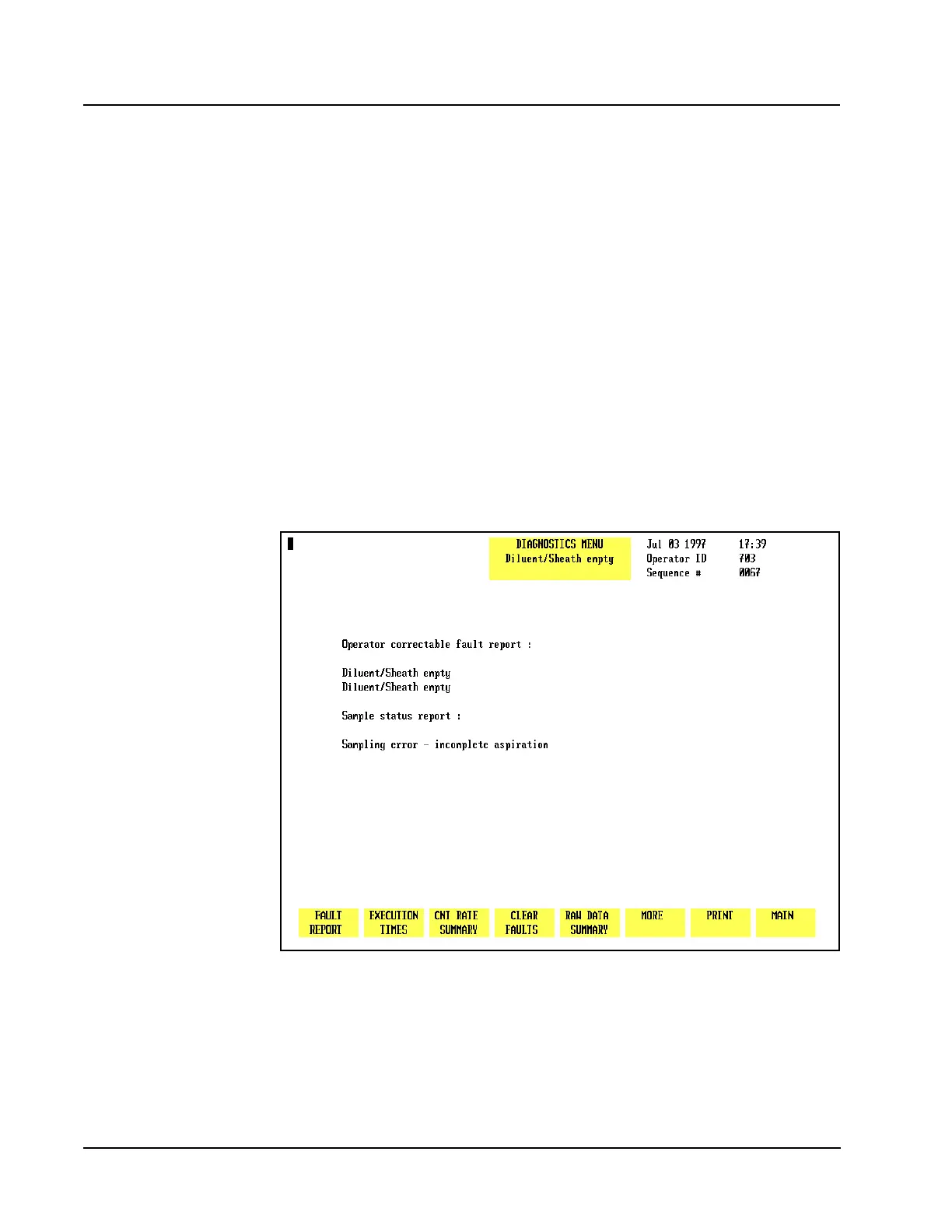
When the [FAULT REPORT] key is pressed, information regarding the pending fault
is displayed on the screen. The screen displays the words Operator
Correctable Fault Report: (see Figure 10.2) or Fatal Fault
Report: (see Figure 10.3) and any additional information available. If there is no
fault, the screen displays the words No Fault Pending. (See Figure 10.4.)
Figure 10.2 Operator Correctable Fault Report Screen



 To Next Page