10-10
CELL-DYN
®
3200 System Operator’s Manual
9140181H—October 2001
Troubleshooting and Diagnostics
Diagnostics Menu
Section 10
Main
The [MAIN] key is used to return to theMAIN MENU screen. The [MAIN] key appears
on each primary DIAGNOSTICS MENU screen and works the same way on each
screen.
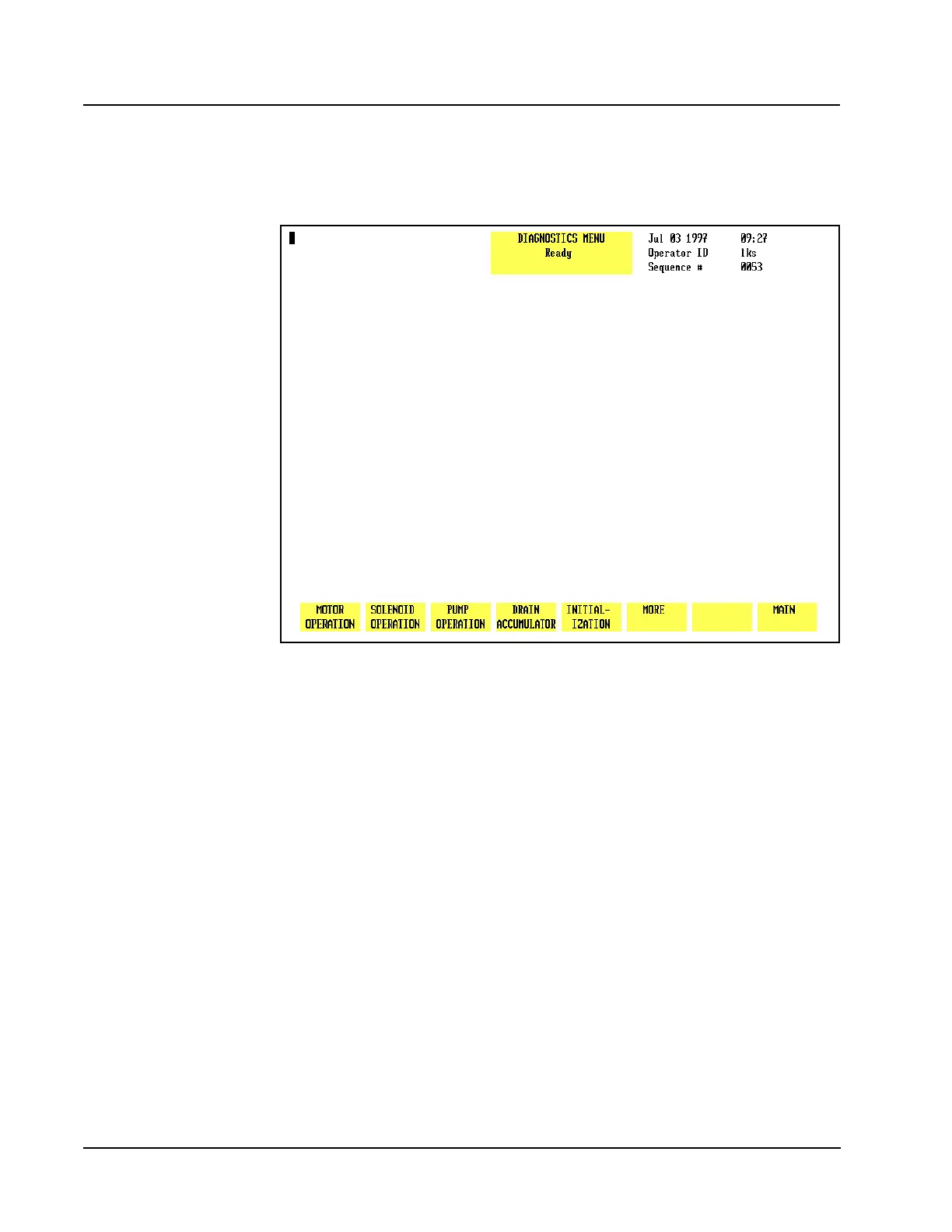
Figure 10.9 Second Diagnostics Menu Screen
Second Diagnostics Menu Screen
When the [MORE] key on the first DIAGNOSTICS MENU screen is pressed, the second
DIAGNOSTICS MENU screen (see Figure 10.9) and the following soft key labels are
displayed:
MOTOR OPERATION
SOLENOID OPERATION
PUMP OPERATION
DRAIN ACCUMULATOR
INITIALIZATION
MORE
MAIN
Motor Operation
This key should be used only by an authorized Abbott representative. The system
must be initialized after this key is pressed.



 To Next Page