14-24
CELL-DYN
®
3200 System Operator’s Manual
9140181H—October 2001
Reticulocyte Package
Retic Menu Options
Section 14
Procedure: Units Selection
1. From the RETIC SET UP menu, press the [UNITS SELECTION] key.
2. Choose one of the following two options:
• To select a predefined set of units, press the appropriate soft key. The
group of selected units is highlighted on the screen. If using this option,
skip to step 6.
• For individual unit selection, use the arrow keys on the keyboard to move
the cursor to the desired units.
3. Press the [SELECT UNITS] key to enter the selection. The chosen selection is
highlighted on the display.
4. Use the arrow keys on the keyboard to move the cursor to the next unit to be
selected.
5. Repeat steps 3 and 4 until all selections have been made.
6. If desired, press the Print Screen key on the keyboard to obtain a printout of
the selected units.
7. Press the [RETURN] key to return to the RETIC SET UP menu.
Retic Run Menu
For a description of the RETIC RUN menu and the submenus that are accessed from
it, refer to Routine Operation, Retic Run Menu within this chapter.
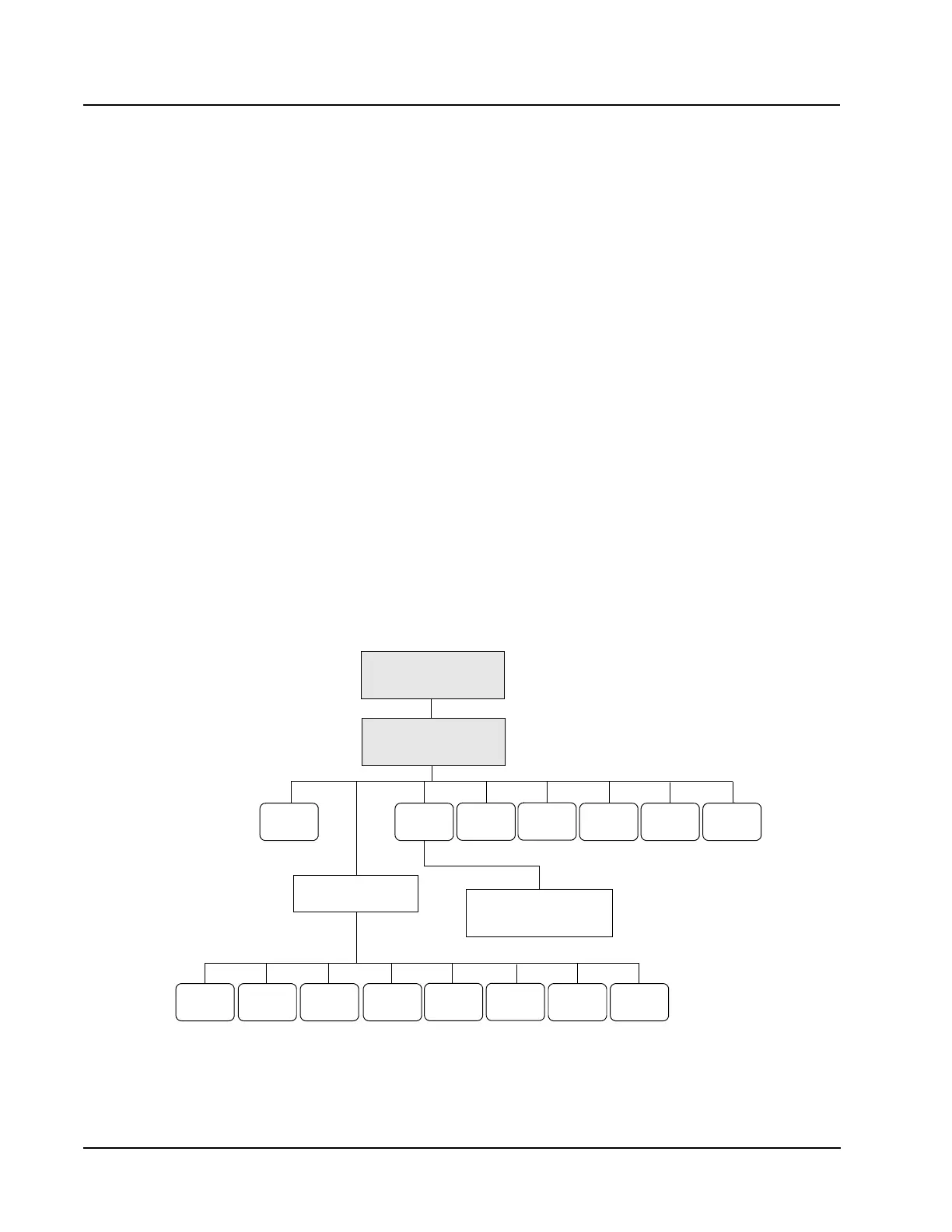
Retic Data Log Menu
RETICEDIT
ID
TRANSMIT
DATA
PRINT
DATA LOG
FIND
SPECIMEN
MAIN
RETIC DISPLAY SPECIMEN
RETIC DATA LOG SEARCH
PREVIOUS
SPECIMEN
RETURNNEXT
SPECIMEN
PRINT
REPORT
EDIT
SPECIMEN
SPECIMEN
TRANSMIT
RETIC DATA LOG
RETIC MAIN



 To Next Page