CELL-DYN
®
3200 System Operator’s Manual
14-23
9140181H—October 2001
Section 14 Reticulocyte Package
Units Selection
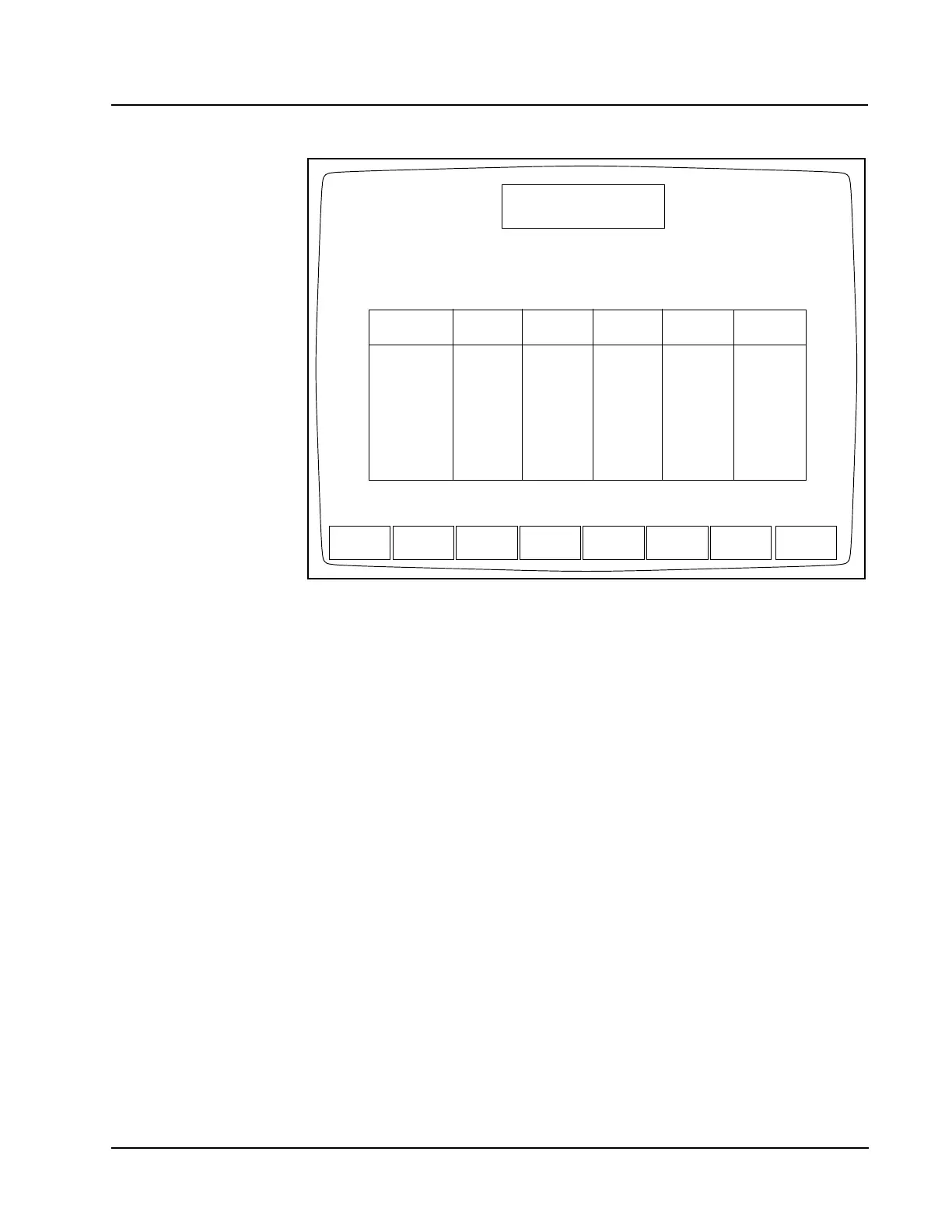
Figure 14.11 Units Selection Screen
The [UNITS SELECTION] key on the RETIC SET UP
screen is used to display the
UNITS SELECTION
screen (see Figure 14.11).
The UNITS SELECTION screen shows
the report units for the indicated parameters. Units may be selected for each
parameter individually, or a set of units may be selected by pressing the appropriate
soft key. The following soft key labels are displayed on the UNITS SELECTION
screen:
USA UNITS
SI UNITS
SI MOD UNITS
SET1 UNITS
SET2 UNITS
SELECT UNITS
RETURN
USA
UNITS
UNITS SELECTION
Ready
Feb 23 2001
Operator ID
Req Seq#
19:05
R0001
ACS
SI SI MOD
UNITS
SET1
UNITS
SET2
UNITS
RETURN
UNITS
SELECT
UNITS
Parameters
WBC
RBC
HGB
HCT
RDW
PLT
PCT
RETIC ABS
USA
SI SI MOD
K/µL
M/µL
g/dL
%
%
K/µL
%
K/µL
SET1
G/L
T/L
g/L
L/L
%CV
G/L
mL/L
G/L
10e9/L
10e12/L
mmol/L
L/L
%CV
10e9/L
mL/L
10e9/L
10e3/µL
10e6/µL
g/L
%
%CV
10e3/L
%
10e3/L
SET2
10e2/µL
10e4/µL
g/dL
%
%
10e4/µL
%
10e4/µL



 To Next Page