14-22
CELL-DYN
®
3200 System Operator’s Manual
9140181H—October 2001
Reticulocyte Package
Retic Menu Options
Section 14
Operation Set Up Soft Key
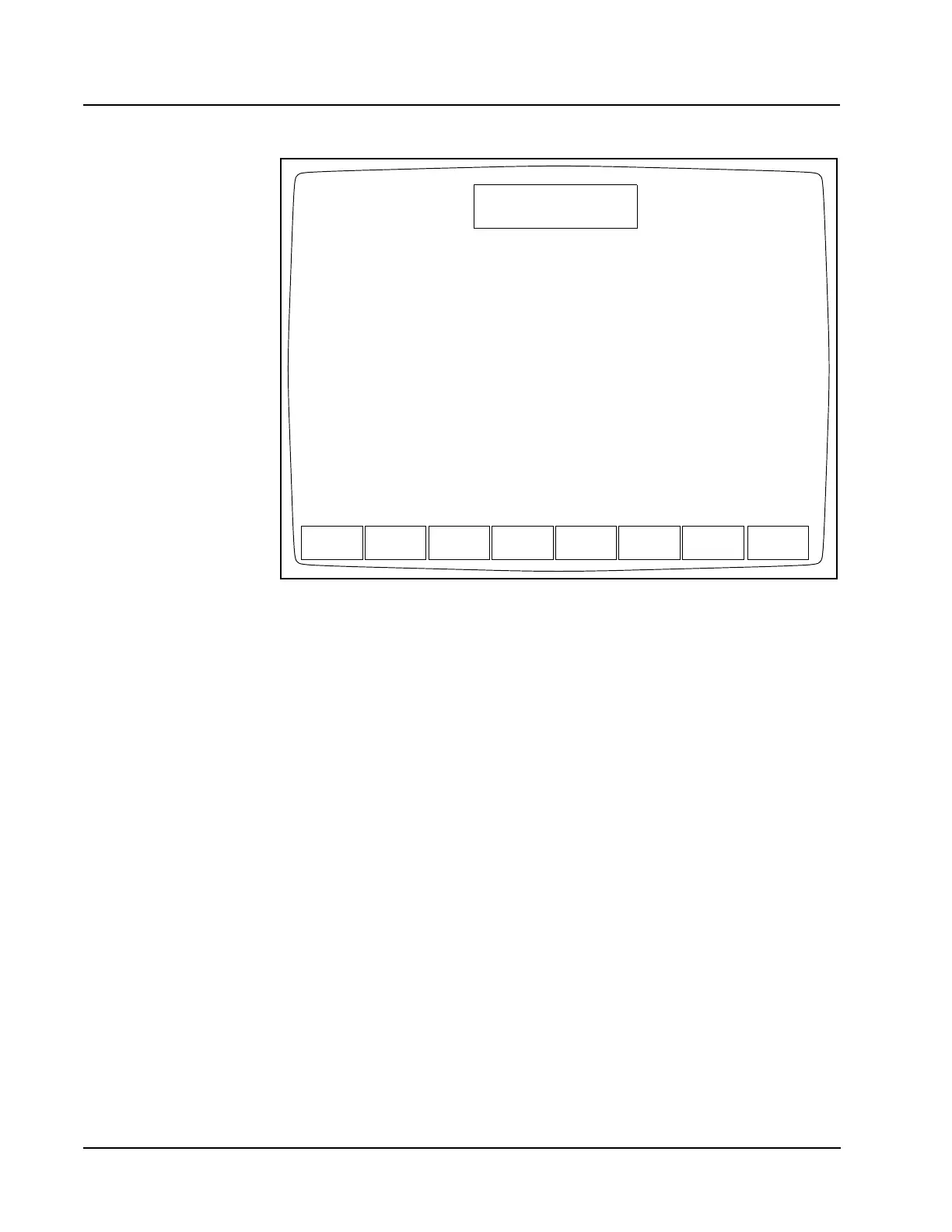
Figure 14.10 Operation Set Up Menu Screen with Reticulocyte Package Enabled
The [OPERATION SET UP] key on the RETIC SET UP menu is used to display the
OPERATION SET UP MENU screen. The OPERATION SET UP MENU screen in the
Reticulocyte Package displays the following soft keys:
TURN OFF RETIC PKG
LANGUAGE
SELECT COLOR
BAR CODE SET UP
COMPUTER SET UP
RETURN
The [TURN OFF RETIC PKG] key is discussed earlier in this chapter (in Retic Menu
Options, Turning the Reticulocyte Package ON and OFF). The [LANGUAGE],
[SELECT COLOR], [BAR CODE SET UP] and [COMPUTER SET UP] keys are described
in Section 5: Operating Instructions; Subsection: Set Up Instructions.
TURN OFF
RETIC PKG
OPERATION SET UP MENU
Ready
Feb 23 2001
Operator ID
Req Seq#
19:02
R0001
ACS
LANGUAGE SELECT
COLOR
BAR CODE
SET UP
COMPUTER
SET UP
RETURN



 To Next Page