CELL-DYN
®
3200 System Operator’s Manual
14-33
9140181H—October 2001
Section 14 Reticulocyte Package
Procedure: Displaying a Record
1. From the RETIC MAIN menu screen press the [RETIC DATA LOG] key.
2. If the desired record is not displayed on the screen, press the [FIND SPECIMEN]
key to display the RETIC DATA LOG SEARCH screen.
3. To start the search, type the Reticulocyte Specimen ID, the Reticulocyte
Sequence Number, or the patient name, then press the Enter key on the
keyboard.
NOTE: If the patient name is used, the name must be typed exactly as it was
originally entered.
NOTE: If necessary, you may press the Escape key (ESC) or the Enter key
on the keyboard to exit from the search function and return to the
RETIC DATA LOG screen.
4. If the requested record is available, the screen displays the page of the
Reticulocyte Data Log with the cursor flashing at the Reticulocyte Sequence
Number of the record.
5. Press the [DISPLAY SPECIMEN] key to display the RETIC DISPLAY SPECIMEN
screen for the selected record.
6. Press the [PRINT REPORT] key (or the [COLOR PRINT] key if it is displayed) to
obtain a printout.
7. The [PREVIOUS SPECIMEN] or [NEXT SPECIMEN] key may now be used to
display records listed in the Reticulocyte Data Log that are next to the one
currently displayed.
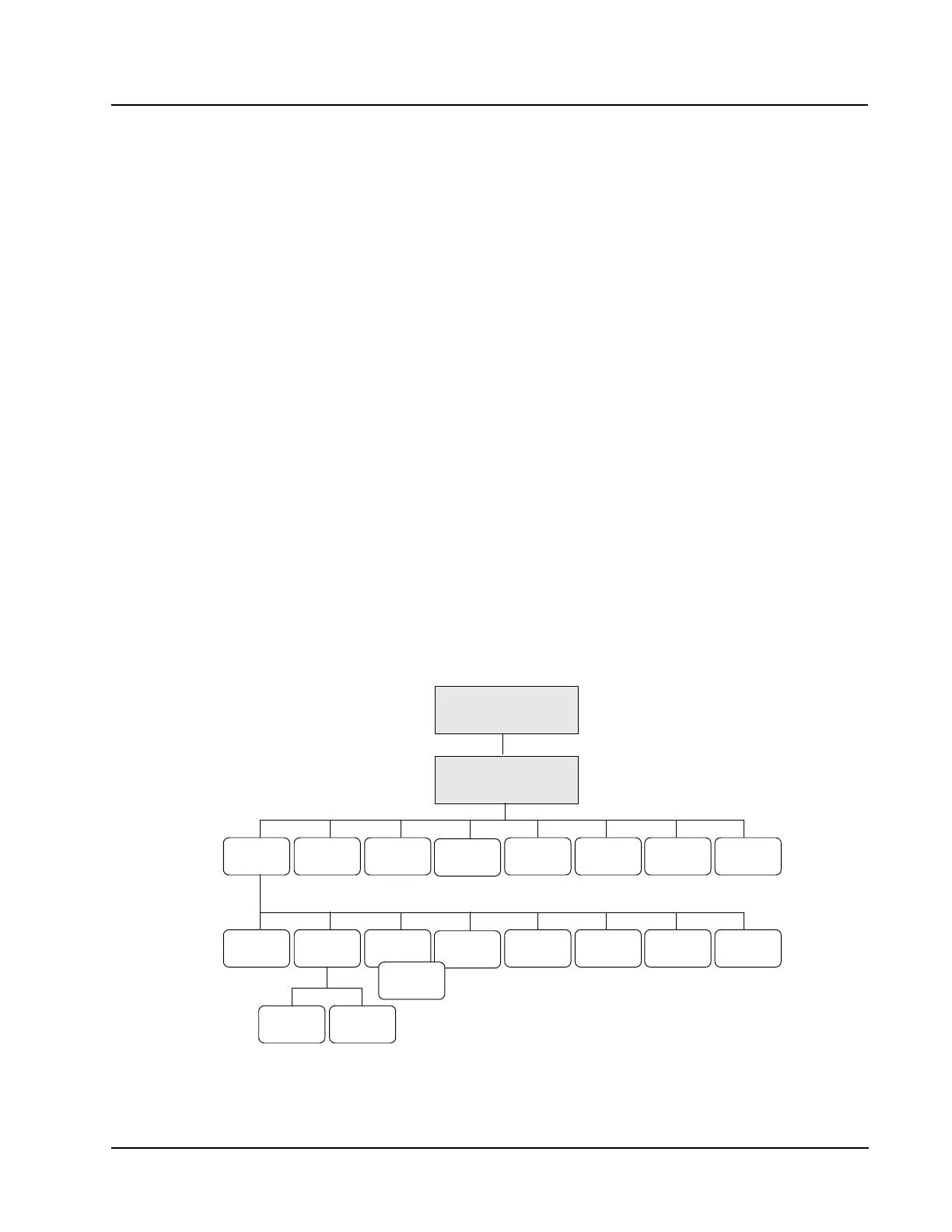
Retic QC Menu
RETIC QC
RETICVIEW
QC LOG
RETIC QC
LIMITS
MAIN
QC FILE
SET UP
RETURNPURGE
QC LOG
PRINT
QC LOG
LEVEY-
JENNINGS
MOVE
SPECIMEN
REJECT
SPECIMEN
DELETE
SPECIMEN
PRINT RETURN
ACCEPT
SPECIMEN
RETIC MAIN



 To Next Page