14-12
CELL-DYN
®
3200 System Operator’s Manual
9140181H—October 2001
Reticulocyte Package
Retic Menu Options
Section 14
Retic Main Menu
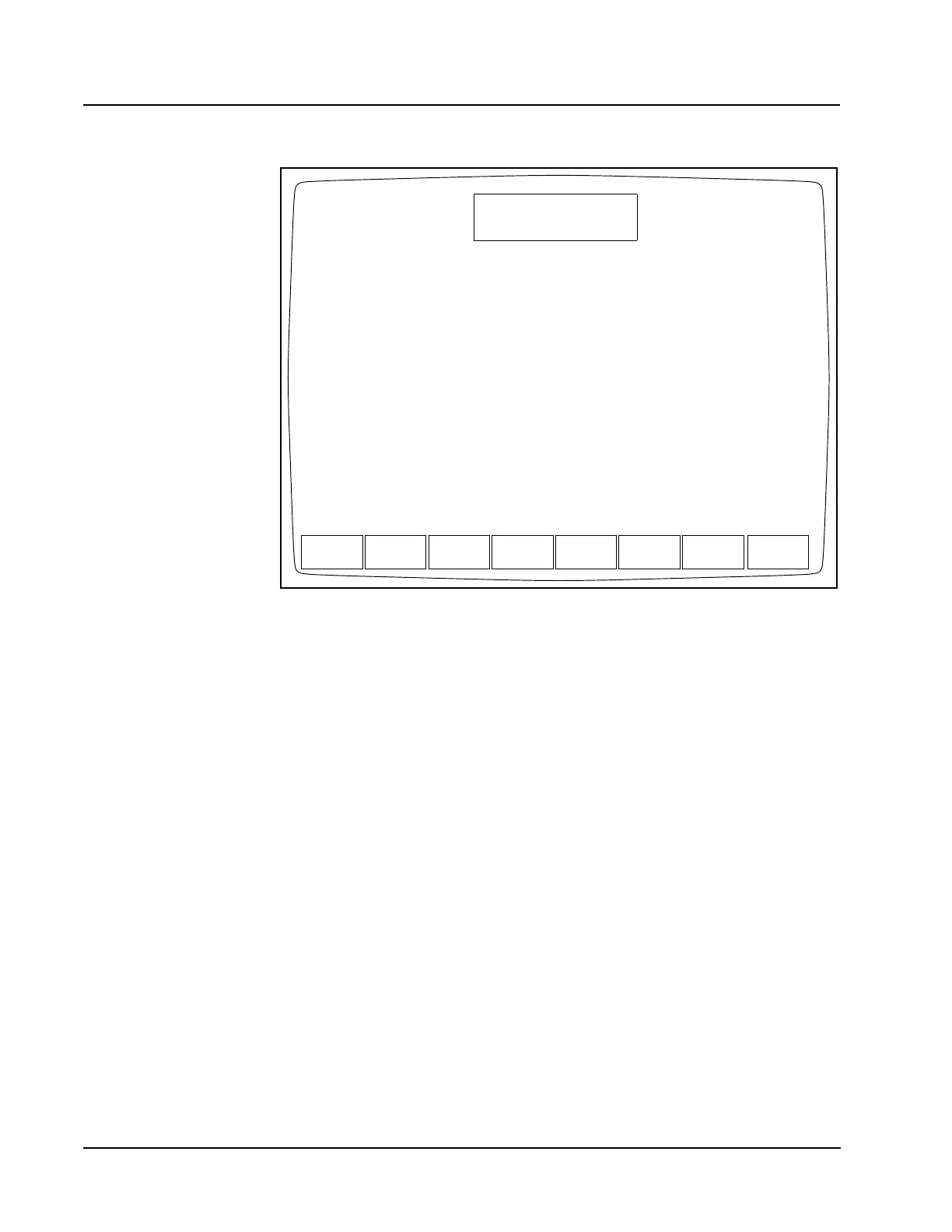
Figure 14.3 Reticulocyte Main Menu Screen
The upper left-hand corner of the RETIC MAIN menu screen shows the current
revision of the instrument software. The upper right-hand corner shows the current
date and time, the current operator ID, and the Reticulocyte Sequence Number. The
information in the upper right-hand corner is displayed on every screen during
operation of the Reticulocyte Package.
The Status Box is displayed in the top center of the screen. This box appears on
every screen to show the following information:
• Menu in use (such as RETIC MAIN)
• Analyzer status (such as Ready)
• Other applicable information (such as report or file identity and any existing
fault conditions)
The cursor is positioned at the <OPERATOR ID> field when the RETIC MAIN menu
screen is displayed. An operator ID of up to three alphanumeric characters can be
entered. Press the Enter key on the keyboard to accept this operator ID. This
operator ID will be displayed on all other Reticulocyte Package screens and printed
on all reports.
RETIC
SET UP
CD3200 RETIC MAIN MENU
Ready
Feb 23 2001
Operator ID
Retic Seq#
18:27
R-1
ACS
RETIC RETIC
DATA LOG
DATA LOG RETIC
QC
RETIC SP
SYSTEM 2.0
RUN
RETIC
DIAGNOSTIC PROTOCOLS



 To Next Page