CELL-DYN
®
3200 System Operator’s Manual
14-11
9140181H—October 2001
Section 14 Reticulocyte Package
Procedure: Turning OFF The Reticulocyte Package
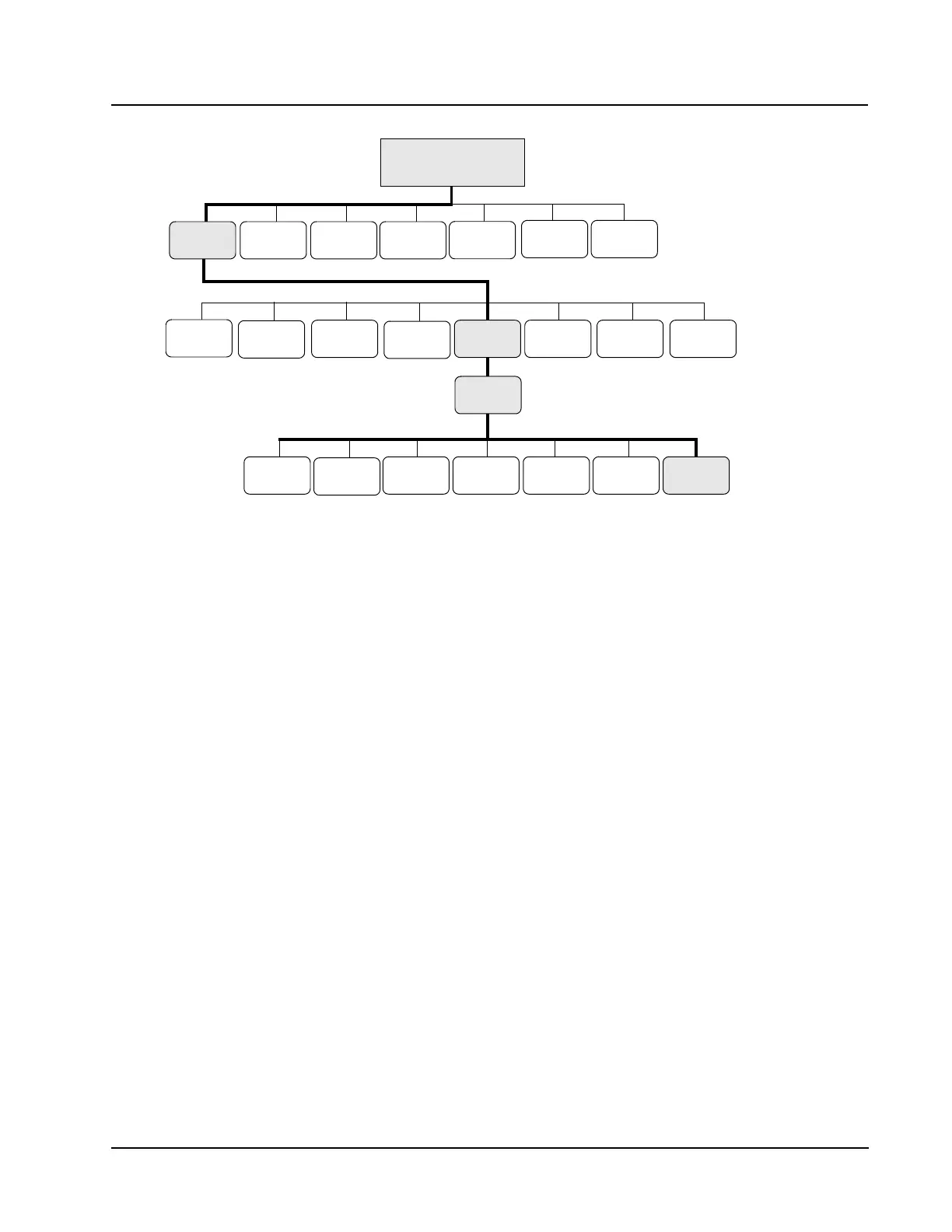
1. From the RETIC MAIN menu screen, press the [RETIC SET UP] key followed by
the [OPERATION SET UP] key to display the OPERATION SET UP MENU screen.
2. From the OPERATION SET UP MENU screen, press the [TURN OFF RETIC PKG]
key to disable the Reticulocyte Package. The instrument automatically rinses,
runs a background, and returns to the Standard Hematology Software.
3. The MAIN MENU displays.
The software to analyze reticulocytes is now disabled on the CELL-DYN 3200
System.
CD3200 RETIC MAIN MENU
SELECTION
REAGENT
LOG SET UP
OPERATION
REPORT
RETIC QC
SET UP
SET UP
DIAGNOSTIC
RETIC SP
PROTOCOLS
RUN DATA LOG
TURN OFF
RETIC PKG
SET UP
COMPUTER
RETURN
SELECT
COLOR
DATA LOG
RETIC
RETIC
RETIC
RETIC
QC
RETIC
CUSTOMIZEUNITS
DATE/TIME
RETIC PT
LIMITS
MAIN
RETIC
LANGUAGE
SET UP
BAR CODE
Ready



 To Next Page