5-144
CELL-DYN
®
3200 System Operator’s Manual
9140181H—October 2001
Operating Instructions
Using The Data Log
Section 5
To Find a Record
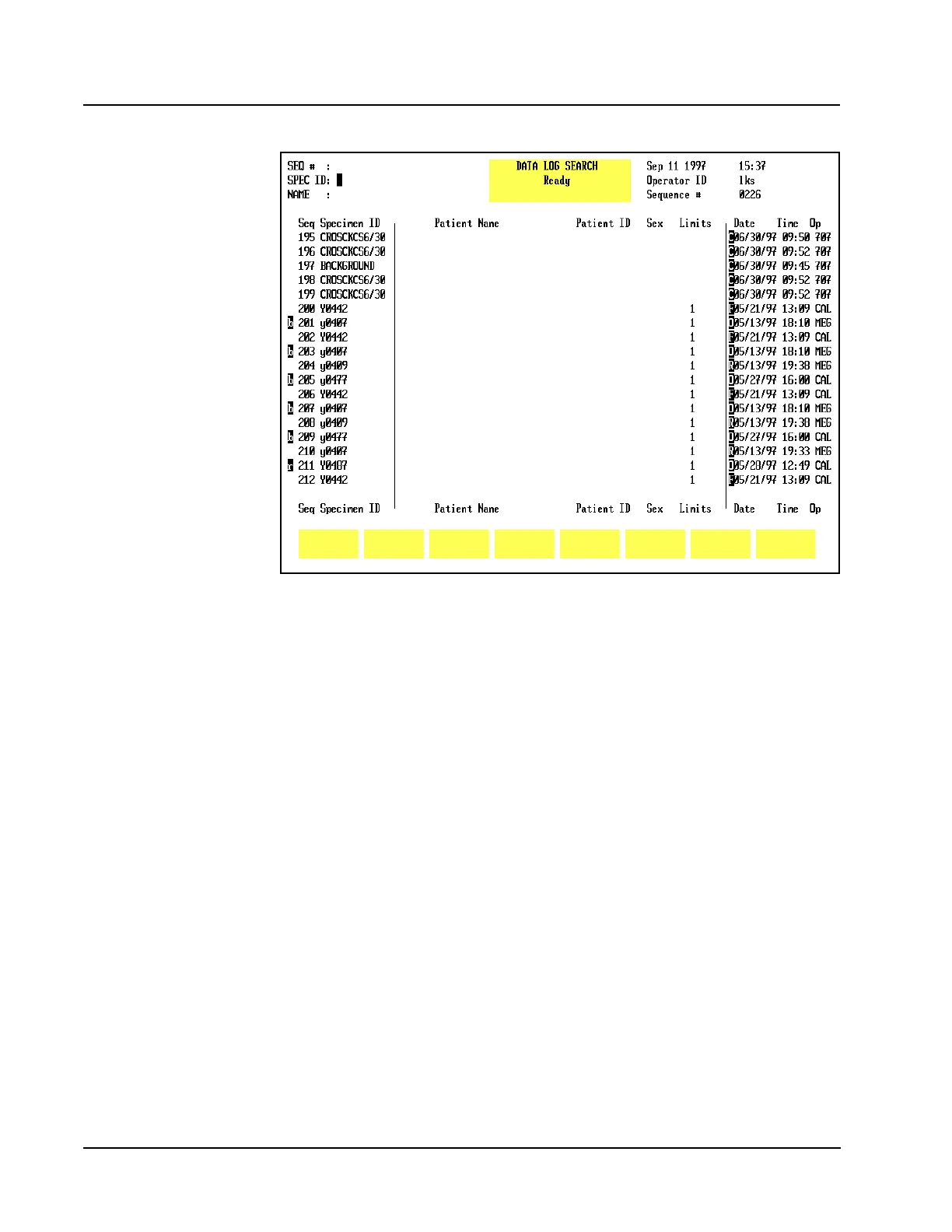
Figure 5.57 Find Specimen Screen
1. From the MAIN MENUscreen, press [DATA LOG].
2. If the desired record is not displayed on the screen, press [FIND SPECIMEN] to
display the DATA LOG SEARCH screen.
3. Use the Arrow keys on the keyboard to move the cursor to the desired
identifier: Sequence Number, Specimen ID Number or Name. Refer to
Figure 5.57.
4. Type the appropriate information and press the Enter key on the keyboard to
start the search.
NOTE: If necessary, you may press the Escape (ESC) key or the Enter key
on the keyboard to exit from the search function and return to the
DATA LOG screen.
5. If the requested record is available, the screen displays the Data Log page
containing it. (The cursor is located at the sequence number of the record.)



 To Next Page