CELL-DYN
®
3200 System Operator’s Manual
14-9
9140181H—October 2001
Section 14 Reticulocyte Package
Procedure: Turning ON the Reticulocyte Package
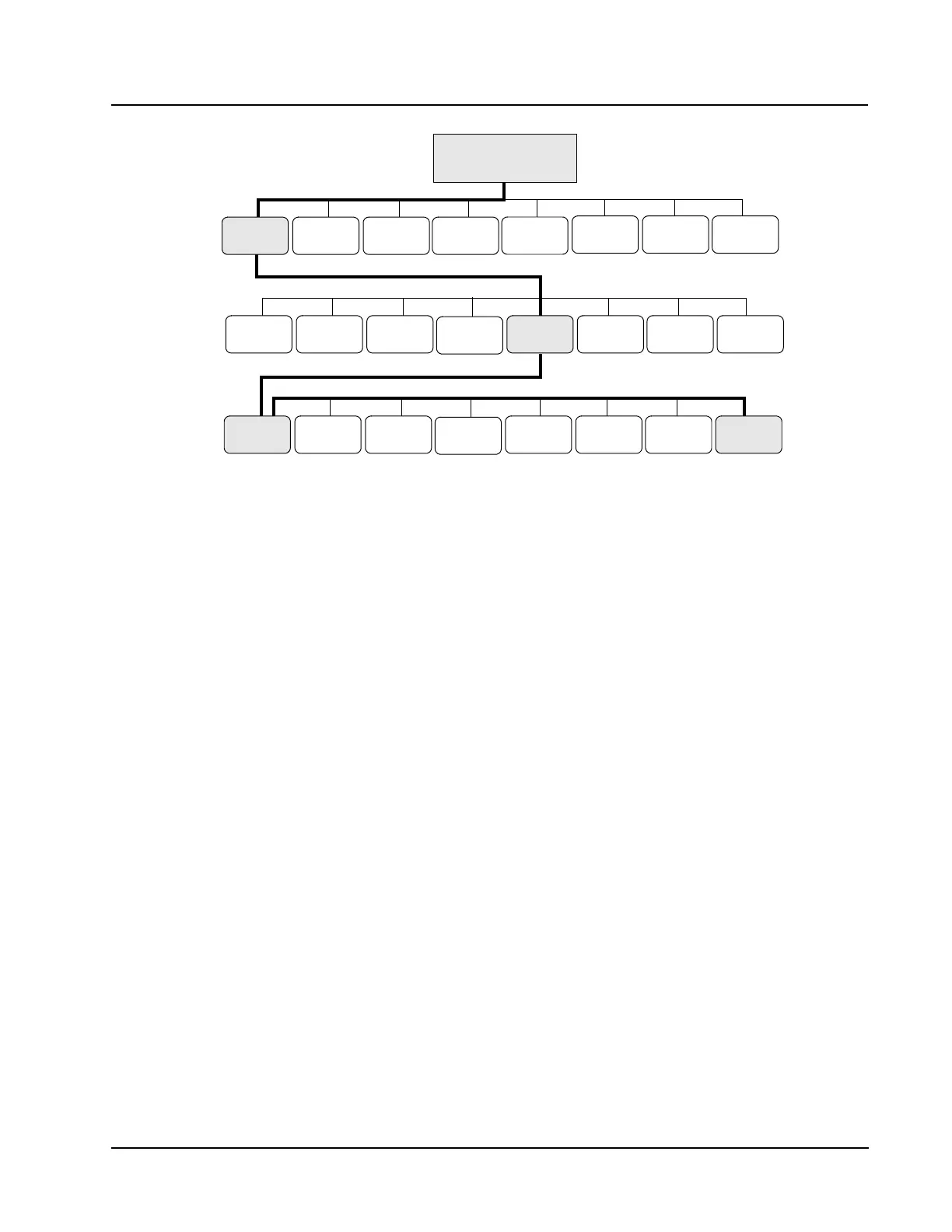
1. From the MAIN MENU, press the [SET UP] key followed by the [OPERATION
SET UP] key to display the OPERATION SET UP MENU screen.
2. From the OPERATION SET UP MENU screen, press the [TURN ON RETIC PKG]
key to enable the Reticulocyte Package.
3. The RETIC MAIN menu screen displays.
The software to analyze reticulocytes is now enabled on the CELL-DYN 3200
System.
MAIN MENU
DATE/ UNITS
SELECTION
CUSTOMIZE
REPORT
PATIENT
LIMITS SET UP
OPERATION
MAIN
REAGENT
LOG
QC SET
UP MENU
SET UP
DIAGNOSTICS
SPECIAL
PROTOCOLS
RUN
CALIBRA-
DATA LOG
QUALITY
TURN ON
RETIC PKG
LANGUAGE
SET UP
COMPUTER
RETURN
SELECT
COLOR
BAR CODE
SET UP
CONTROL
TION
TIME
RETIC
DATA LOG



 To Next Page