CELL-DYN
®
3200 System Operator’s Manual
14-19
9140181H—October 2001
Section 14 Reticulocyte Package
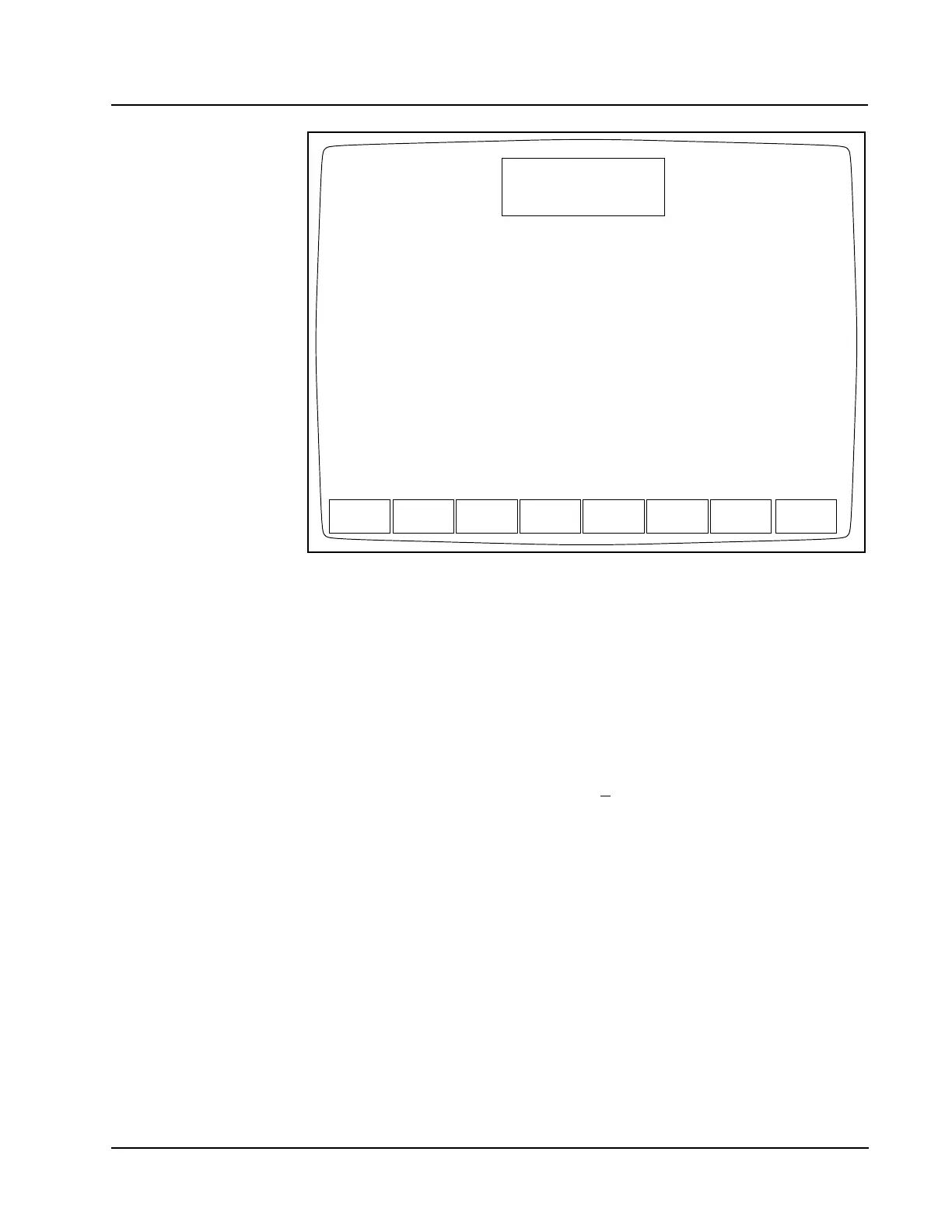
Figure 14.8 Retic QC Means/Limits Screen
QC Limits are entered by selecting the QC file from the RETIC QC LOG screen (by
moving the cursor to the desired QC file) and pressing the [RETIC QC LIMITS] key.
The RETIC QC MEANS/LIMITS screen is now displayed.
Two types of QC limits are available:
Range Entry This option is used to enter the upper and
lower flagging limits as absolute numbers.
Means and Limits This option is used to enter the mean value
and a +
range value that defines the upper
and lower flagging limits.
If Range Entry is selected by pressing the [RANGE ENTRY] key, the current upper
and lower limits for the selected file are displayed as shown in Figure 14.7, Retic
QC Range Entry Screen.
If Means/Limits Entry is selected by pressing the [MEANS/LIMITS] key, the current
means and limits for the selected file are displayed as shown in Figure 14.8, Retic
QC Means/Limits Screen.
RANGE
ENTRY
RETIC QC MEANS/LIMITS
Ready
Feb 23 2001
Operator ID
Req Seq#
18:50
R0001
ACS
UPDATE
FROM FILE
LOAD
FROM DISK
RETURNPRINT
FOR FILE 1
Means Limits (+/-)
RETIC% 5.00 1.00



 To Next Page