CELL-DYN
®
3200 System Operator’s Manual
14-43
9140181H—October 2001
Section 14 Reticulocyte Package
Retic Raw Data
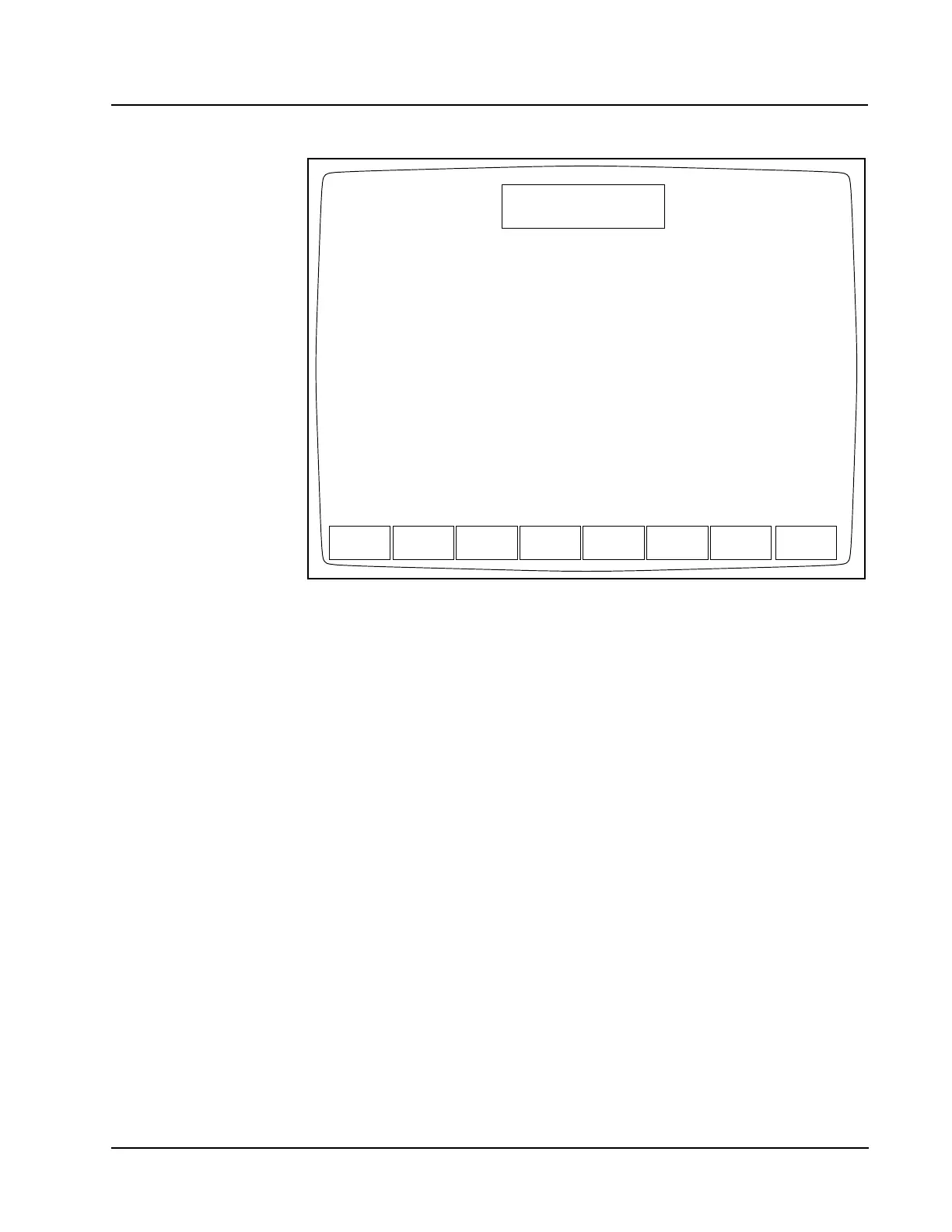
Figure 14.25 Reticulocyte Raw Data Screen
When the [RETIC RAW DATA] key is pressed, information pertaining to the last cycle
run in the Reticulocyte Package is displayed.
Print
When a DIAGNOSTICS option is selected, a [PRINT] key displays.
When the [PRINT] key is pressed, a Diagnostics Report is printed. This report
contains information pertinent to the data displayed on the screen at the time the
key is pressed. If no data are displayed on the screen, the printed report contains
the current fault status.
Retic Main
The [RETIC MAIN] key is used to return to the RETIC MAIN menu screen. The [RETIC
MAIN] key appears on most primary RETIC DIAGNOSTICS screen and works the
same way on each screen.
FAULTS
REPORT
DIAGNOSTICS MENU
Ready
Feb 23 2001
Operator ID
Retic Seq#
19:24
R0002
ACS
EXECUTION RETIC
CNT RATE
CLEAR
FAULTS
RAW DATA
SUMMARY
RETIC
TIMES
PRINT
MAIN
List Mode RETIC: 1 RBC: 0 PLT: 0 NOC: 0 LRBC: 0
Raw Count RETIC: 1 RBC/PLT: 0 NOC: 0
HGB Sample 1: 1462 2: 1461 3: 1461 4: 1462 5: 1461
HGB Ref 1462 1461 1461 1461 1461
WBC Alg % Tot: 98%
RBC Alg Lo thr: 51
PLT Alg Adj cnt: 0 Lo thr: 35 Hi thu: 195



 To Next Page