WLAN configuration
DLT-V83 Operating Instructions V2.00 101 / 157
11.6.10.4. Adapter Tab
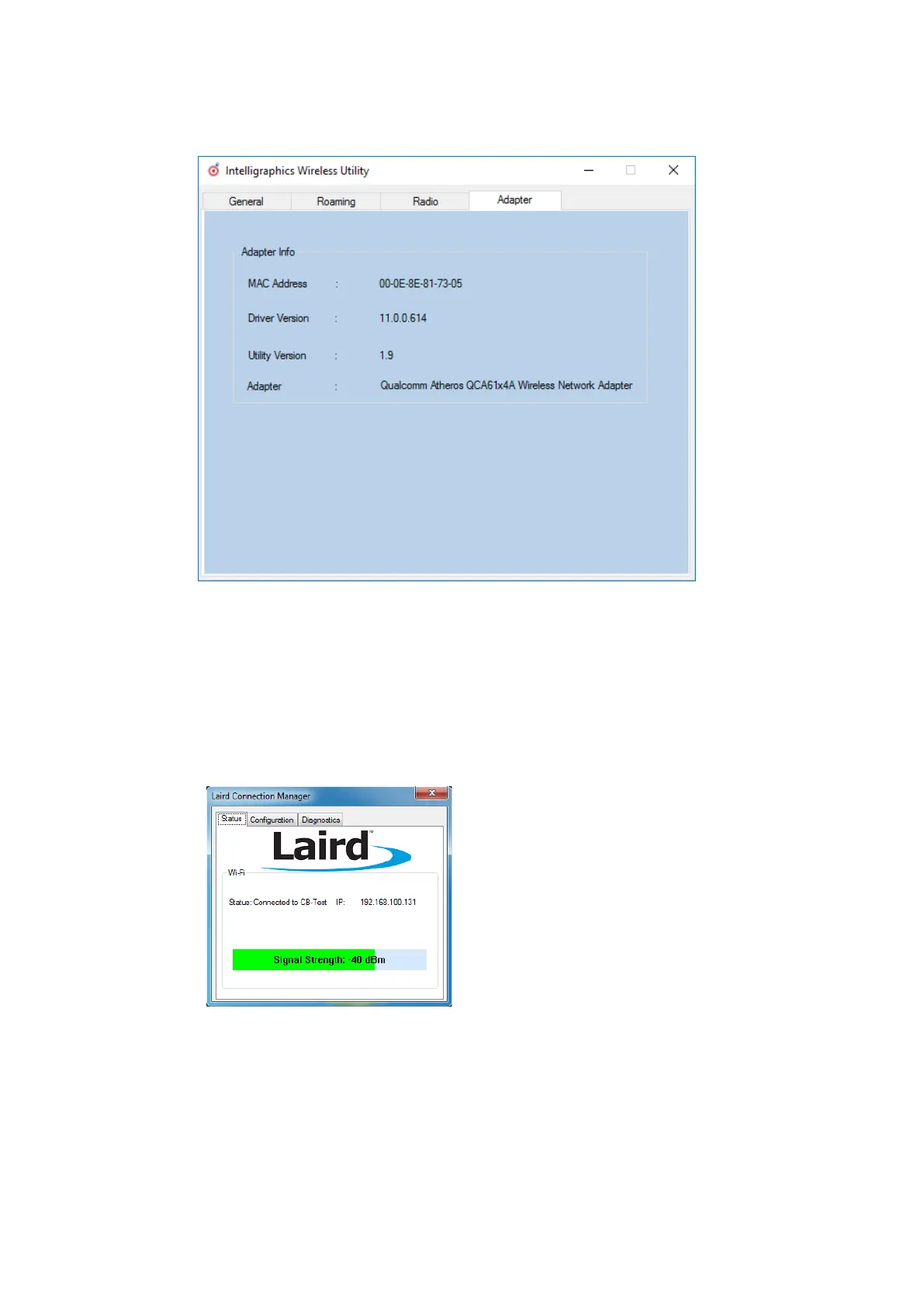
After clicking the Adapter dialog, the following information is displayed on the screen:
Figure 11.29: Adapter Tab in Roam Management menu
11.6.11. Laird Connection Manager (LCM)
Start LCM:
By clicking the LCM icon on the desktop
Or by choosing Start > Programs > Summit > Laird Connection Manager.
Depending on the configuration, you may
have to enter a password.
To do this, click Configuration.
Fig. 11.30: Initial Laird Connection Manager dialog box



 To Next Page