WLAN configuration
84 / 157 DLT-V83 Operating Instructions V2.00
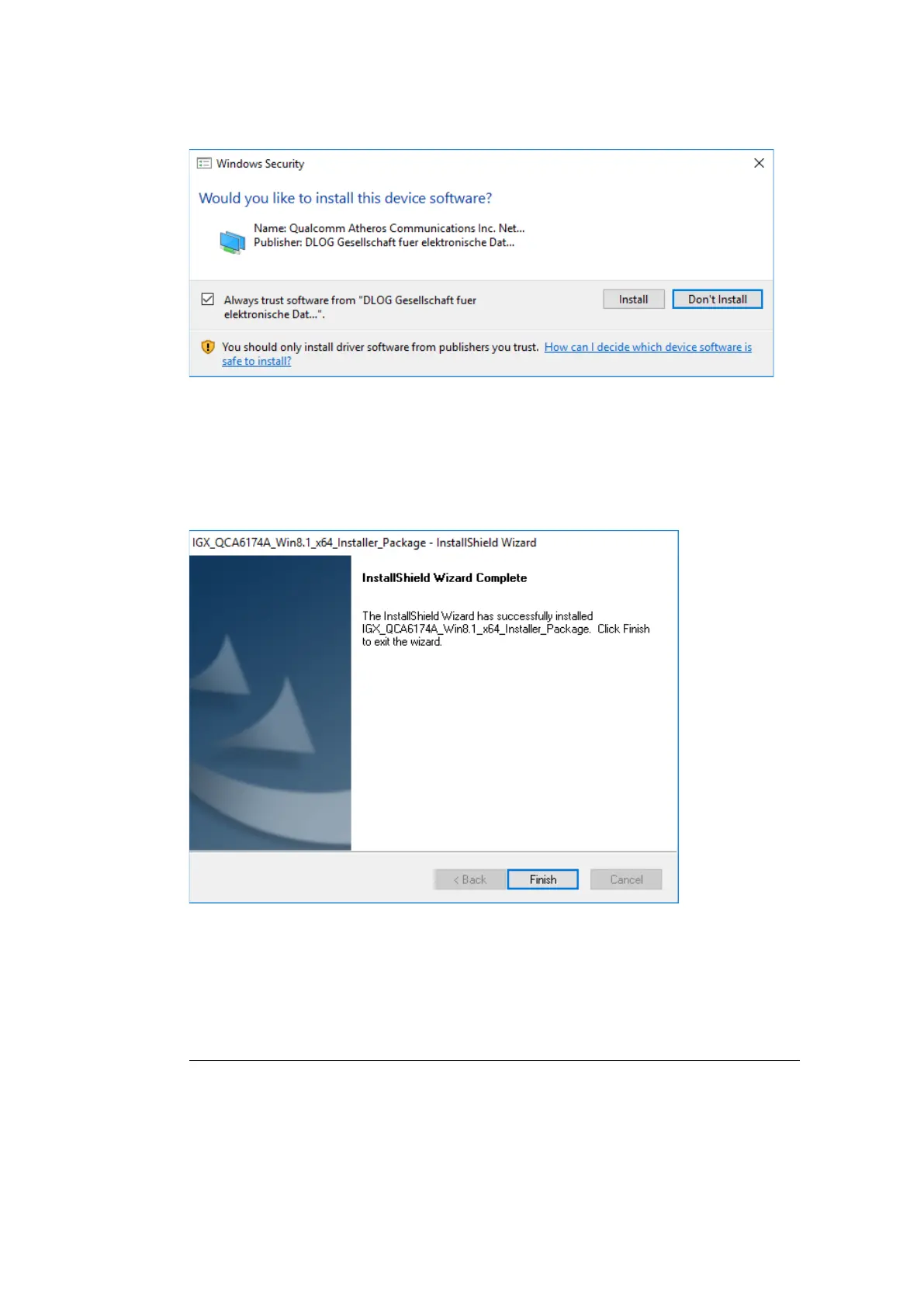
During installation, the following window is opened:
Figure 11.8: IGX driver installation Windows Security
Ensure that the Always trust software from… option has been selected.
Continue the driver installation with Install.
Figure 11.9: IGX driver installation Exit with Finish
Exit the driver installation with Finish.
NOTE
It is recommended to run the required system re-start directly following installation.
Select Yes, I want to restart my computer now.
Press the Finish button.



 To Next Page