WLAN configuration
DLT-V83 Operating Instructions V2.00 93 / 157
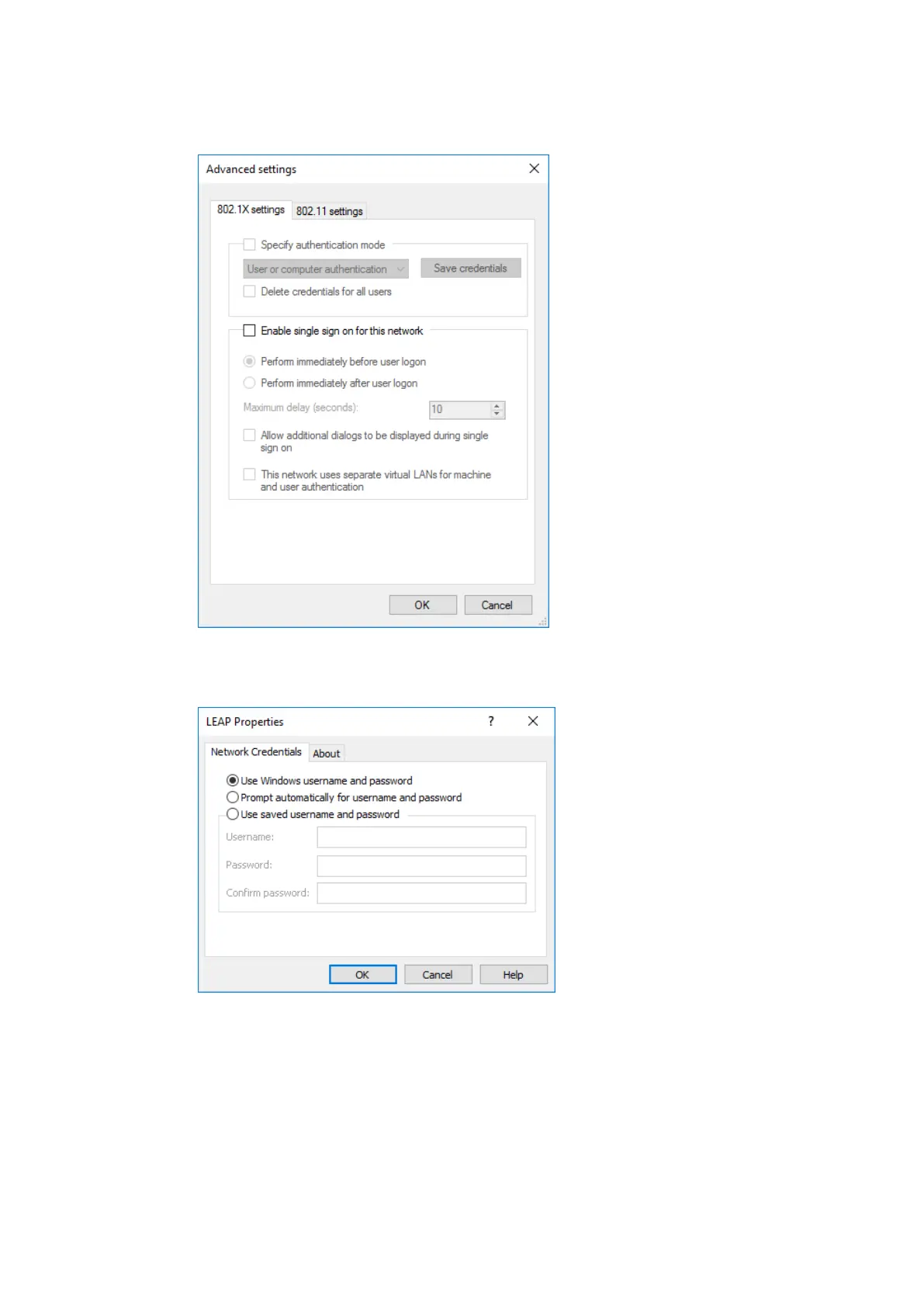
For the remaining settings as in the case shown above (Cisco: Leap), the required additional
parameters are carried out using the two buttons Settings and Advanced settings.
Figure 11.20: Security settings – Advanced settings (Cisco: Leap)
Figure 11.21: Security settings – LEAP properties
Lastly, the network key must be entered in the following example (WPA2-Personal) (Network
Security Key).
Confirm the settings with OK.



 To Next Page