Operating the device
56 / 157 DLT-V83 Operating Instructions V2.00
9.2. Switching the DLT-V83 on/off
Switch the DLT-V83 on and off as follows, depending on the configuration:
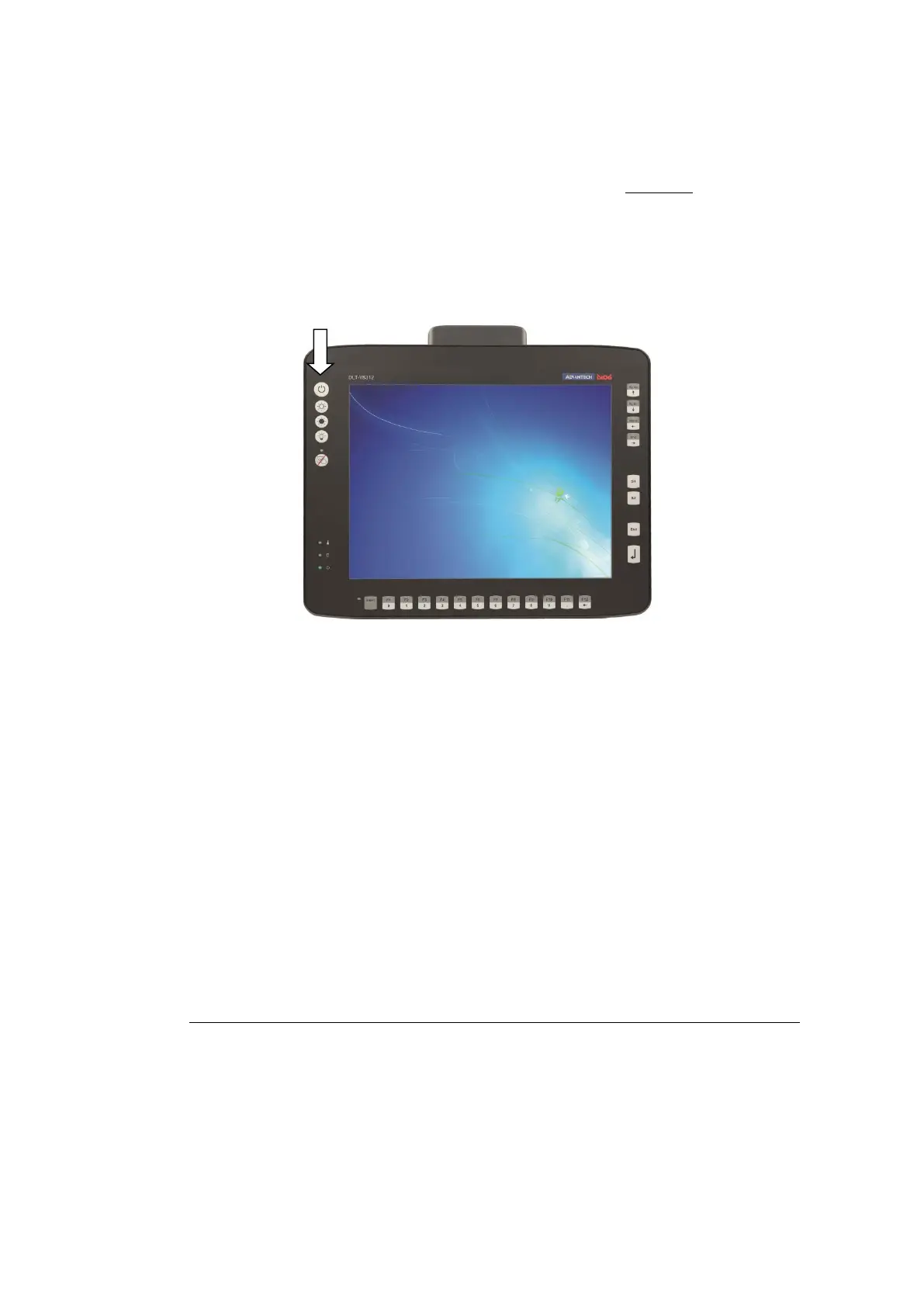
Using the <Power> button. Press and hold the <Power> button for 2 seconds.
By applying the supply voltage.
Through the ignition signal of the vehicle.
Fig. 9.1: <Power> button
Time between switching off and on: 10 seconds
After the DLT-V83 has been shut down and switched off, it takes 10 seconds until the device will react to
a switch-on signal (<Power> button / ignition).
9.3. Operating the touchscreen
Depending on the device model, the DLT-V83 is equipped with a resistive touchscreen or a projected-
capacitive touchscreen with continuous glass front (abbreviated PCT).
TIP: Protective film for resistive touchscreens
Optional protective film is available for the resistive touchscreens.
Details in section 16.12 Protective film for touchscreen (optional).



 To Next Page