Interfaces, connectors
44 / 157 DLT-V83 Operating Instructions V2.00
Network adapter 2, Ethernet (10/100/1000)
The DLT-V83 is equipped with an optional network adapter with 10/100/1000 Mbit per second. This
adapter is accessible via the underside of the device and features a RJ45 socket.
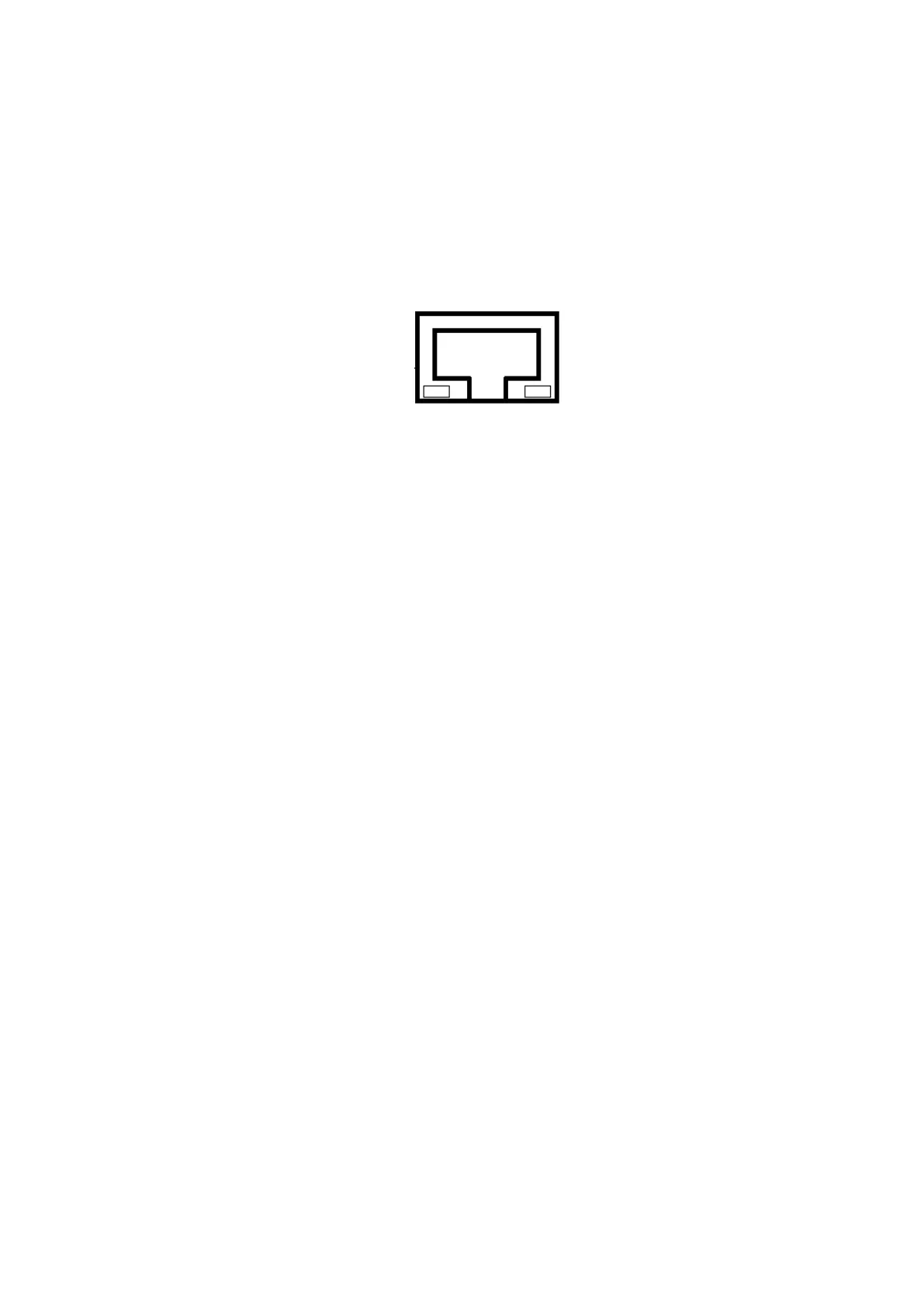
The RJ45 connection port has two integrated status LEDs and are assigned as follows:
Fig. 7.5: Optional RJ45 network socket of the DLT-V83
or 10/100 MBit
LED on: Connection with 1000 MBit
LED flashing: Activity 1000 MBit
or 1000 MBit
LED on: Connection with 10 or
100 MBit
LED flashing: Activity 10/100 MBit
7.3.5. Serial interface barcode scanners
The serial wedge is integrated as standard in WES 2009 and Windows XP Professional only.
Please note that you have to configure the scanner correctly to EIA-232-E and the above set BAUD rate
following the scanner manufacturer’s guidelines. Otherwise the software wedge will not function
properly.
To activate the integrated scanner software wedge:
Open the Start menu and navigate to Settings | Control Panel | Accessibility.
Select the General tab.
Select Support accessibility option.
Click Settings.
Configure the desired COM1 interface and BAUD rate.
Confirm the change with OK.
Click OK again to apply the changes.
7.3.6. Tips & tricks
Note that according to the EIA-232-E specification, the maximum cable length is 15 m at 19,200 bps.
However, according to EIA-422-A for use of a twisted pair line and correct termination 1200 m at up to
100 kbps is possible. For a data rate of 1 Mbps and a high-quality connection cable, approx. 400 m
cable lengths are still possible. Frequent causes of malfunctions for EIA-232-E connections are the
formation of ground loops. If both end devices establish a ground connection via EIA-232-E but do not
share the same ground potential in their power supply circuits, then compensation currents may result;
this is particularly noticeable with long cables.
These compensation currents, which are also present at the ground point of the EIA-232-E connection,
may significantly degrade signal quality and effectively stop the data flow. In challenging environments,
electrically-isolated connections (via the RS-422/485 option) or external converter from EIA-232-E
according to EIA-422/485 are strongly recommended.



 To Next Page