WWAN configuration
112 / 157 DLT-V83 Operating Instructions V2.00
12.6. Configuration of Radio card QUECTEL EC25
The following information is valid for the Radio card QUECTEL EC25. Its precise designation is:
− USA: QUECTEL EC25A or EC25V
− Europe: QUECTEL EC25E
The WWAN configuration is identical for both Radio cards. For this reason, the abbreviation QUECTEL
EC25 is used.
12.6.1. Establish Internet connection
NOTE
In the section below, the provider Vodafone is used as an example.
Adjust the settings for your provider.
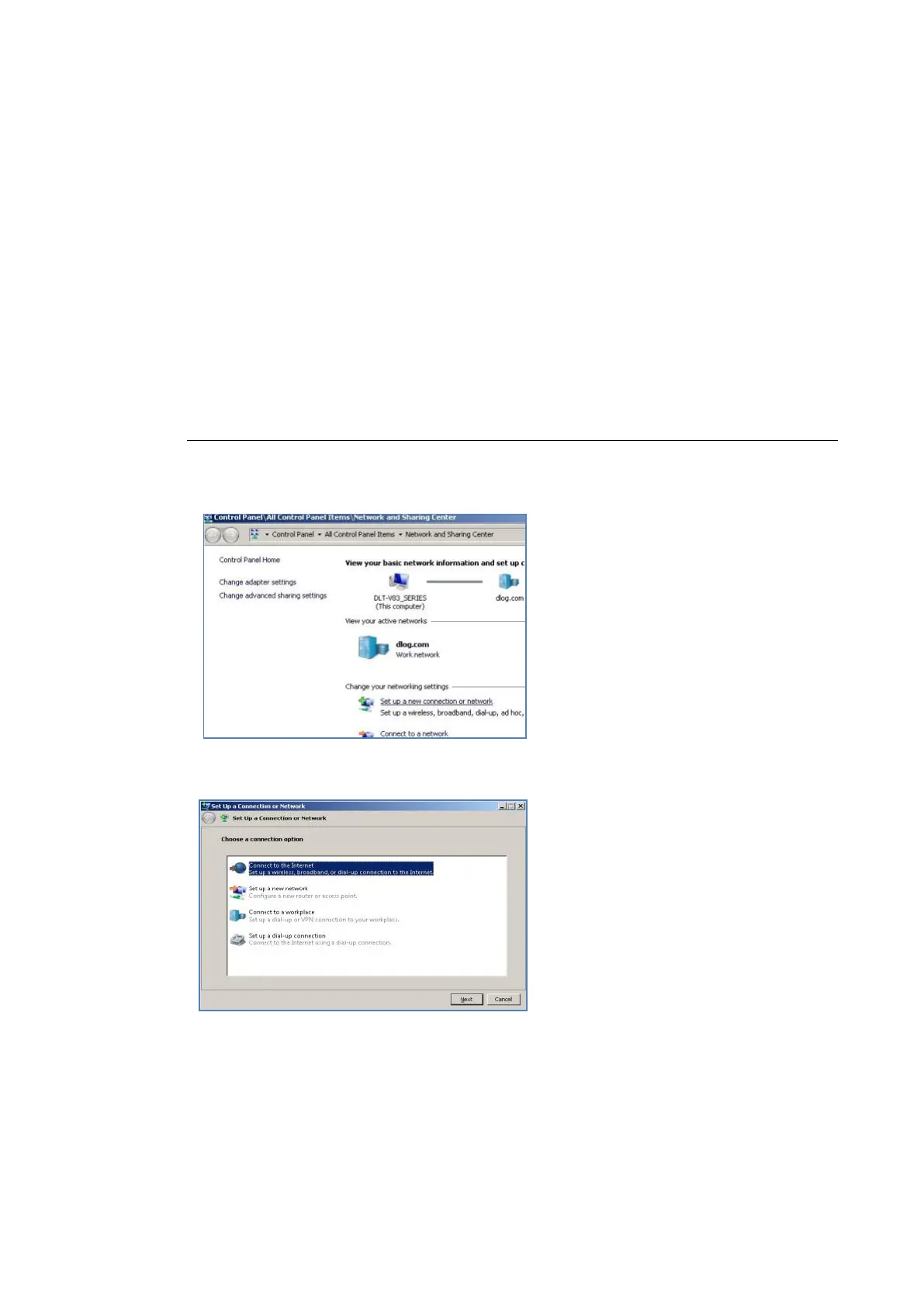
Open the Network and Sharing
Center.
Click Set up a new connection or
network.
Fig. 12.14: QUECTEL EC25 - Set up a new connection or network
Connect to the Internet - select
and confirm.
Fig. 12.15: QUECTEL EC25 - Connect to the Internet



 To Next Page