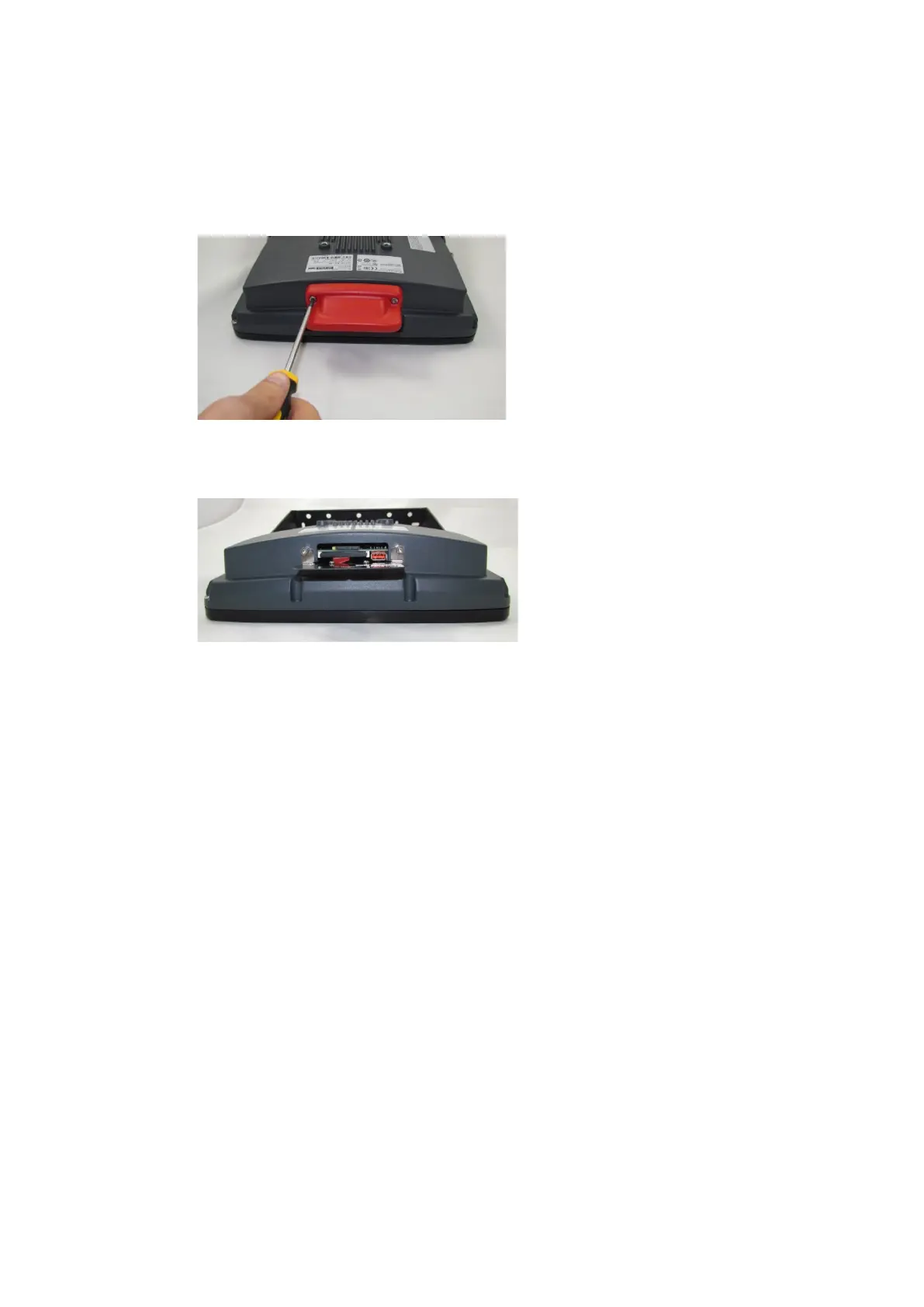
Open/close antenna (or protective cap)
50 / 157 DLT-V83 Operating Instructions V2.00
8.3.2. WLAN antenna IEEE 802.11 a/b/g/n/ac
Open antenna:
Fig. 8.2: Open WLAN antenna IEEE 802.11 a/b/g/n/ac
Unfasten both screws on the
antenna. Tool: Allen key (size 3)
Remove the antenna from the device.
Fig. 8.3: WLAN antenna IEEE 802.11 a/b/g/n/ac opened
Service USB, CFast and mini SIM card
slot are now accessible.
For details, see section 7.5.1 Information
on service USB, CFast and Mini SIM card
slot.
Close antenna:
Place the antenna back onto the DLT-V83.
Tighten both screws (1 Nm torque).



 To Next Page