WWAN configuration
108 / 157 DLT-V83 Operating Instructions V2.00
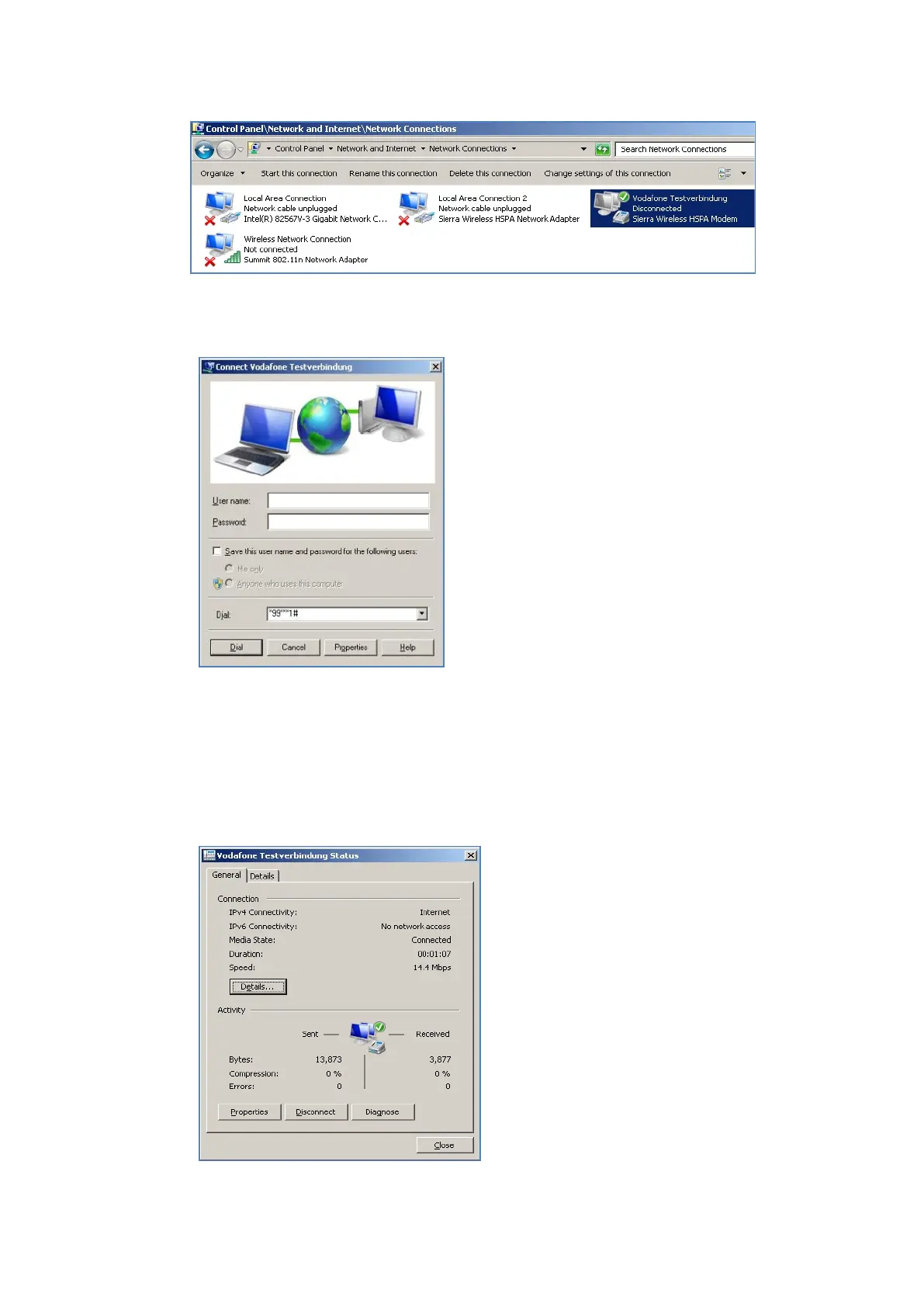
Fig. 12.7: SIERRA WIRELESS MC80 - Network connections - Vodafone test connection
Do not enter a user name or password.
Click Dial.
The test connection is established.
Fig. 12.8: SIERRA WIRELESS MC80 – Dial test connection
In the Network and activation center of the device, the status of the test connection can be tested:
Right-click the network and then select Status.
Fig. 12.9: SIERRA WIRELESS MC80 - Function test GSM / GNSS, test connection status



 To Next Page