WLAN configuration
90 / 157 DLT-V83 Operating Instructions V2.00
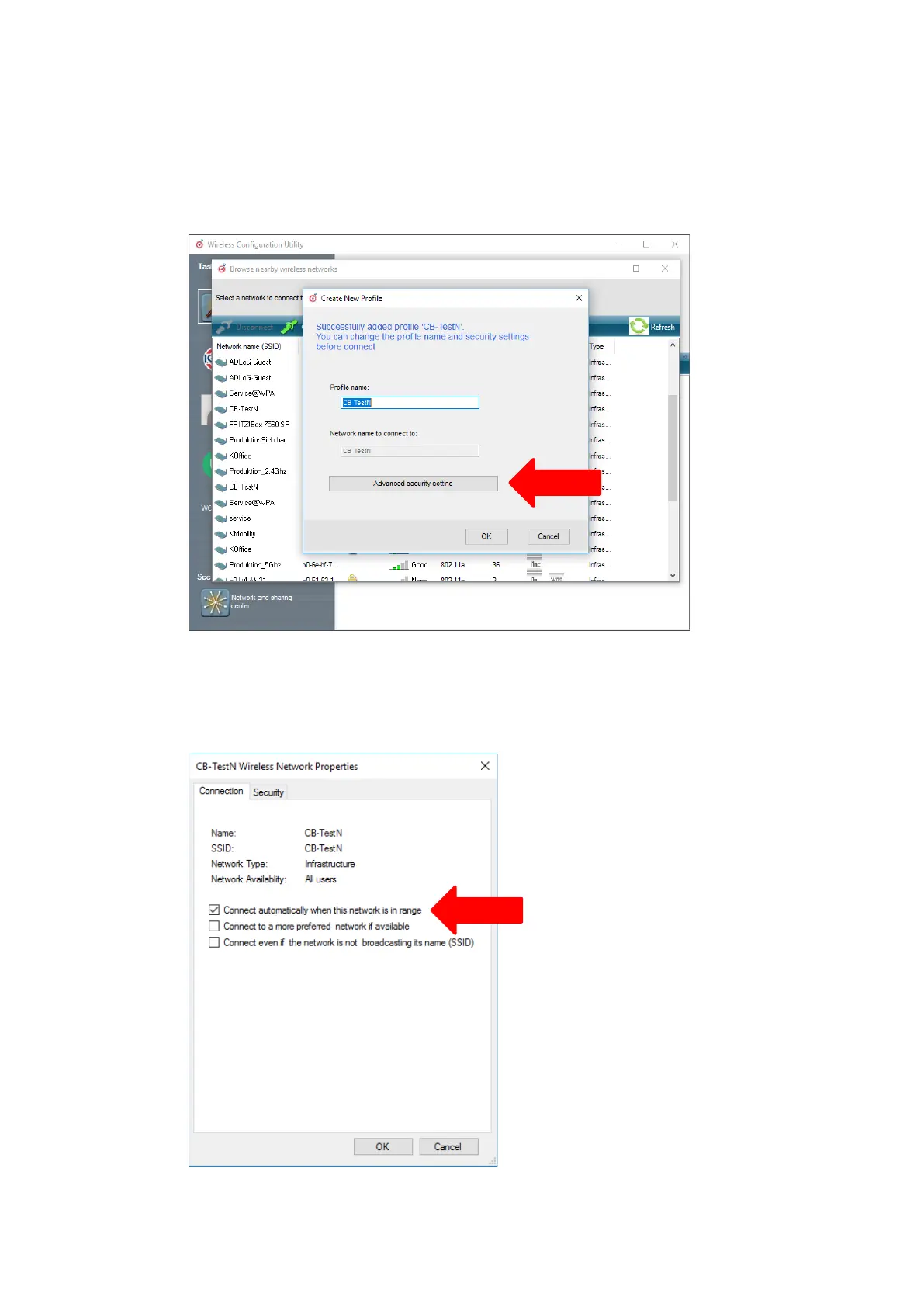
11.6.9.2. Define security settings
The security settings must now be selected depending on the network.
These settings can be made in the Advanced Security Settings section:
Figure 11.17: Advanced Security Settings dialog
To be able to connect with the network automatically, set the checkmark to connect automatically
when the network is in range:
Figure 11.18: Connection when the network is in range dialog



 To Next Page